Related Products
|
||||||
About
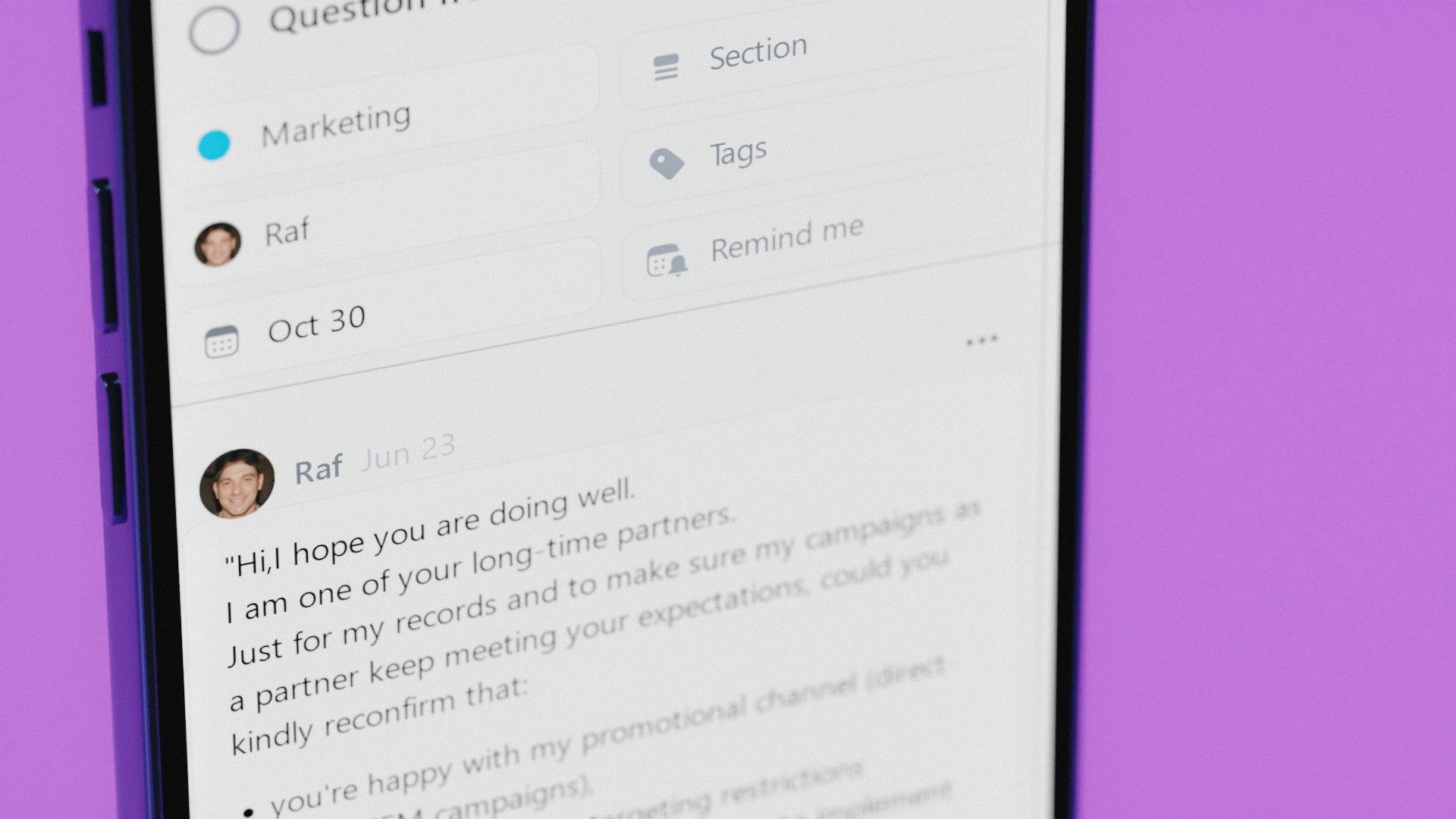
Nozbe is a simple work management tool for entrepreneurs and their teams. With Nozbe you can easily organize your work and private life, take care of your deadlines and get all type of work done. Moving team communication and collaboration into Nozbe lets you get more work done and not stress out looking for things. Nozbe organizes your team collaboration with the simplicity of a task list and the flexibility of communication tools such as email or chat.
⭐️ Features:
- Projects
- Tasks
- Discussion in comments
- Attachments and mentions in task comments
- Due dates
- Recurring tasks
- Reminders
- Project templates
- Emailing tasks to Nozbe
- Calendar view and Gcal and Outlook integration
- Delegating tasks
- Tags and groups
- Incoming view for things that require your instant attention
- Notifications
- Apps for Web, MacOS, Windows, Android, iOS
|
About
PopTask is a lightweight macOS menu bar task manager designed to capture tasks instantly and turn natural input into structured plans without friction. It lives directly in your menu bar, allowing you to add tasks without switching apps, and understands the way you naturally type or speak, even if the input is messy, shorthand, or informal. It uses AI-powered scheduling to automatically detect task titles, due dates, times, and recurring patterns, eliminating the need for manual input like dropdowns or date pickers. You can write something like “meeting with team mon wed fri 9 am” and PopTask will interpret and organize it into properly scheduled tasks in seconds. It also includes an AI task breakdown, which transforms large or vague tasks into smaller, actionable steps you can start immediately, helping reduce overwhelm and improve execution. Smart countdown alerts and notifications ensure you stay on top of deadlines, while a daily summary gives a clear overview of your schedule.
|
|||||
Platforms Supported
Windows
Supported
Mac
Supported
Linux
Not Supported
Cloud
Supported
On-Premises
Not Supported
iPhone
Supported
iPad
Supported
Android
Supported
Chromebook
Not Supported
|
Platforms Supported
Windows
Not Supported
Mac
Supported
Linux
Not Supported
Cloud
Not Supported
On-Premises
Not Supported
iPhone
Supported
iPad
Not Supported
Android
Not Supported
Chromebook
Not Supported
|
|||||
Audience
Business owners and their teams (office-based, distributed, remote)
|
Audience
Busy macOS users who want a fast, AI-driven way to capture, organize, and execute tasks without leaving their workflow
|
|||||
Support
Phone Support
Not Supported
24/7 Live Support
Supported
Online
Supported
|
Support
Phone Support
Not Supported
24/7 Live Support
Not Supported
Online
Supported
|
|||||
API
Offers API
Supported
|
API
Offers API
Not Supported
|
|||||
Screenshots and Videos |
Screenshots and Videos |
|||||
Pricing
$9 per month
Free for up to 5 projects and 5 people
Free Version
Supported
Free Trial
Supported
|
Pricing
$1.99 per month
Free Version
Supported
Free Trial
Not Supported
|
|||||
Reviews/
|
Reviews/
|
|||||
Pros & Cons from Real UsersPros
Cons
|
||||||
Training
Documentation
Supported
Webinars
Supported
Live Online
Supported
In Person
Supported
|
Training
Documentation
Supported
Webinars
Not Supported
Live Online
Supported
In Person
Not Supported
|
|||||
Company InformationNozbe
Founded: 2007
Poland
nozbe.com
|
Company InformationPopTask
United States
poptask.bar/
|
|||||
Alternatives |
Alternatives |
|||||
|
|
||||||
|
|
||||||
|
|
||||||
Categories |
Categories |
|||||
Collaboration Features
Brainstorming
Not Supported
Calendar Management
Supported
Chat / Messaging
Supported
Contact Management
Not Supported
Content Management
Not Supported
Document Management
Not Supported
Project Management
Supported
Real Time Editing
Not Supported
Task Management
Supported
Version Control
Not Supported
Video Conferencing
Not Supported
Project Management Features
Agile Methodologies
Not Supported
Budget Management
Not Supported
Client Portal
Not Supported
Collaboration Tools
Supported
Cost-to-Completion Tracking
Not Supported
Customizable Templates
Supported
Gantt Charts
Not Supported
Idea Management
Supported
Kanban Board
Not Supported
Milestone Tracking
Not Supported
Portfolio Management
Not Supported
Resource Management
Not Supported
Time & Expense Tracking
Not Supported
Traditional Methodologies
Supported
Task Management Features
Collaboration
Supported
Create Subtasks
Not Supported
Gamification
Not Supported
Gantt Charts
Not Supported
Mobile Access
Supported
Percent-Complete Tracking
Not Supported
Progress Tracking
Not Supported
Recurring Tasks
Supported
Reporting/Analytics
Supported
Spreadsheet View
Not Supported
Task Board View
Supported
Task Planning
Supported
Task Scheduling
Supported
Task Tracking
Supported
Time Tracking
Not Supported
To-Do List View
Supported
Team Communication Features
Activity / News Feed
Supported
Audio Calls
Not Supported
Calendar Management
Supported
Chat / Messaging
Supported
Discussion Threads
Supported
File Sharing
Supported
Mobile Access
Supported
Push Notifications
Supported
Search
Supported
Surveys & Feedback
Not Supported
Task Management
Supported
Video Conferencing
Not Supported
|
||||||
Integrations
Google Calendar
Supported
Microsoft Outlook
Supported
Apple Calendar
Not Supported
Desktop.com
Supported
Evernote
Supported
IFTTT
Supported
Zapier
Supported
|
Integrations
Google Calendar
Supported
Microsoft Outlook
Supported
Apple Calendar
Supported
Desktop.com
Not Supported
Evernote
Not Supported
IFTTT
Not Supported
Zapier
Not Supported
|
|||||
|
|
|