Microsoft OneNoteMicrosoft
|
xTilesxTiles Inc
|
|||||
Related Products
|
||||||
About
Microsoft OneNote is your all-in-one digital notebook for capturing ideas, organizing thoughts, and collaborating seamlessly. With Copilot in OneNote, you can draft plans, generate ideas, and structure your notes using simple natural-language prompts. Sketch, annotate, and highlight freely using digital ink that feels as natural as pen on paper. Share notebooks in real time to brainstorm, plan, or learn together with teammates, classmates, or family. Built-in voice transcription ensures you never miss key details from meetings or lectures. Whether at home, school, or work, OneNote helps you stay organized and creative across all your devices.
|
About
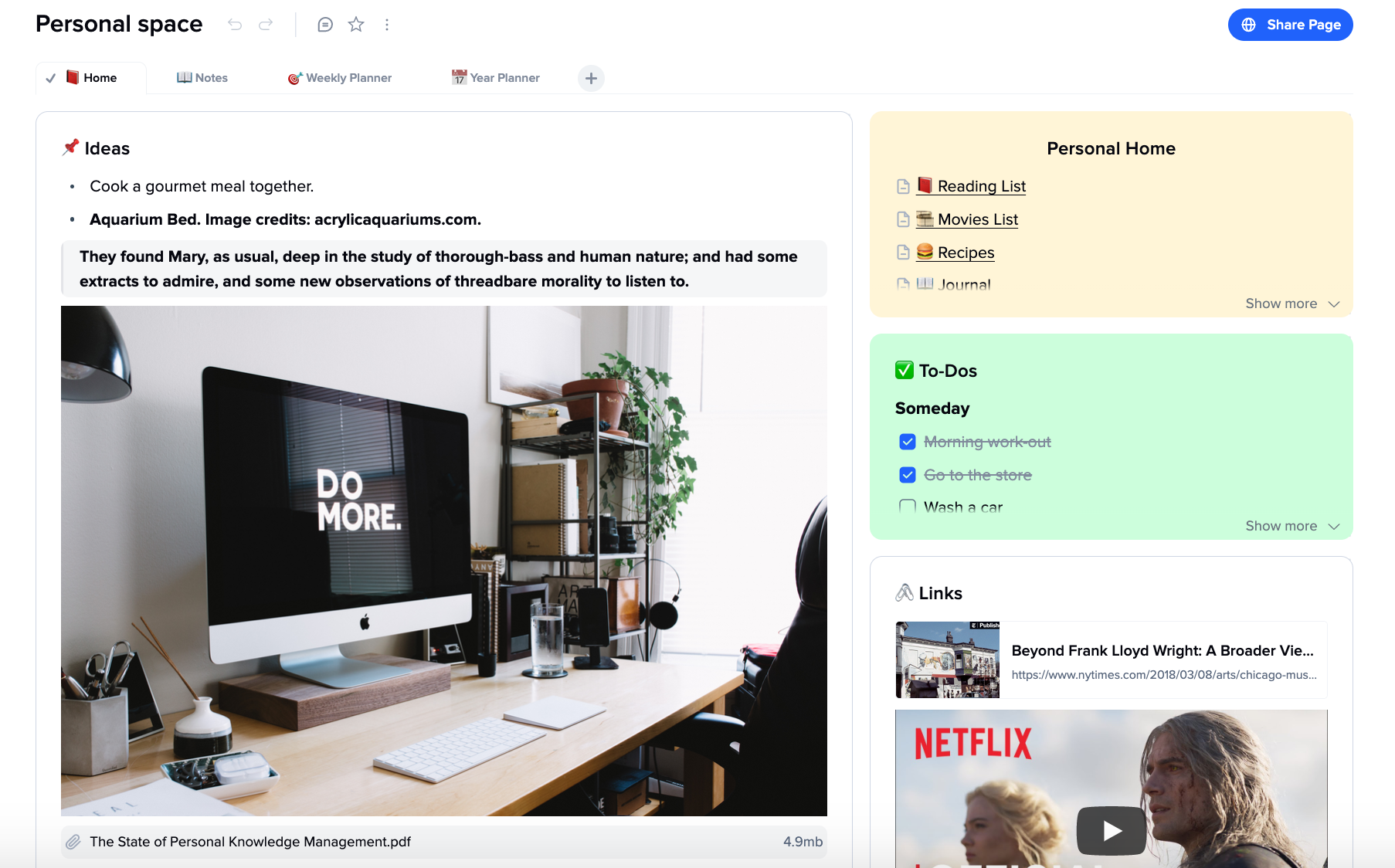
A web note-taking app for creative people that combines the best from text editors and whiteboards.
Think, write, and organize your thoughts based on cards and tabs. Structure and enrich all of your ideas in one place.
By creating an infinite canvas where cards, much like sticking notes, resemble a neatly organized collection of inter-related ideas. They serve as units of thoughts with clear borders, displayed on a squeaky-clean white canvas.
To preclude the document from becoming messy as the number of cards augments, we betted on clear-cut and intuitive functions. They include drag’n’drops; deep dive; tabs within a document; embedded pictures, videos, and links; sub-pages. As a result, the users get a well-organized, easy-to-navigate space.
Rather than providing bits and pieces of scattered information, the tool gives you a bird’s-eye view of the cards creating the big picture.
Our app offers a collaborative space for teams, sharing cards, and elaborating on ideas.
|
|||||
Platforms Supported
Windows
Supported
Mac
Supported
Linux
Not Supported
Cloud
Supported
On-Premises
Not Supported
iPhone
Supported
iPad
Supported
Android
Supported
Chromebook
Not Supported
|
Platforms Supported
Windows
Not Supported
Mac
Not Supported
Linux
Not Supported
Cloud
Supported
On-Premises
Not Supported
iPhone
Supported
iPad
Supported
Android
Supported
Chromebook
Supported
|
|||||
Audience
Students, professionals, educators, and teams who need a smart, collaborative, and AI-powered notebook to capture ideas, organize projects, and enhance productivity across multiple devices
|
Audience
Creative Specialists and Teams: marketers, writers, designers, entrepreneurs
|
|||||
Support
Phone Support
Not Supported
24/7 Live Support
Not Supported
Online
Supported
|
Support
Phone Support
Not Supported
24/7 Live Support
Supported
Online
Supported
|
|||||
API
Offers API
Not Supported
|
API
Offers API
Not Supported
|
|||||
Screenshots and Videos |
Screenshots and Videos |
|||||
Pricing
Free
Free Version
Supported
Free Trial
Supported
|
Pricing
$8
Free Version
Supported
Free Trial
Not Supported
|
|||||
Reviews/
|
Reviews/
|
|||||
Pros & Cons from Real UsersPros
Cons
|
||||||
Training
Documentation
Supported
Webinars
Not Supported
Live Online
Not Supported
In Person
Not Supported
|
Training
Documentation
Supported
Webinars
Not Supported
Live Online
Supported
In Person
Supported
|
|||||
Company InformationMicrosoft
Founded: 1975
United States
www.onenote.com
|
Company InformationxTiles Inc
Founded: 2021
United States
xtiles.app
|
|||||
Alternatives |
Alternatives |
|||||
|
|
||||||
|
|
||||||
|
|
||||||
|
|
||||||
Categories |
Categories |
|||||
Note-Taking Features
Categories / Organization
Supported
Clip From Web
Supported
Document Scanning
Not Supported
Formatting / Markdown
Supported
Handwriting
Not Supported
Hyperlinking
Supported
Image Insertion
Supported
List/Checklist Creation
Supported
Printing
Not Supported
Search
Supported
Sharing / Collaboration
Supported
Syncing
Supported
Templates
Supported
Voice Notes
Supported
|
||||||
Integrations
AI Office Bot
Supported
Abacus Private Cloud
Supported
Accops HyWorks
Supported
Alcion
Supported
Copy 'Em
Supported
Desktop.com
Supported
FileCloud
Supported
Gmail
Supported
JotNot Scanner
Supported
Lyftrondata
Supported
|
Integrations
AI Office Bot
Not Supported
Abacus Private Cloud
Not Supported
Accops HyWorks
Not Supported
Alcion
Not Supported
Copy 'Em
Not Supported
Desktop.com
Not Supported
FileCloud
Not Supported
Gmail
Not Supported
JotNot Scanner
Not Supported
Lyftrondata
Not Supported
|
|||||
|
|
|