
 Download
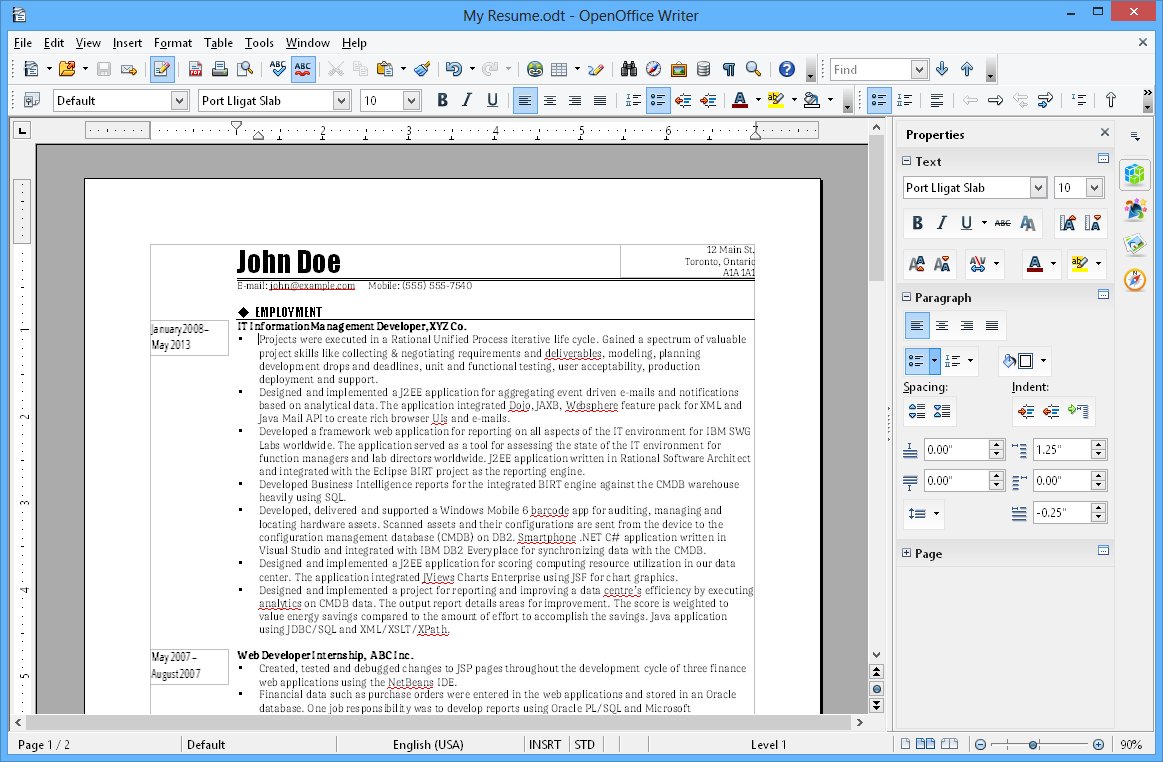
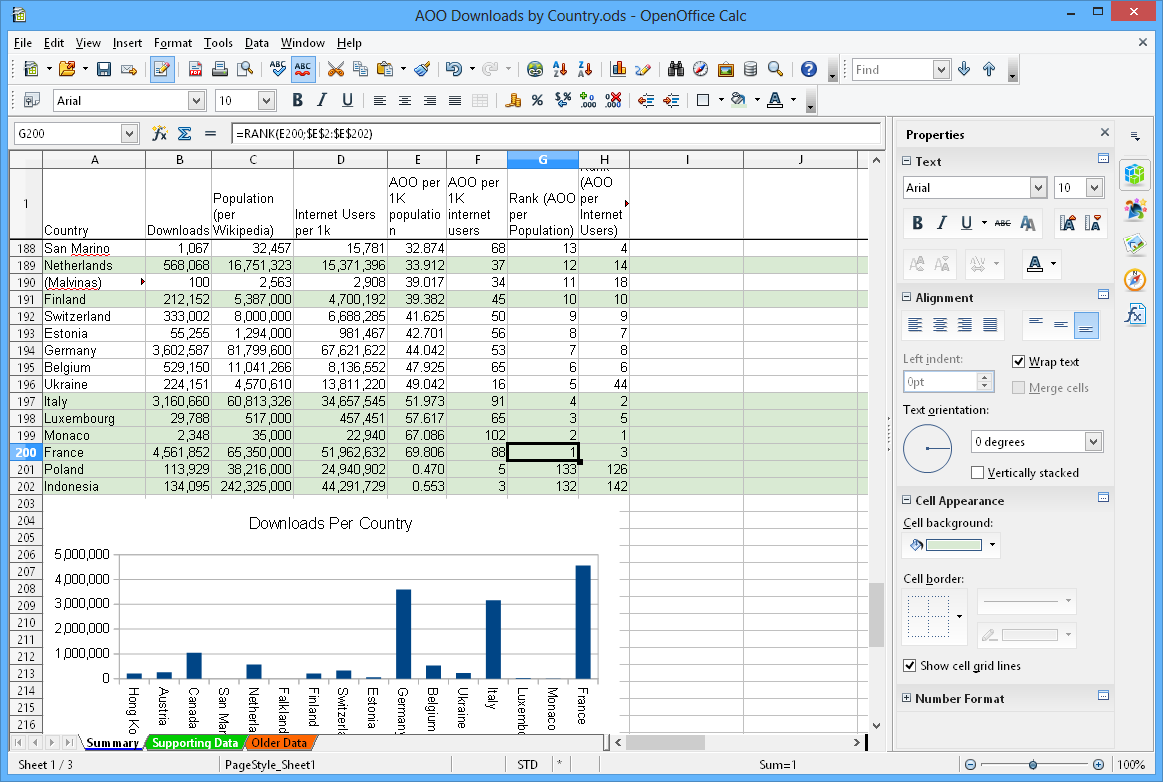
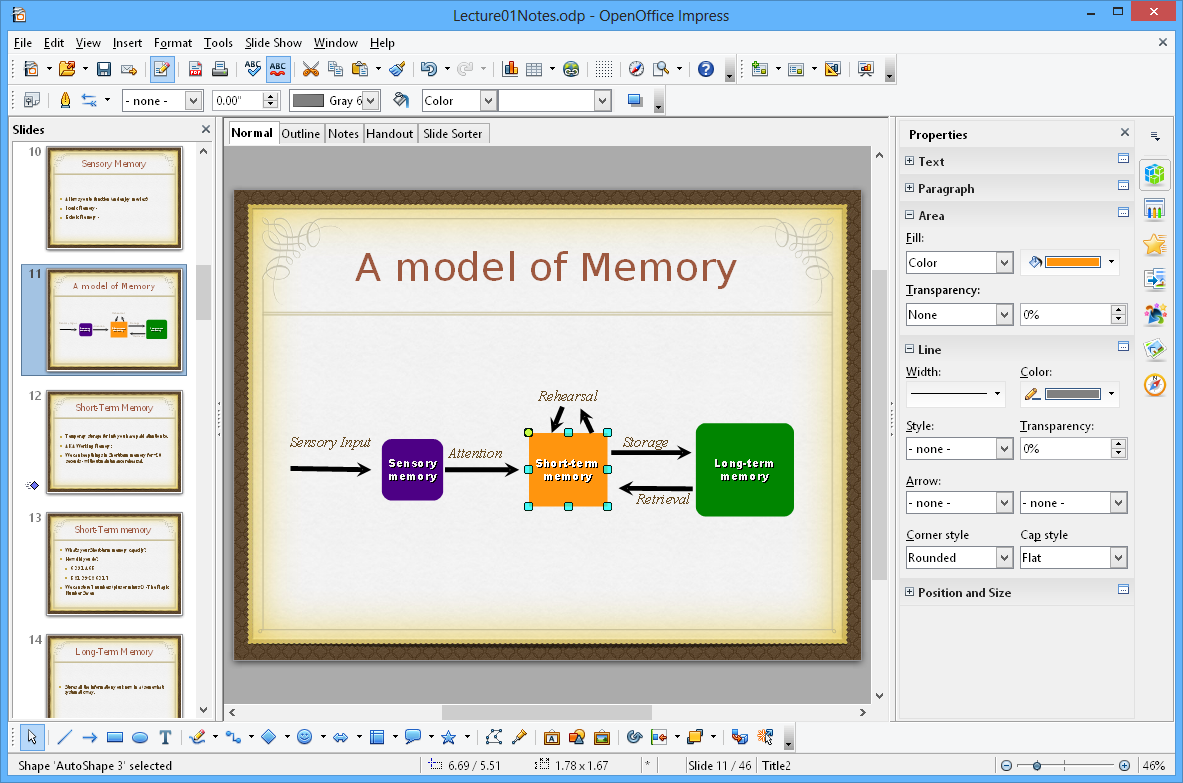
Free alternative for Office productivity tools: Apache OpenOffice - formerly known as OpenOffice.org - is an open-source office productivity software suite containing word processor, spreadsheet, presentation, graphics, formula editor, and database management applications. OpenOffice is available in many languages, works on all common computers, stores data in ODF - the international open standard format - and is able to read and write files in other formats, included the format used by the most common office suite packages. OpenOffice is also able to export files in PDF format. OpenOffice has supported extensions, in a similar manner to Mozilla Firefox, making easy to add new functionality to an existing OpenOffice installation.
Features
- Cross platform (Windows, Linux, Mac OS X)
- 170+ Languages
- Extensions and Templates available
- Commercial support available
- New Sidebar
- Interoperability Improvements for Text Documents, Spreadhseet Documents, Presentation Documents and OOXML file format in general
- DrawObject Improvements/Enhancements
- New Color Palette
- New Gradients
- New Gallery Themes and Gallery enhancements
- Refined the Selection Handles User Interface
- Refined Selection Visualization
- Better Print Preview
- Enhanced conversion to Bitmap Graphics
- Enhanced Copy/Paste
- Enhanced Drag&Drop
- Adapt LineStart/End to LineWidth
- SVG Export enhancements
- SVG/Metafile Break improvement
- SVG Import improvements
- Picture Crop mode offers preview
- Unified visualization of ColorPalette popup
- Transparency support for pixel formats (PNG)
- Connectors support rotation
- Corrected Hatch fill style visualization
- Better gradient support in metafiles
- Calc and Chart Improvements/Enhancements
- Support relative Pie Chart Height
- New Functions: AVERAGEIFS, COUNTIFS, SUMIFS, XOR, LEFTB, RIGHTB, LENB, MIDB and RAND (reimplemented to use the Mersenne-Twister algorithm)
- Extensions Improvements/Enhancement
- New Toolbar management
- Unified menu API
- Performance Improvements/Enhancements
- Many resource leaks were fixed
- Speedup of Graphic Rendering
- Additional Language Support
- Changes that Impact Backwards Compatibility
- Module binfilter removed (legacy StarOffice file formats (.sdw, .sdc, .sdd, etc.)
- Python support updated
- Support for system C++ STL
Project Samples



License
Apache License V2.0User Reviews
-
Ottimo Completo Versatile Saluti
-
Usabilidade ótima com interfacegráfica amigável e limpa. Recomendo!
-
Adoro OpenOffice da quando ce l'ho. Non penserei mai e poi mai di usare Word, Google documenti ecc. consiglio a tutti OpenOffice, perché è davvero utile, e per me è il più comodo per i documenti.
-
No real competition. Strong, elaborate foundation. Has mailing list if you want to go into the other side of programming.
-
Really good
Additional Project Details
Awards
Operating Systems
BSD, Linux, Mac, WindowsLanguages
Basque (Euskara), Bulgarian, Catalan, Chinese (Simplified), Chinese (Traditional), Czech, Danish, Dutch, English, Finnish, French, Galician, German, Greek, Hebrew, Hindi, Hungarian, Italian, Japanese, Korean, Lithuanian, Norwegian, Norwegian Bokmål, Norwegian Nynorsk, Polish, Portuguese, Russian, Scottish Gaelic, Serbian, Slovak, Slovene, Spanish, Swedish, Tamil, Thai, Turkish, VietnameseIntended Audience
Advanced End Users, End Users/Desktop, Other AudienceUser Interface
Cocoa (MacOS X), Gnome, KDE, Win32 (MS Windows), X Window System (X11)Programming Language
BASIC, PL/SQLDatabase Environment
Other file-based DBMSRelated Categories
BASIC Word Processors, BASIC Spreadsheet Software, BASIC Office Suites, PL/SQL Word Processors, PL/SQL Spreadsheet Software, PL/SQL Office SuitesRegistered
Add-ons & Plugins

Apache OpenOffice Templates

