|
|
WriteRoomHog Bay Software
|
|||||
| Google Docs | WriteRoom | |||||
|---|---|---|---|---|---|---|
Related Products
|
||||||
Google Docs:
About
Google Docs is an AI-powered online document platform designed to help individuals and teams create, edit, and collaborate on content in real time. The platform includes Gemini AI features that assist users with drafting documents, organizing ideas, refining writing styles, and generating polished content using simple prompts. Google Docs offers collaborative tools such as live editing, comments, version history, document sharing controls, and integrated video meetings to help teams work together efficiently from any location. Users can streamline workflows with templates, smart building blocks, electronic signatures, meeting notes integration, and reusable content snippets for faster document creation. The platform also supports importing and editing popular file formats including Microsoft Word documents and PDFs while maintaining collaborative editing capabilities.
|
WriteRoom:
About
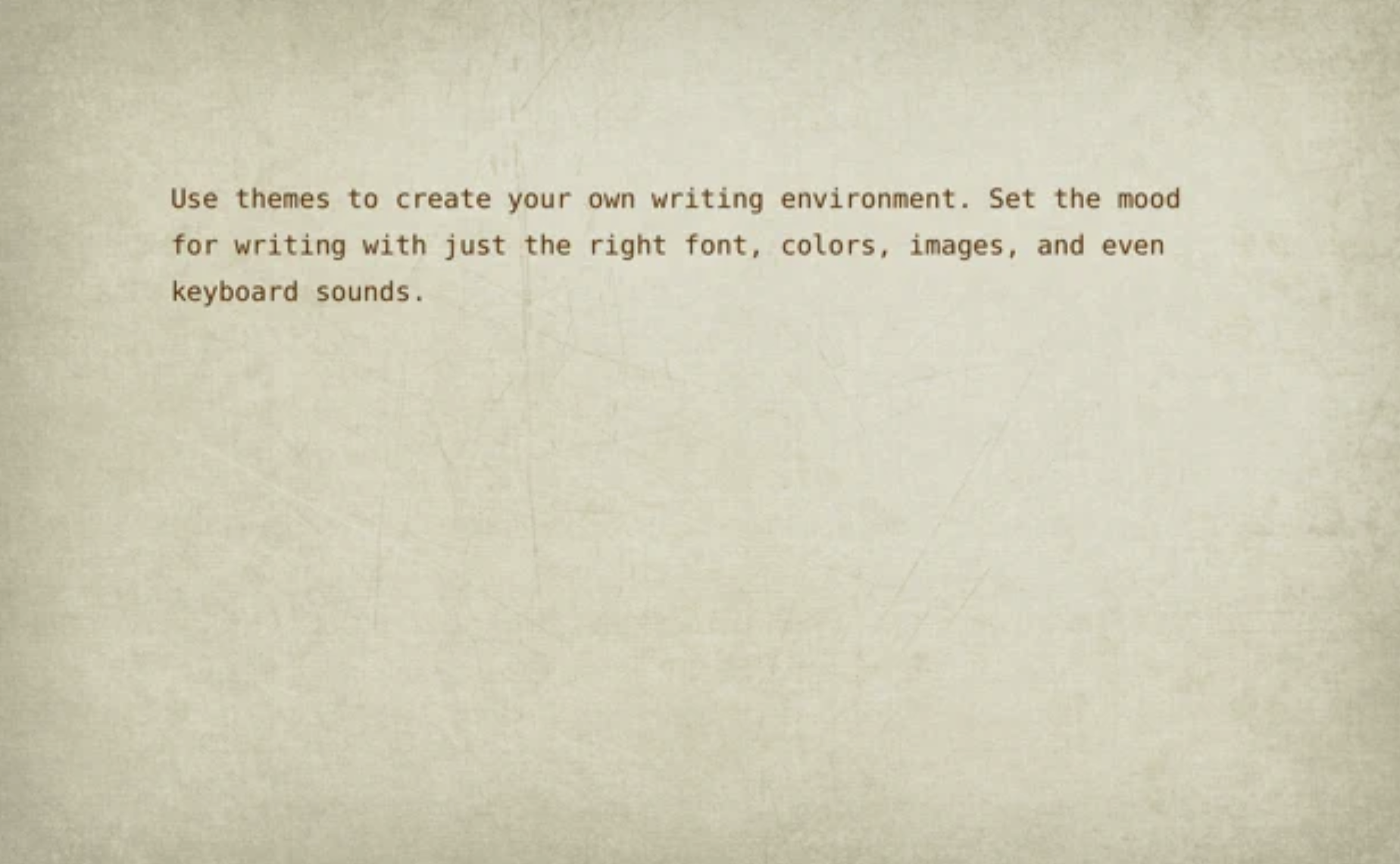
WriteRoom is a full screen writing environment. Unlike the cluttered word processors you're used to, WriteRoom lets you focus on writing. I created WriteRoom as an alternative to Microsoft Word. WriteRoom’s full screen writing environment gets your computer out of the way so that you can focus on your work. The result is a subtle clearing of the mind that I think helps you write better. Choose your own background images, paper textures, and typing sounds. Use themes to save, switch, and share your favorite settings. Automatically log your writing sessions to a spreadsheet. Select word, sentence, and paragraph commands. Shift line up, down, left, and right commands. Live word count, reading time, and more.
|
|||||
Google Docs:
Platforms Supported
Windows
Not Supported
Mac
Not Supported
Linux
Not Supported
Cloud
Supported
On-Premises
Not Supported
iPhone
Supported
iPad
Supported
Android
Supported
Chromebook
Supported
|
WriteRoom:
Platforms Supported
Windows
Not Supported
Mac
Not Supported
Linux
Not Supported
Cloud
Supported
On-Premises
Not Supported
iPhone
Not Supported
iPad
Not Supported
Android
Not Supported
Chromebook
Not Supported
|
|||||
Google Docs:
Audience
Google Docs is ideal for businesses, educators, remote teams, students, content creators, and organizations seeking AI-powered document creation and real-time collaboration tools
|
WriteRoom:
Audience
Full screen writing environment application for writers
|
|||||
Google Docs:
Support
Phone Support
Not Supported
24/7 Live Support
Not Supported
Online
Not Supported
|
WriteRoom:
Support
Phone Support
Not Supported
24/7 Live Support
Not Supported
Online
Supported
|
|||||
Google Docs:
API
Offers API
Supported
|
WriteRoom:
API
Offers API
Not Supported
|
|||||
Google Docs:
Screenshots and Videos |
WriteRoom:
Screenshots and Videos |
|||||
Google Docs:
Pricing
Free
Free Version
Supported
Free Trial
Not Supported
|
WriteRoom:
Pricing
$9.99 per user
Free Version
Not Supported
Free Trial
Not Supported
|
|||||
Google Docs:
Reviews/
|
WriteRoom:
Reviews/
|
|||||
Google Docs:
Pros & Cons from Real UsersPros
Cons
|
||||||
Google Docs:
Training
Documentation
Supported
Webinars
Not Supported
Live Online
Not Supported
In Person
Not Supported
|
WriteRoom:
Training
Documentation
Not Supported
Webinars
Not Supported
Live Online
Not Supported
In Person
Not Supported
|
|||||
Google Docs:
Company InformationGoogle
Founded: 1998
United States
workspace.google.com/products/docs/
|
WriteRoom:
Company InformationHog Bay Software
Founded: 2011
www.hogbaysoftware.com/products/writeroom
|
|||||
Google Docs:
Alternatives |
WriteRoom:
Alternatives |
|||||
|
Google Docs:
|
WriteRoom:
|
|||||
|
Google Docs:
|
WriteRoom:
|
|||||
|
Google Docs:
|
WriteRoom:
|
|||||
|
Google Docs:
|
WriteRoom:
|
|||||
Google Docs:
Categories |
WriteRoom:
Categories |
|||||
Google Docs:
Document Collaboration Features
Access Control / Permissions
Supported
Autosave
Supported
Chat / Messaging
Not Supported
Cloud Storage
Supported
Comments / Annotations
Not Supported
Edit / Change Tracking
Supported
Electronic Signature
Not Supported
Multiple File Formats
Supported
Pre-made Templates
Not Supported
Search
Supported
User Tagging
Supported
Version Control
Supported
Workflow / Approval Process
Supported
Productivity Features
Collaboration
Supported
Database Creation
Not Supported
Document Creation
Supported
File Sharing
Supported
Notes Management
Not Supported
Office Suite
Not Supported
Presentation Tools
Not Supported
Project Management
Not Supported
Task Management
Not Supported
Team Chat
Not Supported
Remote Work Features
Collaboration
Supported
Credential Management
Not Supported
Electronic Signature
Not Supported
Employee Monitoring
Not Supported
Live Chat
Not Supported
Meeting Management
Not Supported
Project Management
Not Supported
Remote Access
Not Supported
Remote Support
Not Supported
Screen Sharing
Not Supported
Softphone
Not Supported
Task Management
Not Supported
Time Zone Tracking
Not Supported
Video Chat
Not Supported
Web Conferencing
Not Supported
|
||||||
Google Docs:
Integrations
D-ID
Supported
Dialect
Supported
GPT Workspace
Supported
Growbo
Supported
Helperbird
Supported
Highspot
Supported
InboxCRM by AppEQ
Supported
InsightLab
Supported
Issuu
Supported
Leexi
Supported
|
WriteRoom:
Integrations
D-ID
Not Supported
Dialect
Not Supported
GPT Workspace
Not Supported
Growbo
Not Supported
Helperbird
Not Supported
Highspot
Not Supported
InboxCRM by AppEQ
Not Supported
InsightLab
Not Supported
Issuu
Not Supported
Leexi
Not Supported
|
|||||
|
Google Docs:
|
WriteRoom:
|