WriteRoomHog Bay Software
|
||||||
| WriteMonkey | WriteRoom | |||||
|---|---|---|---|---|---|---|
Related Products
|
||||||
WriteMonkey:
About
Writemonkey is a Windows zenware writing application with an extremely stripped down user interface, leaving you alone with your thoughts and your words. It is light, fast and free. With an array of innovative tools under the hood and full Markdown support, it helps you write better. This version features new language tools and can run even more cool plugins. Plugins are locked and will only work with a writemonkey donor key. Donors will receive a key (via e-mail) which will enable personalized name tag in splash screen and access to many plugins that are available as separate download. Full-screen editing, get free from your computer and its distractions. Writemonkey's full-screen mode hides it all away leaving just you and your text behind. Do more with less! Just copy files and directories in any folder on your machine, Writemonkey is very fast and responsive. The main executable is less than 1,6 MB in size.
|
WriteRoom:
About
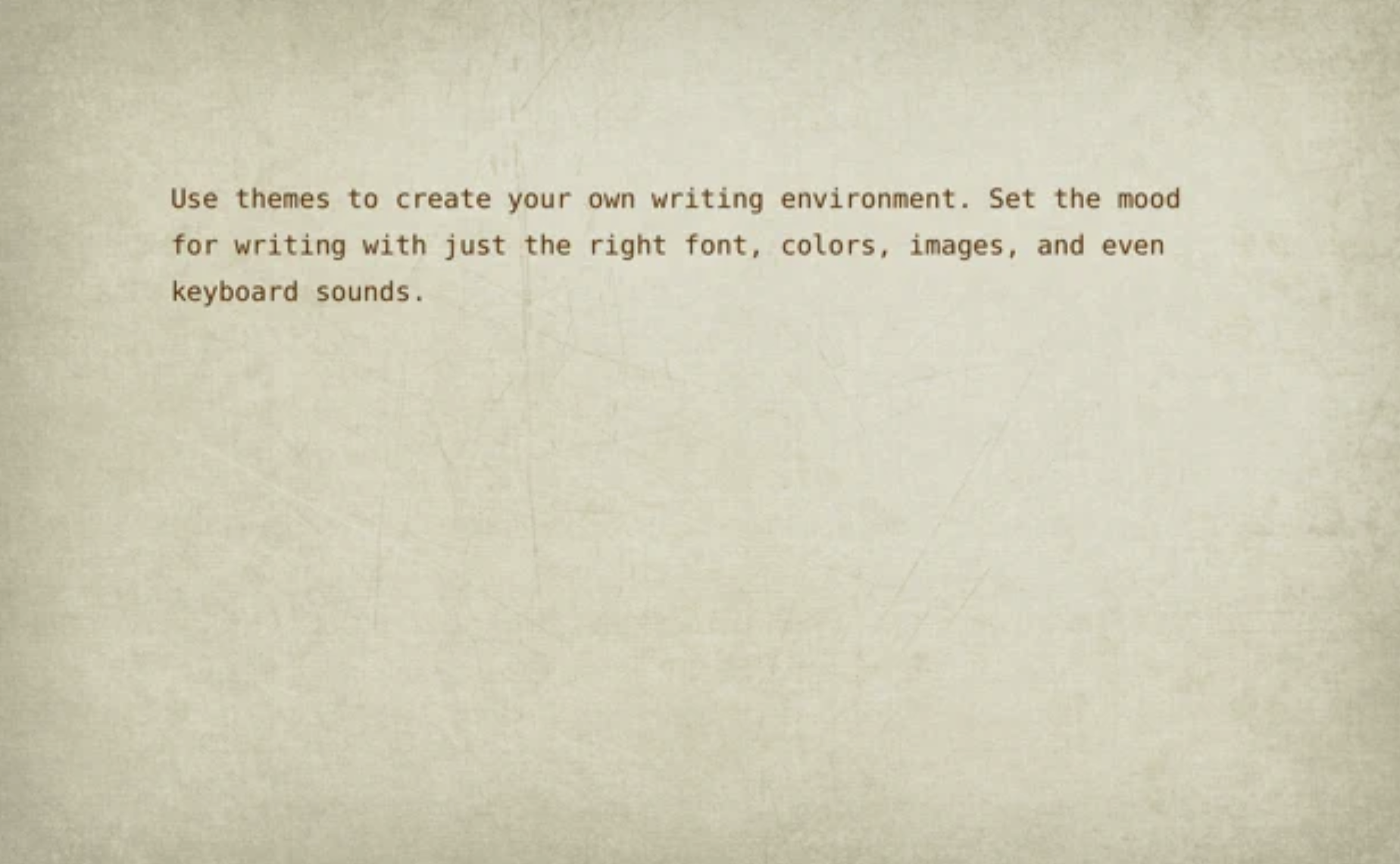
WriteRoom is a full screen writing environment. Unlike the cluttered word processors you're used to, WriteRoom lets you focus on writing. I created WriteRoom as an alternative to Microsoft Word. WriteRoom’s full screen writing environment gets your computer out of the way so that you can focus on your work. The result is a subtle clearing of the mind that I think helps you write better. Choose your own background images, paper textures, and typing sounds. Use themes to save, switch, and share your favorite settings. Automatically log your writing sessions to a spreadsheet. Select word, sentence, and paragraph commands. Shift line up, down, left, and right commands. Live word count, reading time, and more.
|
|||||
WriteMonkey:
Platforms Supported
Windows
Supported
Mac
Not Supported
Linux
Not Supported
Cloud
Not Supported
On-Premises
Not Supported
iPhone
Not Supported
iPad
Not Supported
Android
Not Supported
Chromebook
Not Supported
|
WriteRoom:
Platforms Supported
Windows
Not Supported
Mac
Not Supported
Linux
Not Supported
Cloud
Supported
On-Premises
Not Supported
iPhone
Not Supported
iPad
Not Supported
Android
Not Supported
Chromebook
Not Supported
|
|||||
WriteMonkey:
Audience
Content creators, designers, and any user interested in a writing application for text editing
|
WriteRoom:
Audience
Full screen writing environment application for writers
|
|||||
WriteMonkey:
Support
Phone Support
Not Supported
24/7 Live Support
Not Supported
Online
Supported
|
WriteRoom:
Support
Phone Support
Not Supported
24/7 Live Support
Not Supported
Online
Supported
|
|||||
WriteMonkey:
API
Offers API
Not Supported
|
WriteRoom:
API
Offers API
Not Supported
|
|||||
WriteMonkey:
Screenshots and Videos |
WriteRoom:
Screenshots and Videos |
|||||
WriteMonkey:
Pricing
No information available.
Free Version
Not Supported
Free Trial
Not Supported
|
WriteRoom:
Pricing
$9.99 per user
Free Version
Not Supported
Free Trial
Not Supported
|
|||||
WriteMonkey:
Reviews/
|
WriteRoom:
Reviews/
|
|||||
WriteMonkey:
Training
Documentation
Supported
Webinars
Not Supported
Live Online
Not Supported
In Person
Not Supported
|
WriteRoom:
Training
Documentation
Not Supported
Webinars
Not Supported
Live Online
Not Supported
In Person
Not Supported
|
|||||
WriteMonkey:
Company InformationWriteMonkey
Founded: 2007
writemonkey.com/index.php
|
WriteRoom:
Company InformationHog Bay Software
Founded: 2011
www.hogbaysoftware.com/products/writeroom
|
|||||
WriteMonkey:
Alternatives |
WriteRoom:
Alternatives |
|||||
| WriteMonkey: |
WriteRoom:
|
|||||
| WriteMonkey: |
WriteRoom:
|
|||||
|
WriteMonkey:
|
WriteRoom:
|
|||||
| WriteMonkey: |
WriteRoom:
|
|||||
WriteMonkey:
Categories |
WriteRoom:
Categories |
|||||
| WriteMonkey: |
WriteRoom:
Integrations
Mozilla Firefox
Not Supported
|
|||||
|
WriteMonkey:
|
WriteRoom:
|