WriteRoomHog Bay Software
|
||||||
Related Products
|
||||||
About
Write! is an elegant workspace to create notes, to-do lists, writing projects and texts of any kind. It has all features of a good word processor packed into a clutter-free interface. Writing tools like configurable autocomplete, intelligent spellchecker, unlimited Ctrl+Z and productivity counters will improve your productivity. Your work will flow smoothly with the help of minimalist writing interface. Your documents will never ever be lost again. You can use Write! on any computer and continue writing from the point you left. You can store unlimited number of documents at no additional cost. Easily manage any writing project structuring it in tabs, Sessions and folders. Switching between writing sessions changes the group of tabs you are working on, allowing you to quickly change the context. Publish documents to the web with a unique URL and share a link to it via email or to social media. When you make changes to a shared document, they are immediately updated online.
|
About
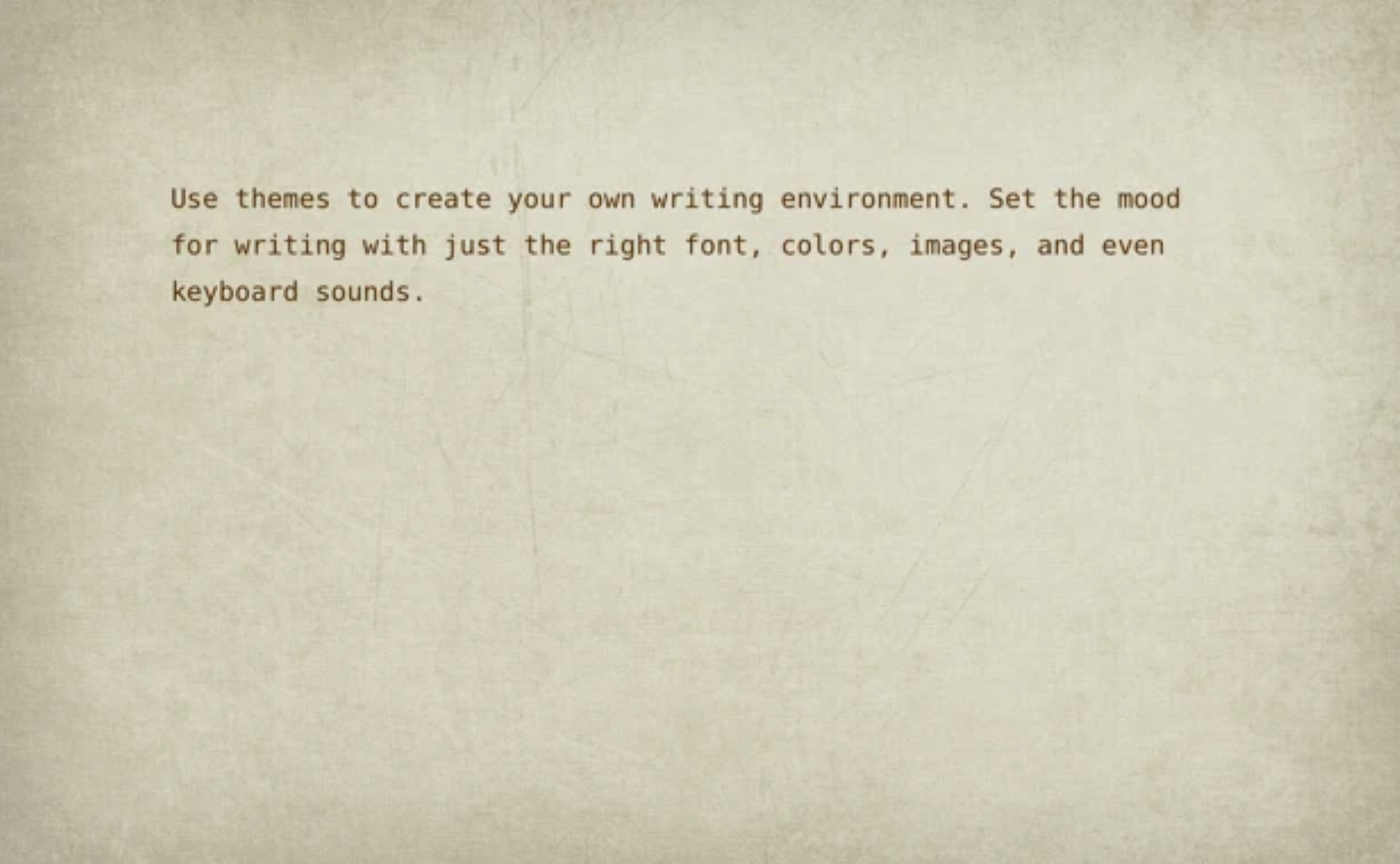
WriteRoom is a full screen writing environment. Unlike the cluttered word processors you're used to, WriteRoom lets you focus on writing. I created WriteRoom as an alternative to Microsoft Word. WriteRoom’s full screen writing environment gets your computer out of the way so that you can focus on your work. The result is a subtle clearing of the mind that I think helps you write better. Choose your own background images, paper textures, and typing sounds. Use themes to save, switch, and share your favorite settings. Automatically log your writing sessions to a spreadsheet. Select word, sentence, and paragraph commands. Shift line up, down, left, and right commands. Live word count, reading time, and more.
|
|||||
Platforms Supported
Windows
Supported
Mac
Supported
Linux
Supported
Cloud
Not Supported
On-Premises
Not Supported
iPhone
Not Supported
iPad
Not Supported
Android
Not Supported
Chromebook
Not Supported
|
Platforms Supported
Windows
Not Supported
Mac
Not Supported
Linux
Not Supported
Cloud
Supported
On-Premises
Not Supported
iPhone
Not Supported
iPad
Not Supported
Android
Not Supported
Chromebook
Not Supported
|
|||||
Audience
Individuals and businesses in need of a writing software
|
Audience
Full screen writing environment application for writers
|
|||||
Support
Phone Support
Supported
24/7 Live Support
Not Supported
Online
Not Supported
|
Support
Phone Support
Not Supported
24/7 Live Support
Not Supported
Online
Supported
|
|||||
API
Offers API
Not Supported
|
API
Offers API
Not Supported
|
|||||
Screenshots and Videos |
Screenshots and Videos |
|||||
Pricing
$24.95
Free Version
Not Supported
Free Trial
Not Supported
|
Pricing
$9.99 per user
Free Version
Not Supported
Free Trial
Not Supported
|
|||||
Reviews/
|
Reviews/
|
|||||
Pros & Cons from Real UsersPros
Cons
|
||||||
Training
Documentation
Supported
Webinars
Not Supported
Live Online
Not Supported
In Person
Not Supported
|
Training
Documentation
Not Supported
Webinars
Not Supported
Live Online
Not Supported
In Person
Not Supported
|
|||||
Company InformationWrite! App
Founded: 2014
writeapp.co
|
Company InformationHog Bay Software
Founded: 2011
www.hogbaysoftware.com/products/writeroom
|
|||||
Alternatives |
Alternatives |
|||||
|
|
|
|||||
|
|
|
|||||
|
|
|
|||||
Categories |
Categories |
|||||
Integrations
No info available.
|
Integrations
No info available.
|
|||||
|
|
|