PDFpenSmile Software
|
SODA PDFAvanquest
|
|||||
Related Products
|
||||||
About
Add signatures, text, and images. Make changes and correct typos. OCR scanned docs. Fill out forms. Proofread OCR text! PDFpen does Optical Character Recognition (OCR): turn those pictures of scanned text into words you can use, then proofread them for accuracy. Need some major changes to your PDF? Export your PDFs in .docx format for easy PDF editing and sharing with Microsoft Word users. Select text in your PDF, click “Correct Text,” and edit away! Editing a PDF on your Mac has never been easier. Sign PDFs on your Mac! Sign with your secure and trusted digital signature. Scan in a signature and drop it into your PDF. Or, scribble your signature with a mouse or trackpad. Signed, sealed, delivered: no fax, no fuss. Now you can edit your PDFs wherever you are. Use iCloud or Dropbox for seamless editing with PDFpen for iPad & iPhone. Need a new page? Insert one. Need to remove a page? Delete it. Pages out of order? Just drag and drop to re-order. Even combine PDFs with drag and drop.
|
About
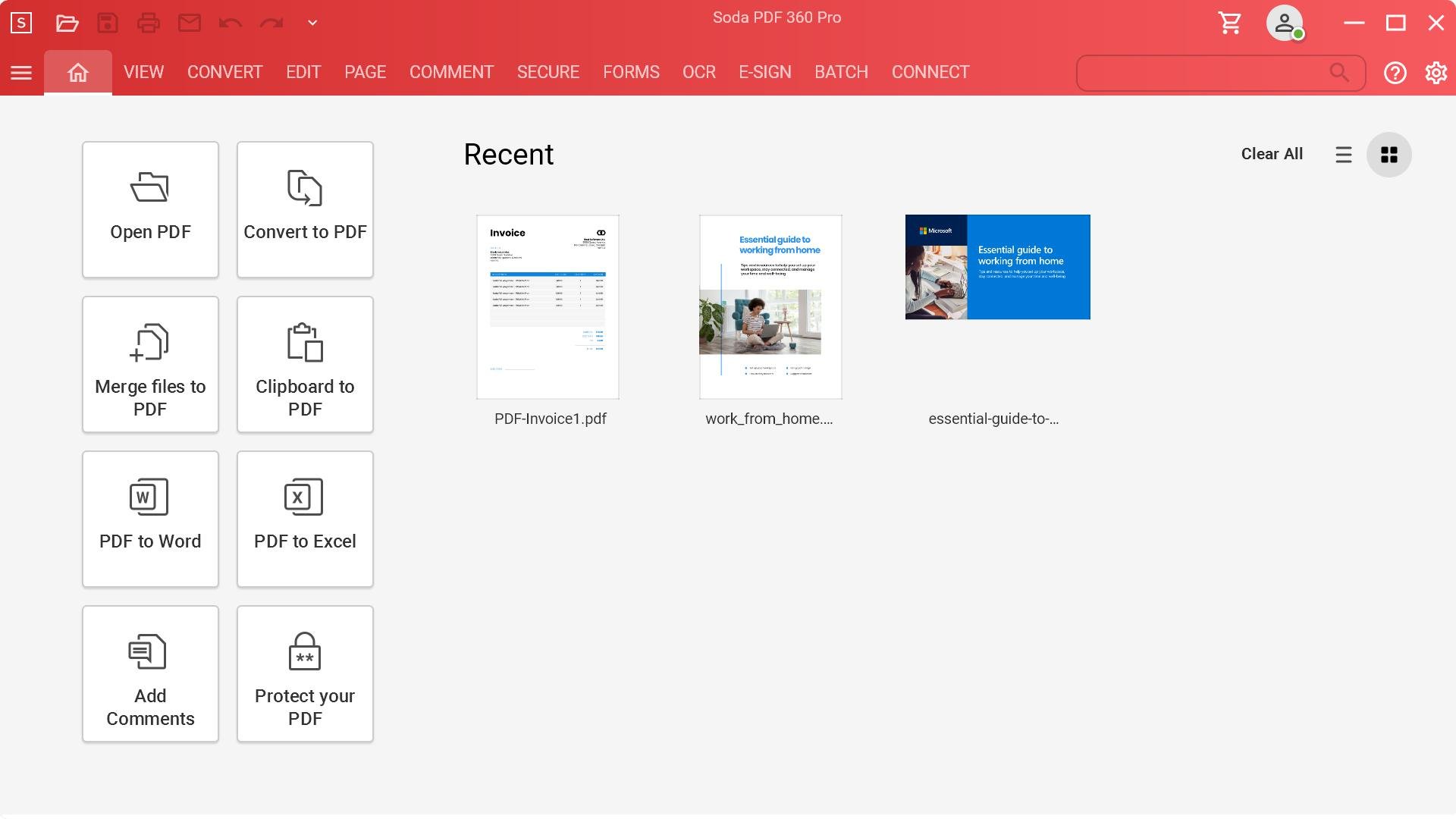
Soda PDF is the software solution that helps your business quickly achieve any document goal with ease. Edit, create, convert, merge, split, sign, or secure PDFs to your needs. Modify documents using the best PDF editor and PDF converter. Our easy-to-use PDF tools are made to streamline any document workflow with efficient results. With the fastest Microsoft Office to PDF converter on the market, our Batch tool helps you create or convert multiple PDFs at once, along with the ability to add page numbers, watermarks, Bates numbering & secure permissions to multiple files or folders in seconds. Keep a safe distance between people and paper by signing, managing & tracking electronic signatures remotely using our efficient E-Sign feature. Save time & avoid retyping with OCR Edit to quickly search, recognize & modify text contained within any scanned document or image file. Access Soda PDF’s entire suite of tools & services directly from your desktop, or from any device with a web browser.
|
|||||
Platforms Supported
Windows
Mac
Linux
Cloud
On-Premises
iPhone
iPad
Android
Chromebook
|
Platforms Supported
Windows
Mac
Linux
Cloud
On-Premises
iPhone
iPad
Android
Chromebook
|
|||||
Audience
Individuals or companies that want a powerful PDF editor for Mac, iPhone, or iPad
|
Audience
Organizations of all sizes
|
|||||
Support
Phone Support
24/7 Live Support
Online
|
Support
Phone Support
24/7 Live Support
Online
|
|||||
API
Offers API
|
API
Offers API
|
|||||
Screenshots and Videos |
Screenshots and Videos |
|||||
Pricing
$74.95 one-time fee
Free Version
Free Trial
|
PricingVolume licensing available for 5+ licenses.
Free Version
Free Trial
|
|||||
Reviews/
|
Reviews/
|
|||||
Pros & Cons from Real UsersPros
Cons
|
||||||
Training
Documentation
Webinars
Live Online
In Person
|
Training
Documentation
Webinars
Live Online
In Person
|
|||||
Company InformationSmile Software
Founded: 2003
United States
smilesoftware.com/pdfpen/
|
Company InformationAvanquest
Founded: 1984
France
www.sodapdf.com
|
|||||
Alternatives |
Alternatives |
|||||
|
|
|
|||||
|
|
|
|||||
|
|
||||||
|
|
|
|||||
Categories |
Categories |
|||||
PDF Features
Annotations
Convert to PDF
Digital Signature
Encryption
Merge / Append
PDF Reader
Watermarking
OCR Features
Batch Processing
Convert to PDF
ID Scanning
Image Pre-processing
Indexing
Metadata Extraction
Multi-Language
Multiple Output Formats
Text Editor
Zone Selection Tool
|
Digital Signature Features
Audit Trail
Authentication
Auto Reminders
Customizable Templates
Document Analytics
Mobile Signature
Multi-Party Signing
Progress Tracking
Task Progress Tracking
PDF Features
Annotations
Convert to PDF
Digital Signature
Encryption
Merge / Append
PDF Reader
Watermarking
PDF Editors Features
Access Controls / Permissions
Annotations
Commenting / Notes
Compare Side-by-Side
Customizable Branding
Delete Pages
Electronic Signature
Forms Management
Full Text Search
Merge / Append
Offline Access
Optical Character Recognition (OCR)
Rearrange Pages
Rotate Pages
Watermarking
Document Generation Features
Batch Processing
Collaboration
Digital Signature
Interaction Tracking
Multiple Output Formats
Templates
Document Management Features
Access Controls
Archiving & Retention
Collaboration Tools
Compliance Tracking
Document Archiving
Document Assembly
Document Capture
Document Conversion
Document Delivery
Document Indexing
Document Retention
Electronic Signature
Email Management
File Recovery
File Type Conversion
Forms Management
Full Text Search
Offline Access
Optical Character Recognition
Print Management
Version Control
|
|||||
|
|
|