PDF StudioApryse
|
SODA PDFAvanquest
|
|||||
Related Products
|
||||||
About
PDF Studio is a powerful and affordable PDF editor that effortlessly caters to both simple and complex PDF tasks. From adding text, various annotations, watermarks, and digital signatures to filling out forms and converting MS Office to PDF, it covers all your needs.
The PDF editor is perfect for companies and organizations looking to seamlessly automate their PDF editing and eliminate repetitive daily tasks with batch processing of multiple documents. Empower your team with perpetual PDF software at a fraction of the cost compared to competing subscription-based solutions like Adobe® Acrobat®.
NEW: Qoppa PDF Studio 2023 released!
The latest version, PDF Studio 2023, offers impressive enhancements, including support for Dropbox Team Spaces, improved enterprise deployments, expanded multi-document functions, a new highlighter marker tool, and optimization options for smaller document sizes.
Available on Linux, Windows, macOS, and other major platforms.
|
About
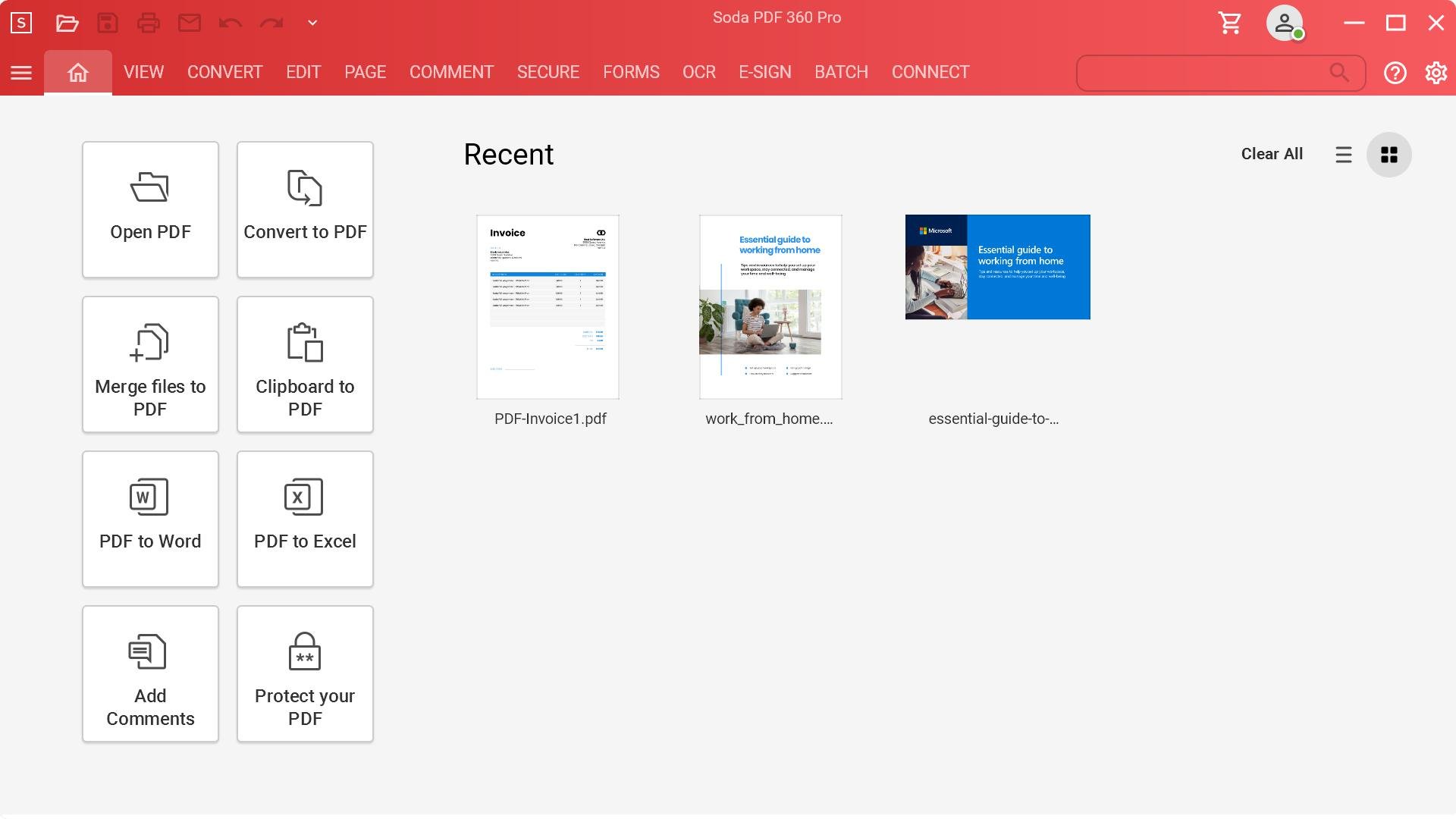
Soda PDF is the software solution that helps your business quickly achieve any document goal with ease. Edit, create, convert, merge, split, sign, or secure PDFs to your needs. Modify documents using the best PDF editor and PDF converter. Our easy-to-use PDF tools are made to streamline any document workflow with efficient results. With the fastest Microsoft Office to PDF converter on the market, our Batch tool helps you create or convert multiple PDFs at once, along with the ability to add page numbers, watermarks, Bates numbering & secure permissions to multiple files or folders in seconds. Keep a safe distance between people and paper by signing, managing & tracking electronic signatures remotely using our efficient E-Sign feature. Save time & avoid retyping with OCR Edit to quickly search, recognize & modify text contained within any scanned document or image file. Access Soda PDF’s entire suite of tools & services directly from your desktop, or from any device with a web browser.
|
|||||
Platforms Supported
Windows
Mac
Linux
Cloud
On-Premises
iPhone
iPad
Android
Chromebook
|
Platforms Supported
Windows
Mac
Linux
Cloud
On-Premises
iPhone
iPad
Android
Chromebook
|
|||||
Audience
Anyone who needs a reliable, feature-rich PDF editor, including individuals and professionals across diverse sectors like government, finance & accounting, legal, insurance, real estate, banking, and more.
|
Audience
Organizations of all sizes
|
|||||
Support
Phone Support
24/7 Live Support
Online
|
Support
Phone Support
24/7 Live Support
Online
|
|||||
API
Offers API
|
API
Offers API
|
|||||
Screenshots and Videos |
Screenshots and Videos |
|||||
Pricing
$99.00
- PDF Studio Standard: $99
- PDF Studio Pro: $139
Free Version
Free Trial
|
PricingVolume licensing available for 5+ licenses.
Free Version
Free Trial
|
|||||
Reviews/
|
Reviews/
|
|||||
Pros & Cons from Real UsersPros
Cons
|
Pros & Cons from Real UsersPros
Cons
|
|||||
Training
Documentation
Webinars
Live Online
In Person
|
Training
Documentation
Webinars
Live Online
In Person
|
|||||
Company InformationApryse
Founded: 1998
United States
www.qoppa.com
|
Company InformationAvanquest
Founded: 1984
France
www.sodapdf.com
|
|||||
Alternatives |
Alternatives |
|||||
|
|
|
|||||
|
|
|
|||||
|
|
||||||
|
|
|
|||||
Categories |
Categories |
|||||
Document Management Features
Access Controls
Archiving & Retention
Collaboration Tools
Compliance Tracking
Document Archiving
Document Assembly
Document Capture
Document Conversion
Document Delivery
Document Indexing
Document Retention
Electronic Signature
Email Management
File Recovery
File Type Conversion
Forms Management
Full Text Search
Offline Access
Optical Character Recognition
Print Management
Version Control
PDF Features
Annotations
Convert to PDF
Digital Signature
Encryption
Merge / Append
PDF Reader
Watermarking
PDF Editors Features
Access Controls / Permissions
Annotations
Commenting / Notes
Compare Side-by-Side
Customizable Branding
Delete Pages
Electronic Signature
Forms Management
Full Text Search
Merge / Append
Offline Access
Optical Character Recognition (OCR)
Rearrange Pages
Rotate Pages
Watermarking
Vector Graphics Features
2D Drawing
Animation
Data Import / Export
Drag & Drop
Image Editor
Image Tracing
Rendering
Templates
|
Document Management Features
Access Controls
Archiving & Retention
Collaboration Tools
Compliance Tracking
Document Archiving
Document Assembly
Document Capture
Document Conversion
Document Delivery
Document Indexing
Document Retention
Electronic Signature
Email Management
File Recovery
File Type Conversion
Forms Management
Full Text Search
Offline Access
Optical Character Recognition
Print Management
Version Control
PDF Features
Annotations
Convert to PDF
Digital Signature
Encryption
Merge / Append
PDF Reader
Watermarking
PDF Editors Features
Access Controls / Permissions
Annotations
Commenting / Notes
Compare Side-by-Side
Customizable Branding
Delete Pages
Electronic Signature
Forms Management
Full Text Search
Merge / Append
Offline Access
Optical Character Recognition (OCR)
Rearrange Pages
Rotate Pages
Watermarking
Digital Signature Features
Audit Trail
Authentication
Auto Reminders
Customizable Templates
Document Analytics
Mobile Signature
Multi-Party Signing
Progress Tracking
Task Progress Tracking
Document Generation Features
Batch Processing
Collaboration
Digital Signature
Interaction Tracking
Multiple Output Formats
Templates
|
|||||
Integrations
Dropbox
Box
Docusign
Google Docs
Google Drive
Microsoft OneDrive
|
Integrations
Dropbox
Box
Docusign
Google Docs
Google Drive
Microsoft OneDrive
|
|||||
|
|
|