Code::Blocks3.0 out of 5 stars |
||||||
| Code::Blocks | CodeSandbox | |||||
|---|---|---|---|---|---|---|
Related Products
|
||||||
Code::Blocks:
About
Code::Blocks is a free, open-source, cross-platform Integrated Development Environment (IDE) primarily designed for C, C++, and Fortran development. Known for its lightweight design and modular structure, Code::Blocks offers a highly customizable interface with support for multiple compilers, including GCC, Clang, and Microsoft Visual C++. It features an intuitive, user-friendly interface with essential tools like syntax highlighting, code folding, auto-completion, and a robust debugging environment with breakpoints, variable inspection, and call stack tracing. Code::Blocks is highly extensible through plugins, enabling developers to add features like version control, scripting support, and custom build tools. Its lightweight nature, flexibility, and cross-platform compatibility make it a popular choice for students, educators, and developers working on small to medium-sized C/C++ projects.
|
CodeSandbox:
About
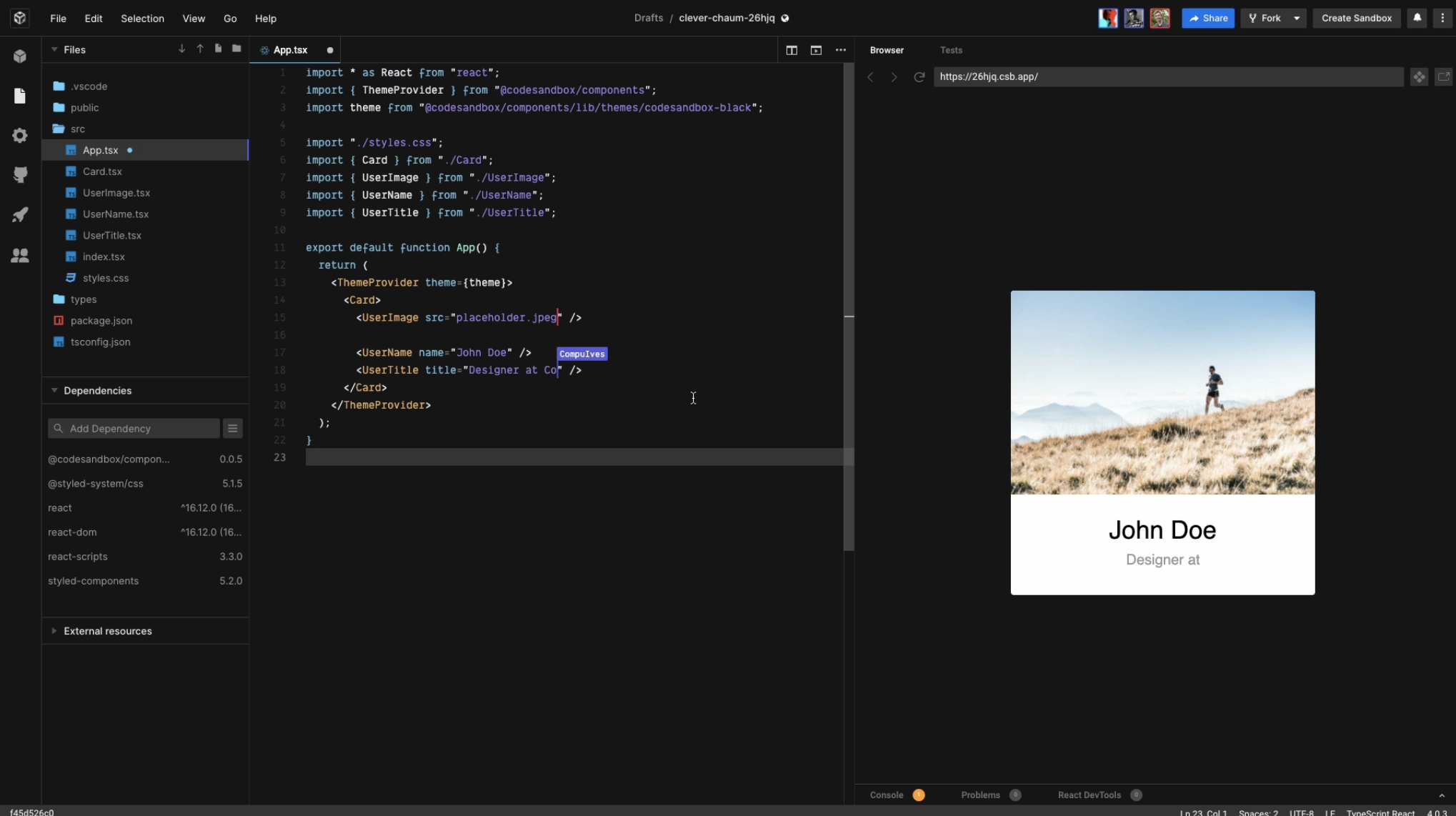
CodeSandbox is a cloud development platform that empowers development teams to code, collaborate, and ship projects of any size from any device in record time.
Run your code in powerful microVMs and build anything without limits. We configure your environment for you and keep your code always ready, behind a URL.
Boxy, the CodeSandbox AI coding assistant, is also now available to all Pro subscribers.
|
|||||
Code::Blocks:
Platforms Supported
Windows
Supported
Mac
Supported
Linux
Supported
Cloud
Not Supported
On-Premises
Not Supported
iPhone
Not Supported
iPad
Not Supported
Android
Not Supported
Chromebook
Supported
|
CodeSandbox:
Platforms Supported
Windows
Not Supported
Mac
Not Supported
Linux
Not Supported
Cloud
Supported
On-Premises
Supported
iPhone
Supported
iPad
Supported
Android
Not Supported
Chromebook
Supported
|
|||||
Code::Blocks:
Audience
Developers interested in a free and open source cross-platform IDE
|
CodeSandbox:
Audience
Developers interested in a full-stack coding platform
|
|||||
Code::Blocks:
Support
Phone Support
Not Supported
24/7 Live Support
Not Supported
Online
Supported
|
CodeSandbox:
Support
Phone Support
Not Supported
24/7 Live Support
Not Supported
Online
Supported
|
|||||
Code::Blocks:
API
Offers API
Not Supported
|
CodeSandbox:
API
Offers API
Supported
|
|||||
Code::Blocks:
Screenshots and Videos |
CodeSandbox:
Screenshots and Videos |
|||||
Code::Blocks:
Pricing
Free
Open source
Free Version
Supported
Free Trial
Not Supported
|
CodeSandbox:
Pricing
$12 per month
Free Version
Supported
Free Trial
Supported
|
|||||
Code::Blocks:
Reviews/
|
CodeSandbox:
Reviews/
|
|||||
Code::Blocks:
Pros & Cons from Real UsersPros
Cons
|
||||||
Code::Blocks:
Training
Documentation
Supported
Webinars
Not Supported
Live Online
Not Supported
In Person
Not Supported
|
CodeSandbox:
Training
Documentation
Supported
Webinars
Not Supported
Live Online
Not Supported
In Person
Not Supported
|
|||||
Code::Blocks:
Company InformationCode::Blocks
Founded: 2005
sourceforge.net/projects/codeblocks/
|
CodeSandbox:
Company InformationCodeSandbox
Founded: 2017
Netherlands
codesandbox.io
|
|||||
Code::Blocks:
Alternatives |
CodeSandbox:
Alternatives |
|||||
| Code::Blocks: | CodeSandbox: | |||||
| Code::Blocks: |
CodeSandbox:
|
|||||
|
Code::Blocks:
|
CodeSandbox:
|
|||||
|
Code::Blocks:
|
CodeSandbox:
|
|||||
Code::Blocks:
Categories |
CodeSandbox:
Categories |
|||||
Code::Blocks:
Code Editors Features
API
Not Supported
Auto-Complete
Supported
Code Folding
Supported
Column Editing
Supported
Customizable Themes
Supported
Debugging
Supported
Formatting / Table Editing
Supported
Keyboard Shortcuts
Supported
Multi-Monitor Editing
Supported
Syntax Highlighting
Supported
WYSIWYG
Supported
IDE Features
Code Completion
Supported
Compiler
Supported
Cross Platform Support
Supported
Debugger
Supported
Drag and Drop UI
Supported
Integrations and Plugins
Supported
Multi Language Support
Supported
Project Management
Supported
Text Editor / Code Editor
Supported
Text Editors Features
API
Not Supported
Auto-Complete
Supported
Code Folding
Supported
Column Editing
Supported
Customizable Themes
Supported
Debugging
Supported
Formatting / Table Editing
Supported
Keyboard Shortcuts
Supported
Multi-Monitor Editing
Supported
Syntax Highlighting
Supported
WYSIWYG
Supported
|
CodeSandbox:
Code Editors Features
API
Supported
Auto-Complete
Supported
Code Folding
Supported
Column Editing
Supported
Customizable Themes
Supported
Debugging
Supported
Formatting / Table Editing
Supported
Keyboard Shortcuts
Supported
Multi-Monitor Editing
Supported
Syntax Highlighting
Supported
WYSIWYG
Not Supported
IDE Features
Code Completion
Supported
Compiler
Supported
Cross Platform Support
Supported
Debugger
Supported
Drag and Drop UI
Not Supported
Integrations and Plugins
Supported
Multi Language Support
Supported
Project Management
Not Supported
Text Editor / Code Editor
Supported
Code Collaboration Features
Audio Conferencing
Supported
Chat / Messaging
Supported
Code Review
Supported
Discussion Threads
Supported
IDE Integration
Supported
Remote Control
Not Supported
Remote Pair Programming
Supported
Screen Sharing
Not Supported
Video Conferencing
Not Supported
|
|||||
Code::Blocks:
Integrations
Python
Supported
Angular
Not Supported
C
Supported
C#
Not Supported
ChatGPT
Not Supported
Docsie
Not Supported
Elixir
Not Supported
Git
Not Supported
GitHub
Not Supported
Go
Not Supported
|
CodeSandbox:
Integrations
Python
Supported
Angular
Supported
C
Not Supported
C#
Supported
ChatGPT
Supported
Docsie
Supported
Elixir
Supported
Git
Supported
GitHub
Supported
Go
Supported
|
|||||
|
Code::Blocks:
|
CodeSandbox:
|