WriteRoomHog Bay Software
|
||||||
Related Products
|
||||||
About
Canva is an AI-powered visual design and content creation platform that enables individuals and businesses to create graphics, presentations, videos, documents, websites, and marketing materials. The software provides a drag-and-drop editor with customizable templates, stock photography, illustrations, fonts, animations, and multimedia assets. Its AI capabilities include conversational design generation, image and video creation, automated background removal, writing assistance, and intelligent editing tools. Canva's Visual Suite includes presentations, whiteboards, documents, spreadsheets, website creation, and video editing within a unified workspace. Collaboration features allow teams to edit projects together, share feedback, manage brand assets, and maintain visual consistency through Brand Kits and templates. The platform also offers Canva Code for generating interactive websites and applications, along with publishing tools, social media scheduling, and integrations.
|
About
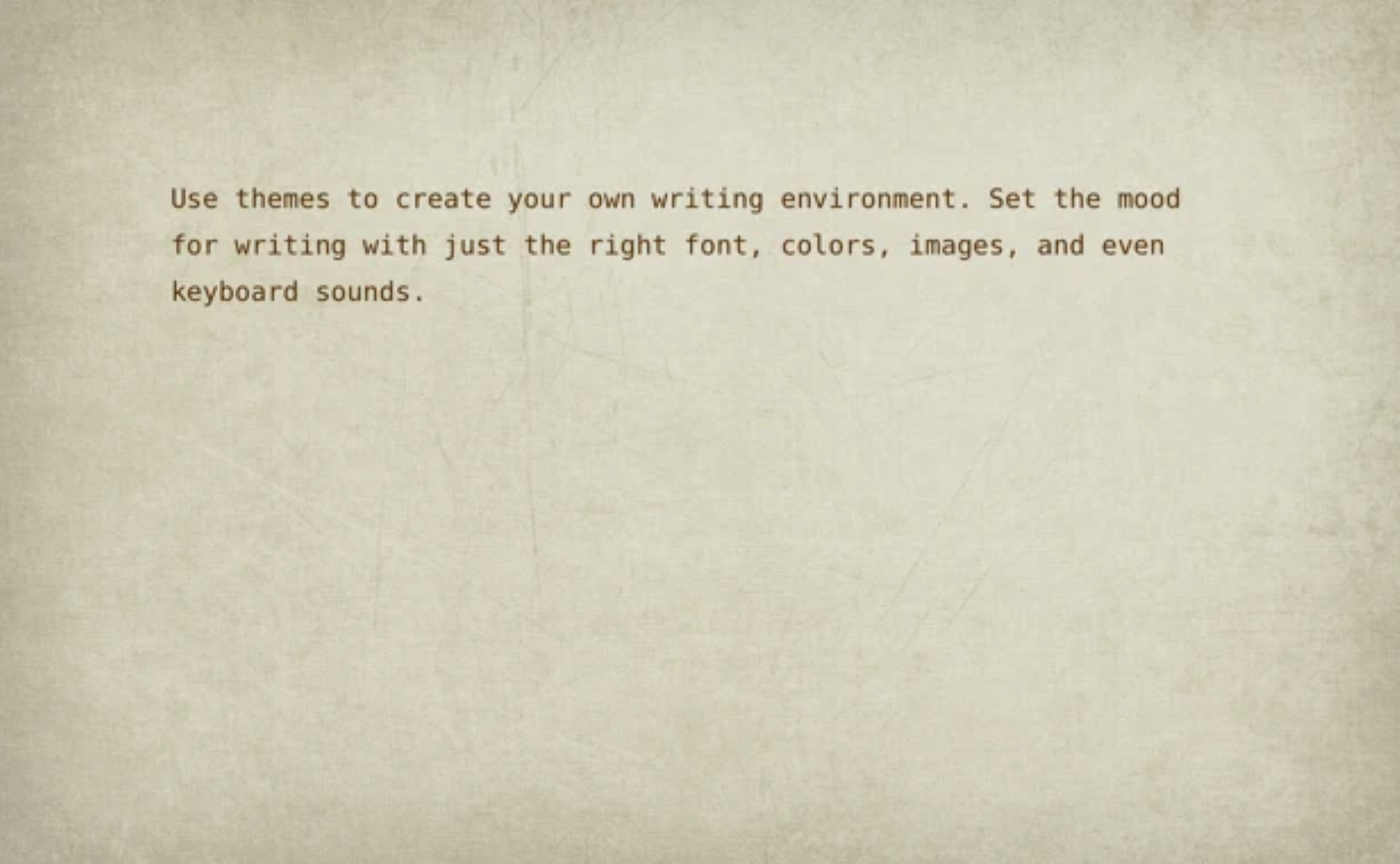
WriteRoom is a full screen writing environment. Unlike the cluttered word processors you're used to, WriteRoom lets you focus on writing. I created WriteRoom as an alternative to Microsoft Word. WriteRoom’s full screen writing environment gets your computer out of the way so that you can focus on your work. The result is a subtle clearing of the mind that I think helps you write better. Choose your own background images, paper textures, and typing sounds. Use themes to save, switch, and share your favorite settings. Automatically log your writing sessions to a spreadsheet. Select word, sentence, and paragraph commands. Shift line up, down, left, and right commands. Live word count, reading time, and more.
|
|||||
Platforms Supported
Windows
Supported
Mac
Supported
Linux
Not Supported
Cloud
Supported
On-Premises
Not Supported
iPhone
Supported
iPad
Supported
Android
Supported
Chromebook
Supported
|
Platforms Supported
Windows
Not Supported
Mac
Not Supported
Linux
Not Supported
Cloud
Supported
On-Premises
Not Supported
iPhone
Not Supported
iPad
Not Supported
Android
Not Supported
Chromebook
Not Supported
|
|||||
Audience
Graphic designers, marketers, social media managers, content creators, small business owners, entrepreneurs, educators, students, nonprofit organizations, advertising agencies, enterprise marketing teams, and business professionals seeking accessible graphic design, AI-powered content creation, visual collaboration, video editing, presentation design, and brand management tools
|
Audience
Full screen writing environment application for writers
|
|||||
Support
Phone Support
Not Supported
24/7 Live Support
Not Supported
Online
Supported
|
Support
Phone Support
Not Supported
24/7 Live Support
Not Supported
Online
Supported
|
|||||
API
Offers API
Supported
|
API
Offers API
Not Supported
|
|||||
Screenshots and Videos |
Screenshots and Videos |
|||||
Pricing
$10 per month
Billed monthly, annual cost is $180. Canva Teams $100/person/year.
Free Version
Supported
Free Trial
Supported
|
Pricing
$9.99 per user
Free Version
Not Supported
Free Trial
Not Supported
|
|||||
Reviews/
|
Reviews/
|
|||||
Pros & Cons from Real UsersPros
Cons
|
||||||
Training
Documentation
Supported
Webinars
Supported
Live Online
Not Supported
In Person
Not Supported
|
Training
Documentation
Not Supported
Webinars
Not Supported
Live Online
Not Supported
In Person
Not Supported
|
|||||
Company InformationCanva
Founded: 2012
Australia
www.canva.com
|
Company InformationHog Bay Software
Founded: 2011
www.hogbaysoftware.com/products/writeroom
|
|||||
Alternatives |
Alternatives |
|||||
|
|
||||||
|
|
|
|||||
|
|
||||||
CategoriesCanva Code is an AI-powered coding and design tool that helps users create interactive websites, apps, tools, and digital experiences from natural language prompts. The platform lets users describe what they want to build, generate a working interactive design, and edit the result inside Canva. Users can customize colors, fonts, images, layouts, and visuals using Canva’s familiar design interface. Canva Code also supports importing HTML, using Canva assets or uploads, and publishing interactive creations without managing a separate development workflow. Forms and response-based experiences can connect directly to Canva Sheets so data can be captured, shared, and analyzed in the same workspace. Built for creators, marketers, educators, teams, and businesses, Canva Code makes it easier to turn ideas into interactive content without starting from scratch or writing code manually. |
Categories |
|||||
Business Card Features
Contact Management
Not Supported
Data Extraction
Not Supported
Design Templates
Supported
Image Editor
Supported
Print Management
Supported
Step-by-Step Wizard
Not Supported
Data Visualization Features
Analytics
Not Supported
Content Management
Supported
Dashboard Creation
Not Supported
Filtered Views
Supported
OLAP
Not Supported
Relational Display
Not Supported
Simulation Models
Not Supported
Visual Discovery
Supported
Document Collaboration Features
Access Control / Permissions
Not Supported
Autosave
Supported
Chat / Messaging
Supported
Cloud Storage
Supported
Comments / Annotations
Supported
Edit / Change Tracking
Supported
Electronic Signature
Supported
Multiple File Formats
Supported
Pre-made Templates
Supported
Search
Not Supported
User Tagging
Supported
Version Control
Not Supported
Workflow / Approval Process
Not Supported
Graphic Design Features
Collaboration
Not Supported
Data Visualization
Supported
Filtering
Supported
Image Database
Supported
Image Editor
Supported
Templates
Supported
Label Printing Features
Automation
Not Supported
Barcode Support
Not Supported
Categorization
Not Supported
Design Tools
Supported
Hardware Integration
Not Supported
Multi-Language Support
Not Supported
Product Data Integration
Not Supported
Regulatory Compliance
Not Supported
Templates
Supported
Menu Features
Color-Coding / Upselling Tools
Supported
Digital Signage / Menu Boards
Supported
Kiosk Menus
Not Supported
Menu Design Tools
Supported
Menu Item Management
Supported
POS Integration
Not Supported
Pre-Made Menu Templates
Supported
Printed/Paper Menus
Supported
QR Code Menus
Not Supported
Tablet Menus
Supported
Presentation Features
3D Objects
Not Supported
Animations & Transitions
Supported
Audio Content
Not Supported
Collaboration Tools
Supported
Content Library
Supported
Customizable Templates
Supported
Media Library
Supported
Offline Editing
Supported
Offline Presenting
Supported
Screen Sharing
Supported
Search/Filter
Not Supported
Templates
Supported
Video Content
Supported
Social Media Advertising Features
Ad Buying
Not Supported
Ad Creation
Supported
Bulk Advertising
Supported
Campaign Management
Supported
Collaboration Tools
Supported
Comment / Reply Moderation
Not Supported
Digital Asset Management
Supported
Reporting / Analytics
Not Supported
Retargeting
Not Supported
Roles / Permissions
Not Supported
Social Media Management Features
Automated Publishing
Not Supported
Brand Tracking
Not Supported
Content Management
Supported
Customer Engagement
Not Supported
Multi-Account Management
Not Supported
Multi-User Collaboration
Supported
Post Scheduling
Supported
Reporting/Analytics
Not Supported
Social Media Monitoring
Not Supported
Storyboard Features
Artwork Library
Supported
Audio Recording
Supported
Collaboration Tools
Supported
Drawing Tools
Not Supported
Graphic / Video Editing
Supported
Image Import
Supported
Project Management
Supported
Script Import
Supported
Video Editing Features
3D Video Editing
Not Supported
Audio Tools
Supported
Brand Overlay
Not Supported
Collaboration
Supported
Media Library
Supported
Social Sharing
Supported
Speed Adjustment
Supported
Split / Merge
Supported
Supports HD Resolution
Not Supported
Text Overlay
Supported
Video Capture
Not Supported
Video Stabilization
Not Supported
Web Design Features
Autocompletion
Not Supported
Collaborative Editing
Supported
Content Management
Supported
Drag & Drop
Supported
Element Libraries
Supported
Programming Language Support
Not Supported
Syntax Highlighting
Not Supported
Templates
Supported
Web to Print Features
Approval Workflow
Not Supported
Customizable Templates
Supported
Multi-Store
Not Supported
Order Management
Not Supported
Product Configurator
Not Supported
Quotes / Estimates
Not Supported
SEO Management
Not Supported
Templates
Supported
Website Management
Supported
|
||||||
Integrations
Air Lift
Supported
Audeus
Supported
Canva Craft
Supported
Claude
Supported
Claude for Teachers
Supported
Cloud Campaign
Supported
Graphy
Supported
L Squared Digital Signage
Supported
MCPTotal
Supported
Monipix
Supported
|
Integrations
Air Lift
Not Supported
Audeus
Not Supported
Canva Craft
Not Supported
Claude
Not Supported
Claude for Teachers
Not Supported
Cloud Campaign
Not Supported
Graphy
Not Supported
L Squared Digital Signage
Not Supported
MCPTotal
Not Supported
Monipix
Not Supported
|
|||||
|
|
|