
 Download
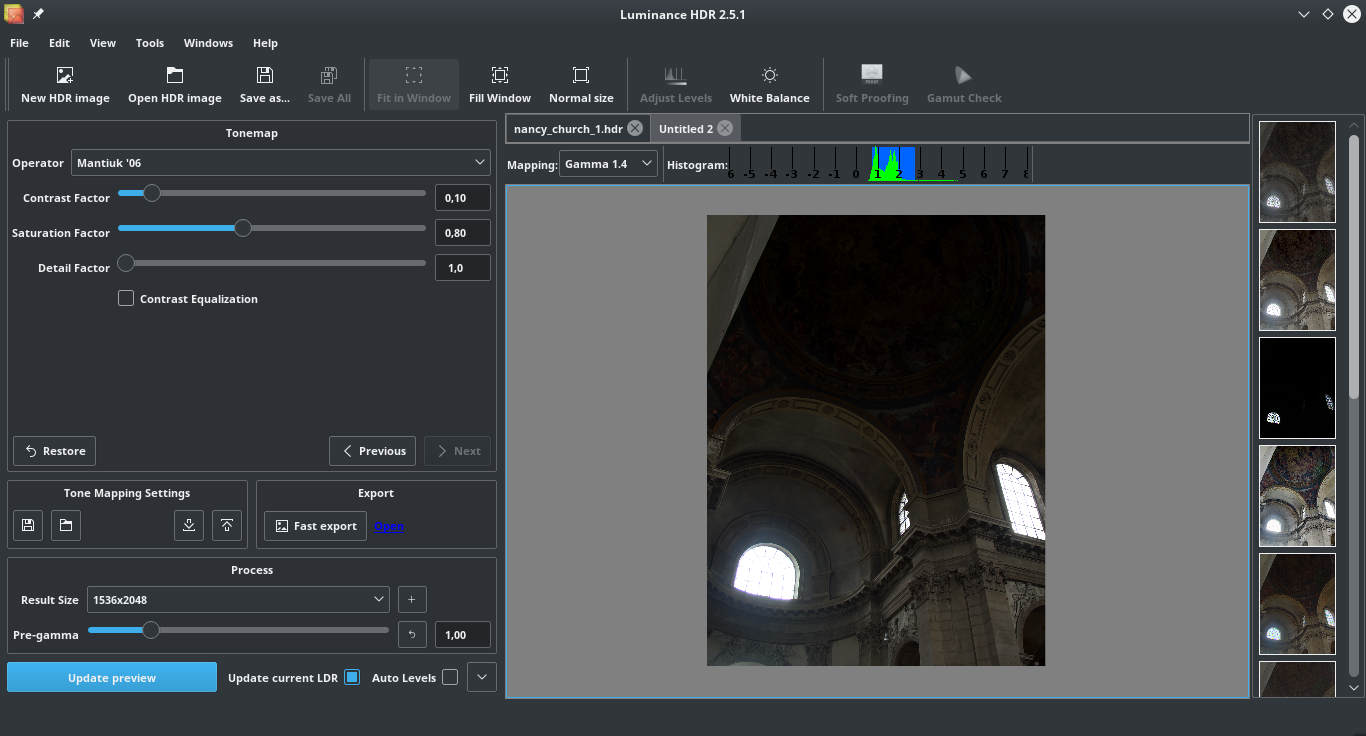
Luminance HDR is a complete suite for HDR imaging workflow. It provides a wide range of functionalities, during both the fusion stage and the tonemapping stage. Its graphical user interface, based on Qt5, runs on a variety of platforms, such as Microsoft Windows, Mac OS X 10.9 and later and several Unix flavors (Linux, FreeBSD and others).
Input images can be supplied in multiple formats, from JPEG to RAW files. In the same way, output can be saved in many different formats as well, from JPEG to TIFF (both 8 bit and 16 bit per channel), enabling all the power of your post processing tools.
Features
- High Dynamic Range Imaging
- Merge multiple pictures together to create an HDRi
- Multiple tonemap operators
- Reads RAW files
- 16bit/channel output to exploit a wide range of post processing techniques
- Batch tonemapping
- Batch HDR merging
- Command line interface
- Color managed workflow
Project Samples


License
GNU General Public License version 2.0 (GPLv2)Other Useful Business Software
One Monitoring Tool for IT, OT and Cloud | Free Trial
Modern infrastructure spans data centers, cloud platforms and factory floors, and every blind spot between them is a risk. PRTG supports SNMP, WMI, SSH and other standard protocols to monitor IT, OT and hybrid environments through one customizable dashboard. Build the views your team needs, from network health to application performance, without switching tools. Try PRTG free for 30 days now.
Rate This Project
Login To Rate This Project
User Reviews
-
Thank you for a good program under a free open source license!
-
Cannot load photo in program, as soon as I hit the green plus key, message that program, stops working. I use Windows 10. Is there a solution
-
nice, this save me a lot of times
-
Very good app, but MSVC ?, well to avoid days of realignment from such specifics i just grabbed the src of QTpfsGui 1.9.3, and ran the pro file with QT creator, with only one issue detected in one ui file as a redundant string, easily detected in the first compile runs. QTpfs gui runs perfectly on the latest "split up" OpenEXR's src packages, all c++ compiled with -Ofast on top of QT compiled with -O3, can really recommend a try as it outperforms the here provided executables by all standards, have performed flawlessly for some 5 months now, even using psd's So I recommend this setup, as the only change needed was to resize the main gui to modern screen standards,think it will compile with mingw 4.6 and up, have only tested down to 4.7.3 Thereby not in any way disrespecting the code writings in this project Well done guys !
-
Horrible software! Unintuitive interface No documentation Output file does not match preview Don't waste your time!
