
 Download
Equalizer APO is a parametric / graphic equalizer for Windows. It is implemented
as an Audio Processing Object (APO) for the system effect infrastructure
introduced with Windows Vista.
Requirements:
- Windows Vista or later (Windows 7 - 11 have been tested)
- CPU architecture x64 (64 bit), x86 (32 bit) or ARM64 (on Windows 10/11)
- applications must not bypass the system effect infrastructure
(APIs like ASIO or WASAPI exclusive mode can't be used)
Equalizer APO can be used in conjunction with Room EQ Wizard (http://www.roomeqwizard.com/), because it can read its filter text file format.
Please have a look at the Wiki (http://sourceforge.net/p/equalizerapo/wiki/) for instructions on installation and configuration
Features
- virtually unlimited number of filters
- works on any number of channels
- very low latency, which makes it suited for interactive applications
- low CPU usage
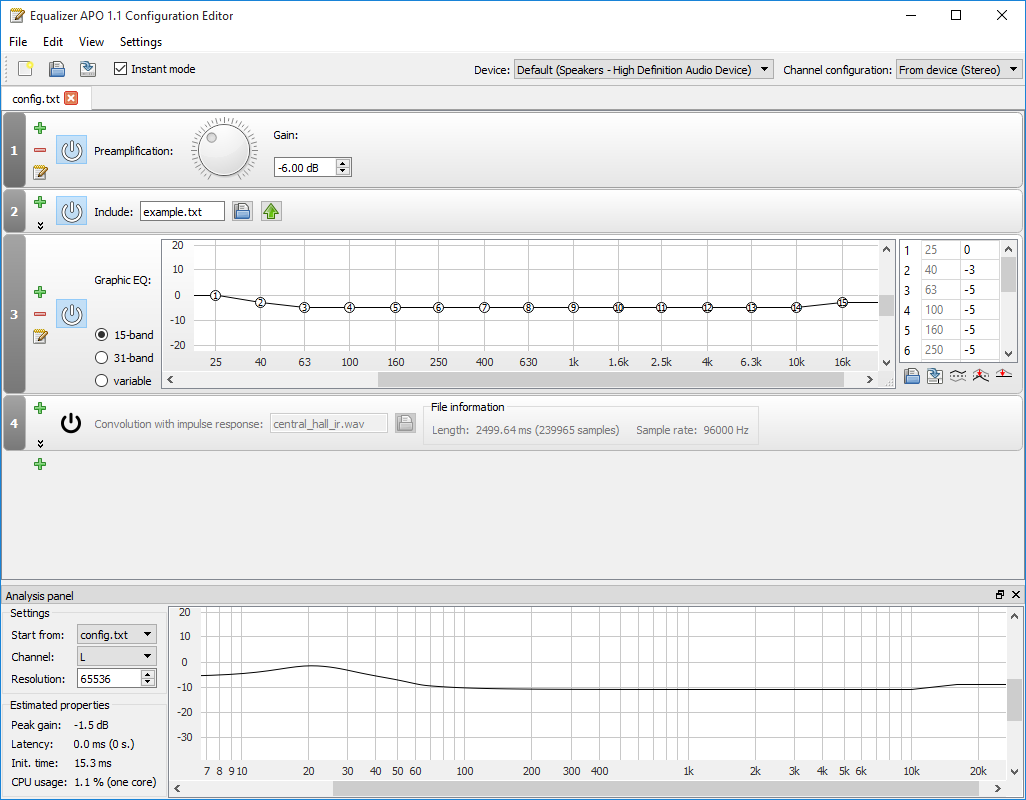
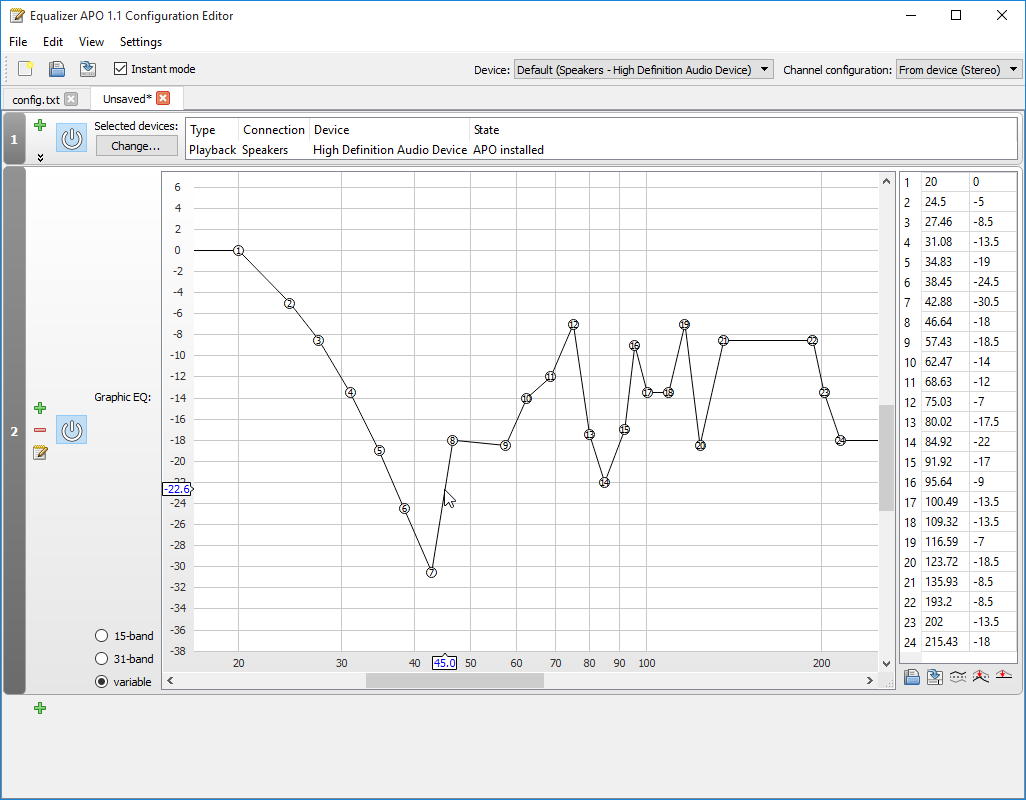
- modular graphical user interface
- VST plugin support
- integrates into Voicemeeter (http://www.voicemeeter.com/)
Project Samples

License
GNU General Public License version 2.0 (GPLv2)Follow Equalizer APO
User Reviews
-
Equalizer APO is a really useful project for anyone who wants more control over Windows audio. I especially like that it works system-wide, making it convenient to customize sound across different applications. The lightweight design and customization options make it a practical choice for users who want more control over their listening experience. I also appreciate projects that provide clear documentation and helpful resources, something I value when working on my own dltaexecutorapk.com project and creating guides for users. Overall, Equalizer APO is a well-designed and genuinely useful tool.
-
Ignore the 1 star idiots.. they are tech illiterate and don't clean their PC out or maintain it properly.. because this tool is absolutely amazing. - USE THE PEACE EXTENSION - F*** Razer Synapse.. without EAPO, I'd have thrown away my headset years ago, EAPO truly makes your headset, and really anything I'd say, shine to their true potential. Giving it 5 stars across the board to help the project, but in truth, it might seem intimidating to some people when first using.. but once you learn how it works, and it shouldn't take long, you'll love its light weight yet powerful ability at handling the APO stack.
-
Awesome! Equalizer APO + Peace Equalizer + AutoEq (website for confiqs) is all you need for music listening at PC! 😄
-
Awsome for FPS Gamers! And the support is also amazing!!!
-
Best noise cancelling free software by FAR.

