Related Products
|
||||||
About
PDF4 is an all‑in‑one mobile PDF toolkit for scanning, editing, converting, and securing documents directly on your device. It combines robust editing features, like modifying text, images, and pages, merging and splitting files, reordering or rotating content, with powerful conversion tools to transform images or Office formats into PDFs and vice versa (e.g., PDF to Word, PowerPoint, or Excel). It supports OCR for searchable text extraction, password protection, annotations, and form filling. Users can compress files, crop pages, add metadata, watermarks, or barcodes, and leverage automation such as job‑flows for batch processing on a desktop. Extended integrations include browser extensions, Zapier/Power Automate connectors, and Microsoft Teams/Outlook add‑ins, enabling seamless PDF workflows across platforms.
|
About
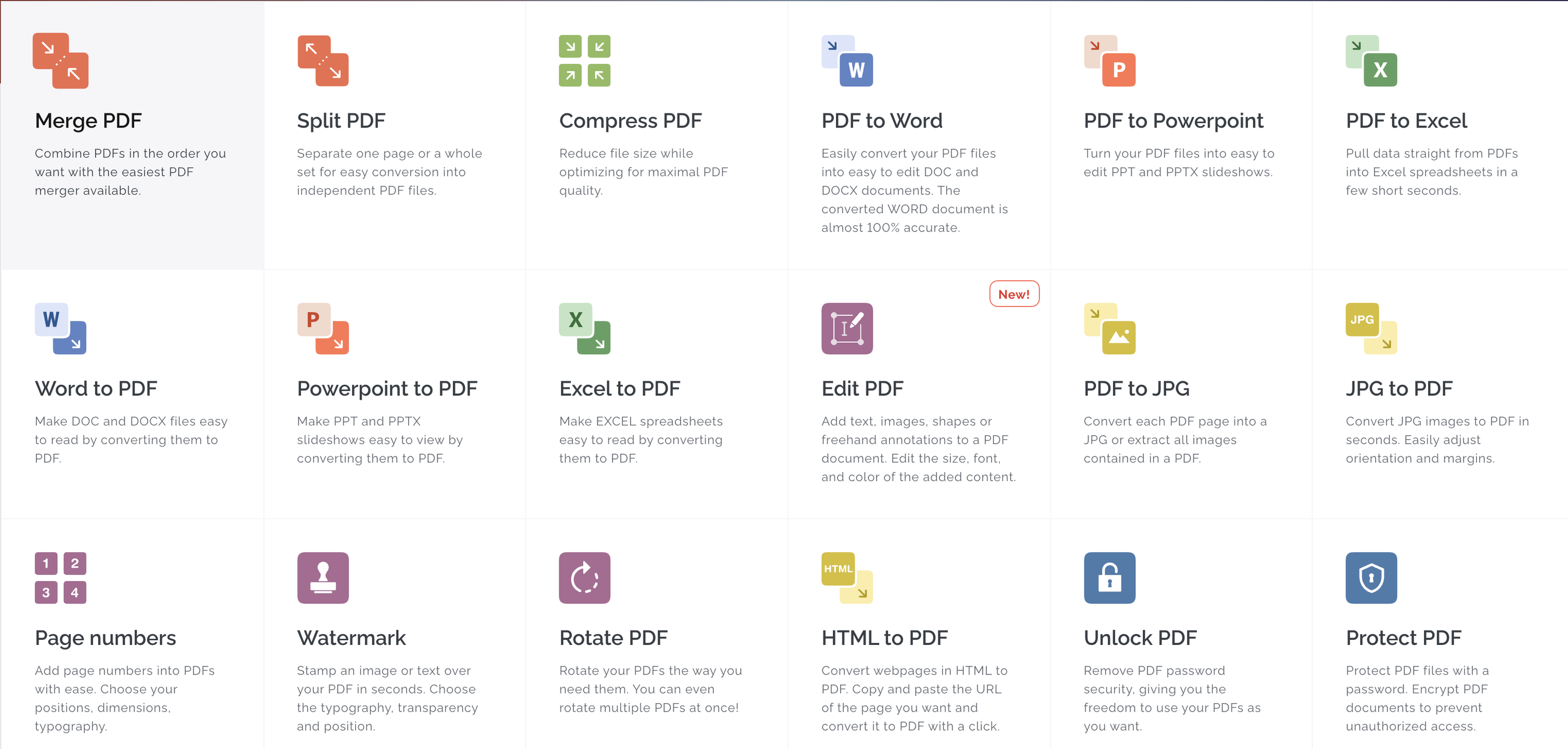
Every tool you need to work with PDFs in one place. Every tool you need to use PDFs, at your fingertips. All are 100% FREE and easy to use! Merge, split, compress, convert, rotate, unlock and watermark PDFs with just a few clicks. Combine PDFs in the order you want with the easiest PDF merger available. Separate one page or a whole set for easy conversion into independent PDF files. Reduce file size while optimizing for maximal PDF quality. Convert your PDF to WORD documents with incredible accuracy. Convert your PDFs to POWERPOINT. Sign and certificate PDF documents. Request for digital signatures or sign your own documents.
|
|||||
Platforms Supported
Windows
Not Supported
Mac
Not Supported
Linux
Not Supported
Cloud
Not Supported
On-Premises
Not Supported
iPhone
Supported
iPad
Not Supported
Android
Supported
Chromebook
Not Supported
|
Platforms Supported
Windows
Supported
Mac
Supported
Linux
Not Supported
Cloud
Supported
On-Premises
Not Supported
iPhone
Supported
iPad
Supported
Android
Supported
Chromebook
Not Supported
|
|||||
Audience
Mobile professionals and administrative workers who need a comprehensive, on‑device PDF solution for scanning, editing, converting, and automating document workflows
|
Audience
Everyone
|
|||||
Support
Phone Support
Not Supported
24/7 Live Support
Not Supported
Online
Supported
|
Support
Phone Support
Supported
24/7 Live Support
Supported
Online
Supported
|
|||||
API
Offers API
Not Supported
|
API
Offers API
Supported
|
|||||
Screenshots and Videos |
Screenshots and Videos |
|||||
Pricing
Free
Free Version
Supported
Free Trial
Not Supported
|
Pricing
$7 per month
Or $60 per year
Free Version
Supported
Free Trial
Supported
|
|||||
Reviews/
|
Reviews/
|
|||||
Pros & Cons from Real UsersPros
Cons
|
||||||
Training
Documentation
Supported
Webinars
Not Supported
Live Online
Supported
In Person
Not Supported
|
Training
Documentation
Supported
Webinars
Not Supported
Live Online
Supported
In Person
Not Supported
|
|||||
Company InformationPDF4
United States
www.pdf4.com
|
Company InformationiLovePDF
Founded: 2010
Spain
www.ilovepdf.com
|
|||||
Alternatives |
Alternatives |
|||||
|
|
||||||
|
|
||||||
|
|
||||||
Categories |
Categories |
|||||
PDF Features
Annotations
Supported
Convert to PDF
Supported
Digital Signature
Supported
Encryption
Supported
Merge / Append
Supported
PDF Reader
Supported
Watermarking
Supported
Digital Signature Features
Audit Trail
Supported
Authentication
Supported
Auto Reminders
Supported
Customizable Templates
Supported
Document Analytics
Not Supported
Mobile Signature
Supported
Multi-Party Signing
Supported
Progress Tracking
Supported
Task Progress Tracking
Supported
PDF Editors Features
Access Controls / Permissions
Not Supported
Annotations
Not Supported
Commenting / Notes
Not Supported
Compare Side-by-Side
Not Supported
Customizable Branding
Not Supported
Delete Pages
Not Supported
Electronic Signature
Not Supported
Forms Management
Not Supported
Full Text Search
Not Supported
Merge / Append
Not Supported
Offline Access
Supported
Optical Character Recognition (OCR)
Not Supported
Rearrange Pages
Not Supported
Rotate Pages
Not Supported
Watermarking
Not Supported
|
||||||
Integrations
Microsoft Excel
Supported
Microsoft PowerPoint
Supported
Microsoft Word
Supported
Anything
Not Supported
Conext
Not Supported
Desktop.com
Not Supported
Dropbox
Not Supported
Google Chrome
Not Supported
Google Drive
Not Supported
Microsoft 365
Supported
|
Integrations
Microsoft Excel
Supported
Microsoft PowerPoint
Supported
Microsoft Word
Supported
Anything
Supported
Conext
Supported
Desktop.com
Supported
Dropbox
Supported
Google Chrome
Supported
Google Drive
Supported
Microsoft 365
Not Supported
|
|||||
|
|
|