UPDFSuperace Software Technology Co., Ltd.
|
||||||
Related Products
|
||||||
About
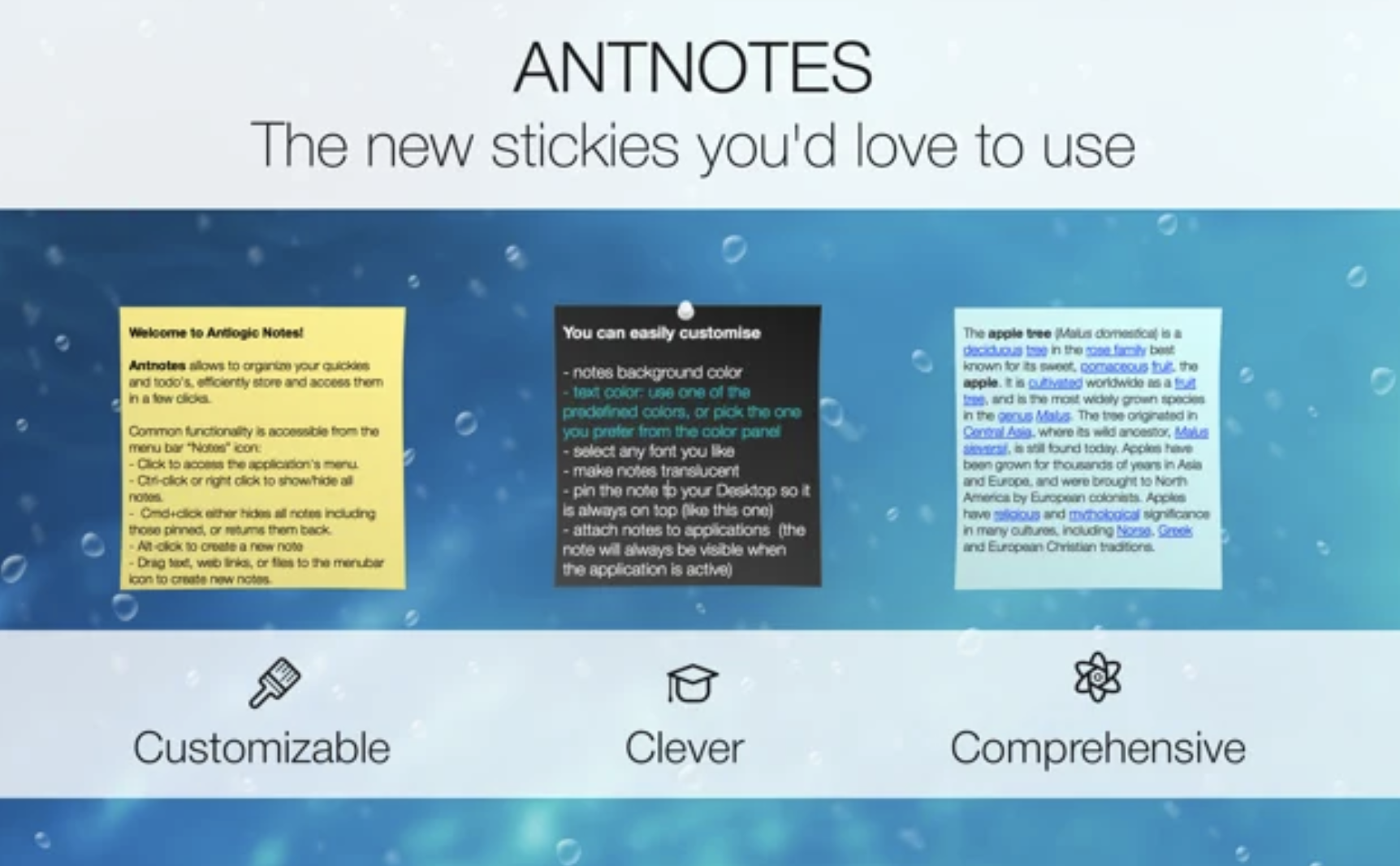
Antnotes app is a handy replacement of standard stickies application with more features and customization options. We did our best to retain the simplicity and ease of use but add more complicated features like notes archive, import and export, ability to attach note to specific application or numerous customization options. You can enjoy Antnotes for free with most of it’s basic features you will ever need, however you can also buy the full-featured version. Buying it will also encourage us for future development and improvement of Antnotes. For each note you can change size, placement on screen, background color, text font and color, make it translucent (transparent) or pinned (so it floats atop of all other windows). Note can be rolled-up to the thin stripe so you can see the title which doesn’t take much space on your screen. All standard rich text editing features apply: you can make text bold, italic and underline, insert images and links, drag text and files to the note.
|
About
UPDF supports editing, annotating, and managing PDF seamlessly on for Windows, Mac, iOS and Android. You can get every tool you need to edit, annotate, and organize your PDF files in one premiere all-rounder smart application. It is explicitly designed to meet the desire of most users for a stunning yet very comprehensible interface that is not just only for beginners.
Key Features:
1. Edit PDF Document
- You can add or delete texts as well as edit the text's properties and formats such as its font style, font color, and size.
- You can also crop, rotate, replace, extract or delete images.
2. Annotate PDF
- Easily highlight, underline, and strike out those parts. You can also add shapes, sticky notes and text boxes for a quicker and easier means of adding texts.
3. PDF Page Management
- Rotate, delete, extract and rearrange PDF pages as you need.
4. View and Navigate PDF Files
- Flexible reading mode such as single page mode or double-page mode.
|
|||||
Platforms Supported
Windows
Not Supported
Mac
Supported
Linux
Not Supported
Cloud
Not Supported
On-Premises
Not Supported
iPhone
Not Supported
iPad
Not Supported
Android
Not Supported
Chromebook
Not Supported
|
Platforms Supported
Windows
Supported
Mac
Supported
Linux
Not Supported
Cloud
Supported
On-Premises
Not Supported
iPhone
Supported
iPad
Supported
Android
Supported
Chromebook
Not Supported
|
|||||
Audience
Anyone looking for a sticky note application
|
Audience
Anyone wants to edit text or image in a PDF or annotate PDF.
|
|||||
Support
Phone Support
Not Supported
24/7 Live Support
Not Supported
Online
Supported
|
Support
Phone Support
Supported
24/7 Live Support
Not Supported
Online
Supported
|
|||||
API
Offers API
Not Supported
|
API
Offers API
Not Supported
|
|||||
Screenshots and Videos |
Screenshots and Videos |
|||||
Pricing
No information available.
Free Version
Not Supported
Free Trial
Not Supported
|
Pricing
Free
Free Version
Supported
Free Trial
Not Supported
|
|||||
Reviews/
|
Reviews/
|
|||||
Pros & Cons from Real UsersPros
Cons
|
||||||
Training
Documentation
Not Supported
Webinars
Not Supported
Live Online
Not Supported
In Person
Not Supported
|
Training
Documentation
Supported
Webinars
Not Supported
Live Online
Supported
In Person
Not Supported
|
|||||
Company InformationAntnotes
www.antnotes.com
|
Company InformationSuperace Software Technology Co., Ltd.
Founded: 2021
Hong Kong
updf.com
|
|||||
Alternatives |
Alternatives |
|||||
|
|
|
|||||
|
|
||||||
|
|
||||||
Categories |
Categories |
|||||
PDF Editors Features
Access Controls / Permissions
Not Supported
Annotations
Not Supported
Commenting / Notes
Not Supported
Compare Side-by-Side
Not Supported
Customizable Branding
Not Supported
Delete Pages
Not Supported
Electronic Signature
Not Supported
Forms Management
Not Supported
Full Text Search
Not Supported
Merge / Append
Not Supported
Offline Access
Supported
Optical Character Recognition (OCR)
Not Supported
Rearrange Pages
Not Supported
Rotate Pages
Not Supported
Watermarking
Not Supported
|
||||||
Integrations
No info available.
|
Integrations
No info available.
|
|||||
|
|
|