BingMicrosoft
|
||||||
Related Products
|
||||||
About
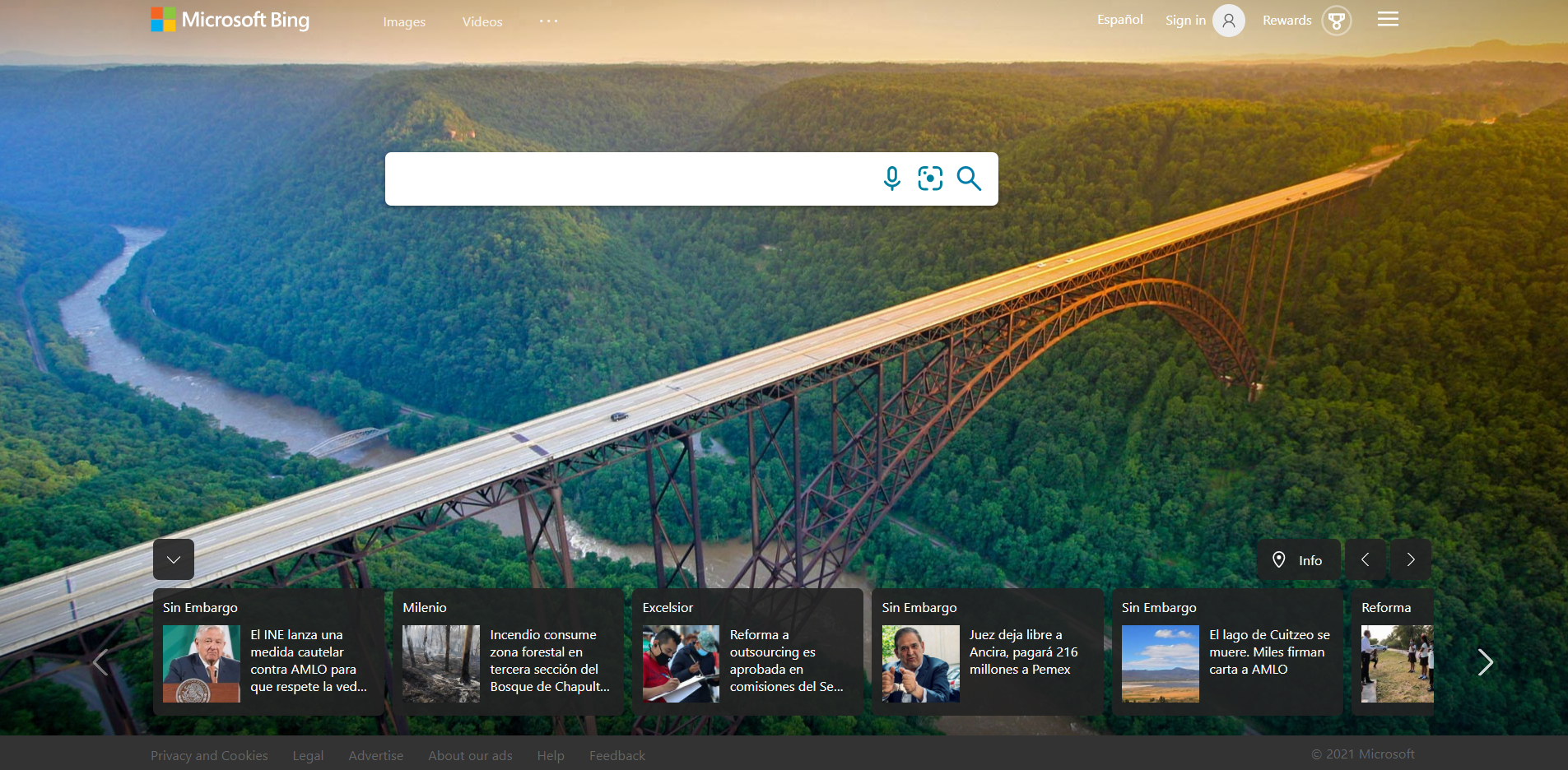
Start the first search. Enter the content you want to query in the search box, and then hit the Enter key (or click the search button on the right side of the search box) to get the content you want. For example: if you want to find a good movie, directly enter " good movie " in the search box , hit the enter key (or click the search button), you can get the corresponding result immediately! If you want a more precise search, just enter multiple keywords in the search box, separated by spaces. For example, if you want to search for " Where to play on eleventh ", the effect is better than searching for " Where to play on eleventh " directly. If you want to know whether there is the content you want in a certain site, you can limit the scope of your search to this site. For example, if you want to search for information about "360 Antivirus" in the 360 forum, you can enter " 360 Antivirus site: bbs.360safe.com " in the search box.
|
About
Bing helps you turn information into action, making it faster and easier to go from searching to doing. Bing helps you turn information into action, making it faster and easier to go from searching to doing. As Bing continues to evolve, we’re focused on expanding the ways in which you can use Bing. For example, did you know that Bing powers InPrivate search with Microsoft Edge, quick searches in the Windows taskbar, work search scenarios with Microsoft 365, immersive gaming in Microsoft Flight Simulator, and much more? That’s why starting today, you will see a shift in product to Microsoft Bing, which reflects the continued integration of our search experiences across the Microsoft family. Beyond our commitment to expanding search scenarios, we also believe that you can and should get more value out of the searches you perform every day. That’s why we’re also excited to announce the expansion of Give with Bing, which helps you make a difference just by searching.
|
|||||
Platforms Supported
Windows
Not Supported
Mac
Not Supported
Linux
Not Supported
Cloud
Supported
On-Premises
Not Supported
iPhone
Not Supported
iPad
Not Supported
Android
Not Supported
Chromebook
Not Supported
|
Platforms Supported
Windows
Not Supported
Mac
Not Supported
Linux
Not Supported
Cloud
Supported
On-Premises
Not Supported
iPhone
Supported
iPad
Supported
Android
Supported
Chromebook
Not Supported
|
|||||
Audience
Users, companies and anyone interested in a search engine solution which provides a wide variety of search features and options
|
Audience
Anyone looking for an AI-powered search engine solution to easily turn information into action
|
|||||
Support
Phone Support
Not Supported
24/7 Live Support
Not Supported
Online
Supported
|
Support
Phone Support
Not Supported
24/7 Live Support
Not Supported
Online
Supported
|
|||||
API
Offers API
Not Supported
|
API
Offers API
Supported
|
|||||
Screenshots and Videos |
Screenshots and Videos |
|||||
Pricing
Free
Free Version
Supported
Free Trial
Not Supported
|
Pricing
Free
Free Version
Supported
Free Trial
Not Supported
|
|||||
Reviews/
|
Reviews/
|
|||||
Pros & Cons from Real UsersPros
Cons
|
||||||
Training
Documentation
Supported
Webinars
Not Supported
Live Online
Not Supported
In Person
Not Supported
|
Training
Documentation
Supported
Webinars
Not Supported
Live Online
Supported
In Person
Not Supported
|
|||||
Company Information360 Search
China
www.so.com
|
Company InformationMicrosoft
Founded: 1975
United States
www.bing.com
|
|||||
Alternatives |
Alternatives |
|||||
|
|
||||||
|
|
||||||
|
|
||||||
Categories |
Categories |
|||||
Integrations
WhatConverts
Supported
Auslogics Video Grabber
Not Supported
Bing Maps
Not Supported
Cromojo
Not Supported
Dataslayer
Not Supported
Latitude
Not Supported
Leadzpipe
Not Supported
MIND
Not Supported
Milestone Analytics
Not Supported
Olostep
Not Supported
|
Integrations
WhatConverts
Supported
Auslogics Video Grabber
Supported
Bing Maps
Supported
Cromojo
Supported
Dataslayer
Supported
Latitude
Supported
Leadzpipe
Supported
MIND
Supported
Milestone Analytics
Supported
Olostep
Supported
|
|||||
|
|
|