
 Download
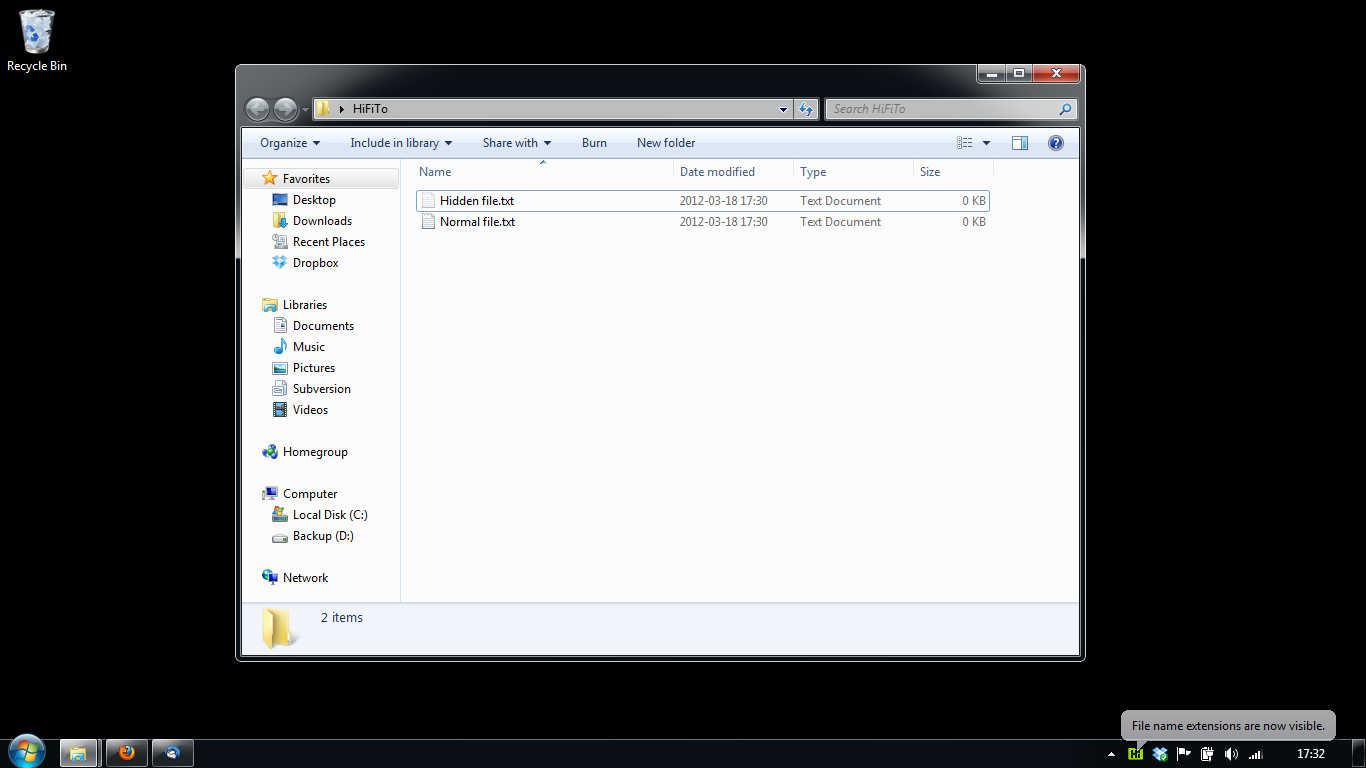
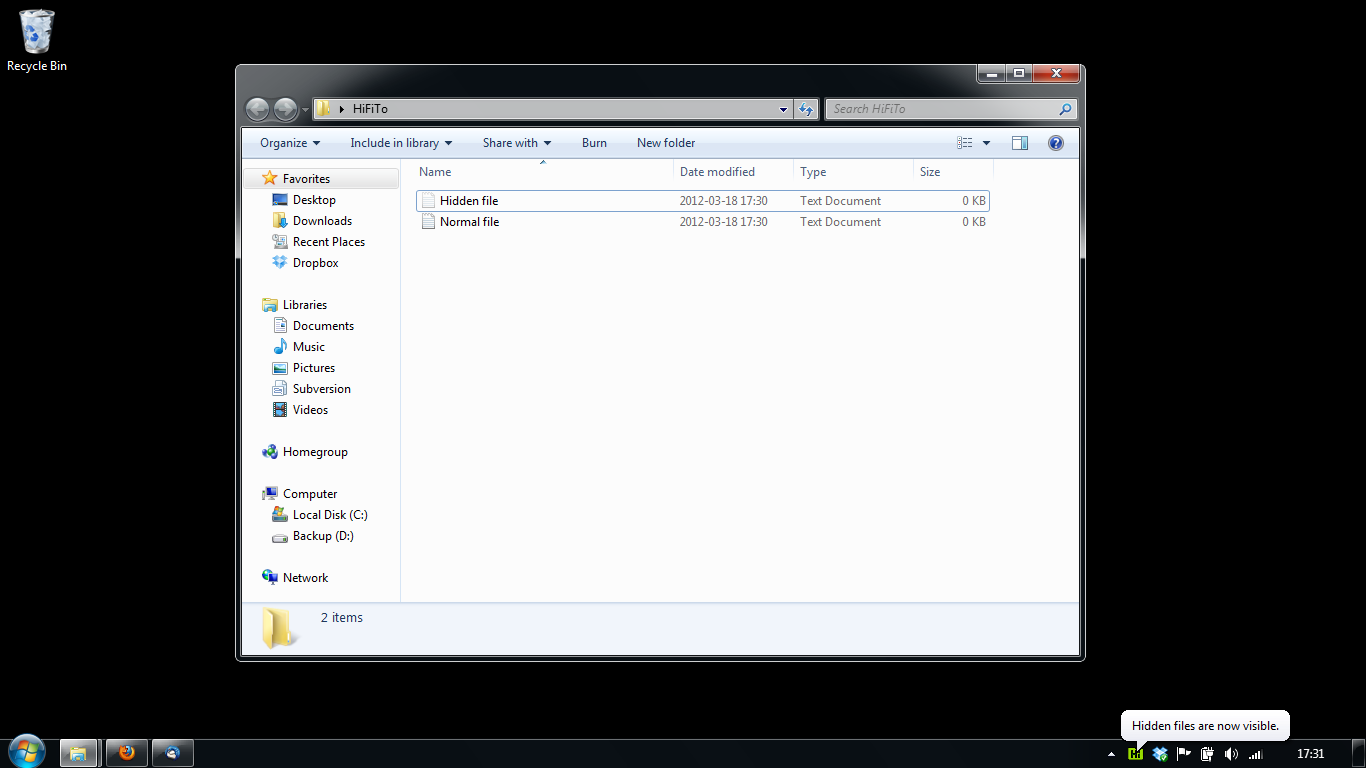
Hifito is a small utility for Windows, which allows to quickly toggle the "Show hidden files" and "Hide extensions for known file types" Explorer settings. The utility is written in C using only the win32 API, so it's really fast and lightweight.
Features
- Toggles hidden files visibility
- Toggles file name extensions visibility
- Allows assigning global hotkeys for toggling
- Allows toggling the settings using the tray menu
- Optionally informs about current state using a popup balloon notification
- Tiny (about 50KB), written using pure Windows API
Project Samples


License
GNU General Public License version 3.0 (GPLv3)Follow Hifito
Other Useful Business Software
Demo Series - Small Business Backup By Veeam
Watch this on-demand demo series and learn how to protect your Microsoft 365 data with clear, simple, actionable steps that are easy to implement for businesses of all sizes.
Rate This Project
Login To Rate This Project
User Reviews
-
Very helpful to turn extensions on and off or to hide folders and documents easily.
-
Really useful tool, I just think it should be coupled in the Windows Explorer instead of being a standalone application.
-
Thanks, now it works fine :) I tried to write something like this (under .NET or WSH) after using Linux, but failed with Explorer updating like in your previous version. How about hotkey option for show/hide it on tray and running parameters for direct switching?
