
 Download

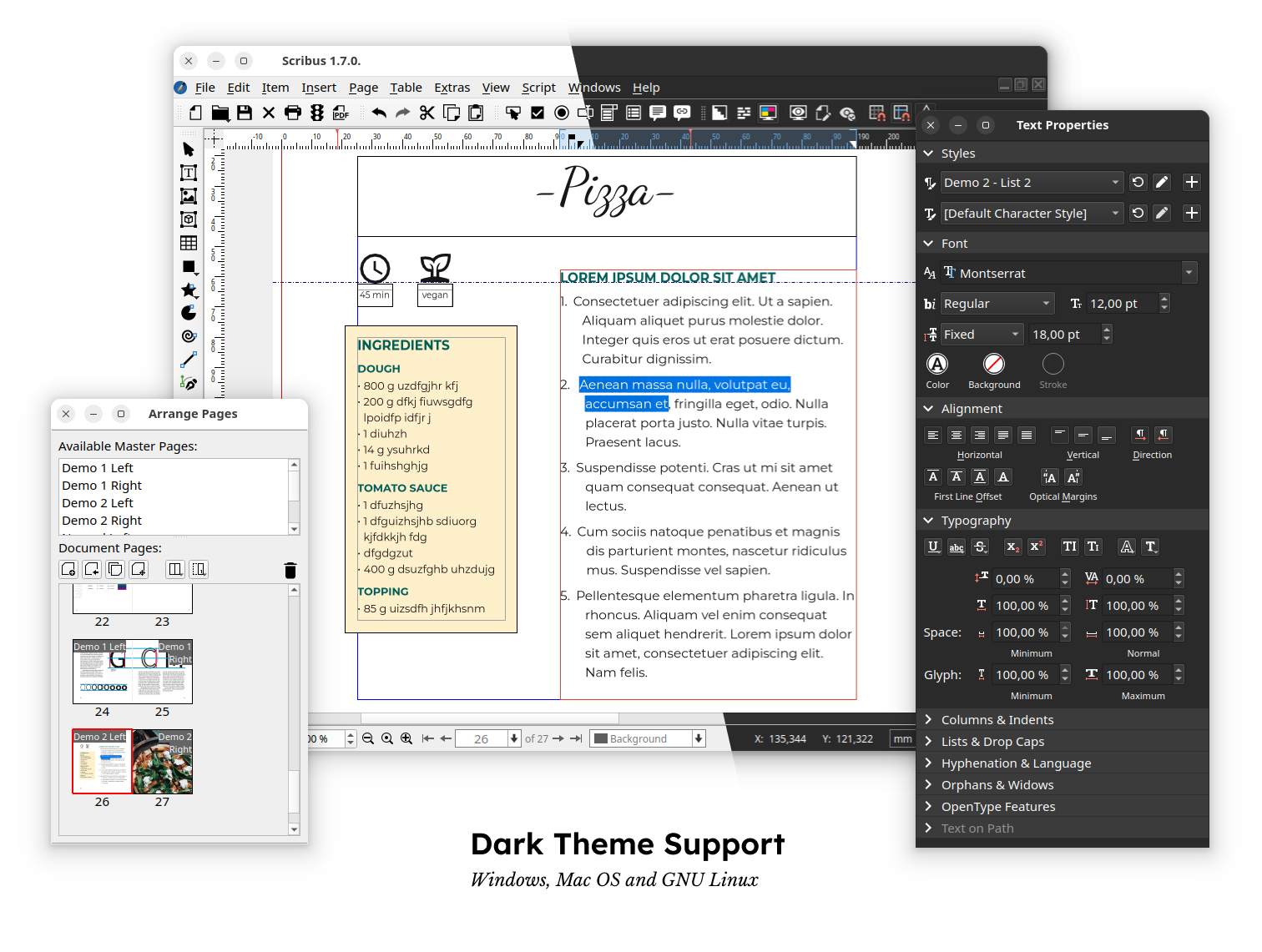
Scribus is an Open Source program that brings professional page layout to Linux, BSD UNIX, Solaris, OpenIndiana, GNU/Hurd, Mac OS X, OS/2 Warp 4, eComStation, and Windows desktops with a combination of press-ready output and new approaches to page design.
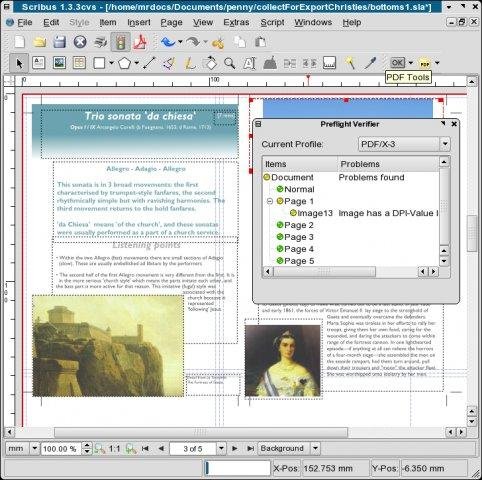
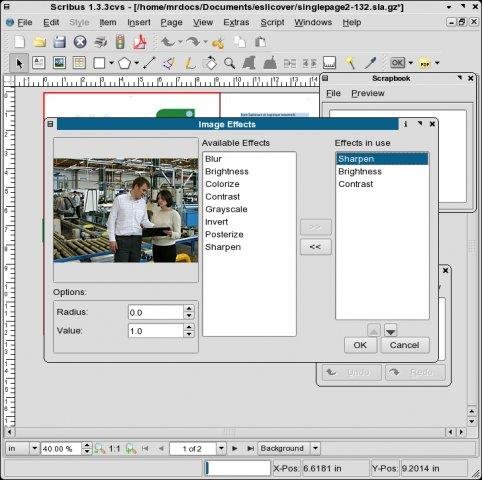
Underneath a modern and user-friendly interface, Scribus supports professional publishing features, such as color separations, CMYK and spot colors, ICC color management, and versatile PDF creation.
Project Samples


License
GNU General Public License version 2.0 (GPLv2), GNU General Public License version 3.0 (GPLv3)Other Useful Business Software
Veeam Data Platform v13.1 - Get Your Free Trial
Try Veeam Data Platform today. Experience the unified platform that's secure by design, portable by default, and proven to recover clean, fast, and anywhere.
Rate This Project
Login To Rate This Project
User Reviews
-
5 out of 5 starsI was amazed with this software when I downloaded it a few years ago. I've never used this type of software before but it was really easy to pick up and figure out and I was able to put together a project I was really proud of. I'm working on another project now and I'm really excited to try out the new release and I was happy to see a lot of other people are as well.
-
5 out of 5 starsBeen using this for years, it has steadily improved, and It is a great package. I am retired now, but I use it to produce a free bi-monthly 42 page local news magazine for SE Cornwall. The latest version has really stepped up the quality.
-
4 out of 5 starsI love using SCRIBUS for the monthly orchid club newsletter, usually 8-10 A4 pages, layout, stories and pictures are great. Only 1 problem, when I paste text from another forms, usually plant judging results in word or excel, usually about 3-4 A4 pages. All orchid plant names are written in a mixture of italics and normal print. Genera and species names are in Italics and Hybrid and Clonal names are in normal print. when I copy and paste these results I lose all of the italics. I have to spend hours correcting the plant names into the right format. Is there an easier way to copy and paste keeping the original format?
-
5 out of 5 starsI've been using Scribus for almost 20 years, I think. First as a geek hobby; now as the principal tool for layout for a small press - Feral Angels Press Yes, massive learning curve! Yes, clunky interface! But... It has allowed me to create beautiful books of poetry and magazines without being tied to Adobe subscriptions. I would now be lost without it and I'm very grateful. [edit: using it on Debian Testing now, but used it on Ubuntu and Mint for years.]
-
4 out of 5 starsI’ve been using Scribus for desktop publishing projects, and it’s a surprisingly capable tool given that it’s open-source and free. When I need to put together newsletters, flyers, or multi-page PDFs for print, Scribus gives me nearly everything I need without the subscription cost of other software. I especially appreciate that it handles CMYK color profiles and PDF export settings cleanly, which is crucial for professional printing. That said, it’s not the most polished or modern interface. Things like setting up guides, aligning elements, or accessing advanced text formatting took some trial-and-error before I got comfortable. There’s a learning curve, especially if you’ve used sleek commercial tools before. Overall, Scribus feels like a powerful, cost-effective desktop publishing solution for those willing to spend a little time learning it. It’s not perfect, but for a 100% free tool with solid print output, I’m giving it 4 out of 5 stars.
