URL2PNG
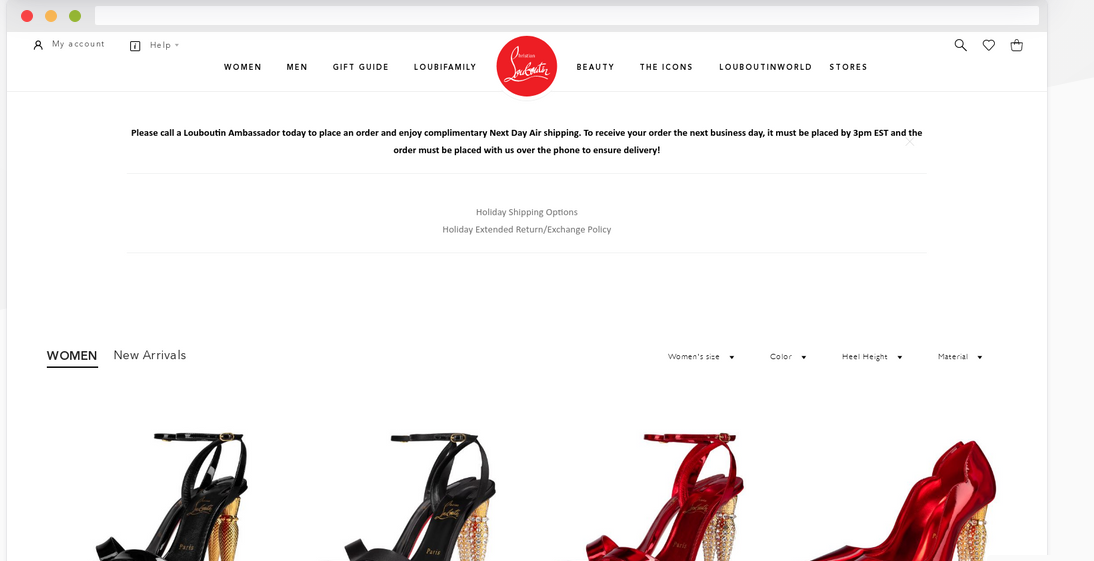
URL2PNG is a screenshots as a service platform that provides a reliable, API-first way to capture snapshots of any publicly accessible website and embed those images directly into applications, dashboards, or workflows by making simple HTTP requests to its RESTful service; developers can generate high-fidelity website screenshots in PNG (and optionally JPEG) format with control over full-page capture or thumbnail sizes, viewport dimensions, user agent strings, and optional delay settings so they can tailor captures to specific use cases such as marketing previews, quality assurance, monitoring, documentation, or design validation. The API lets users override default rendering behavior with custom CSS injection, control viewport and device simulation, and automate thumbnail or full-page renders without maintaining their own screenshot infrastructure, and it supports common developer workflows with example code for languages.
Learn more
Screenshot Easy
Screenshot Easy lets you take screenshots on your tablet, phone or other Android device the easy way! The screen recorder allows you to capture a video which you can easily share with your friends. Capture full screen scroll pages, with the scrolling screenshot functionality. Website screenshot captures a full size web page in high quality. Use the easiest screenshot app to not only take snapshots but also view, edit or share them directly. Featuring screen recording using the screen record functionality! Use the subfolders option to categorize your screen captures to, for example, prevent Instagram screenshots mixing with Facebook captures. This way you can create separate folders for your favorite app, site or game video and don't need to use a file manager. You can take screenshots, screen record, website screenshot and scrolling screenshot. Website screenshot is full size! Crop (rotate, aspect ratio, shape).
Learn more
Siteshot Pro
Siteshot Pro is a powerful SaaS API platform designed for developers to capture high-quality, automated website screenshots with ease at a cost of one API call. Perfect for a range of professional applications, simplifies the process of rendering web pages, ensuring beautiful and precise outputs every time.
Key Features:
- Full-Page Screenshots: capture the entirety of web pages in one seamless image
- Ads and Cookie Banner Blocking: clean screenshots by automatically removing ads and cookie banners
- Dark Mode: render the dark version of a website just with one request param
- Device Emulation: simulate different devices to see how websites look on various screens
- Multiple Output Formats: save screenshots in PNG, JPEG, or WEBP formats
- REST API Integration: easy integration into your projects with your favourite programming language for automated screenshots
- S3 Cloud Storage Integration: export your screenshots to any S3-compatible storage with ease
Learn more
ScreenshotAPI
ScreenshotAPI is an advanced and dynamic solution that allows users to take screenshots of a website programmatically without breaking a sweat, users can select from several available formats, JPEG, PNG, WebP, or PDF, this gives them the advantage of suiting their images to their needs, the API is simple and extremely configurable with features such as a full‑page image of the screen or a certain file type, adding custom CSS, or even a geolocation, the API additionally offers capabilities for taking screenshots in multiple scrolling dimensions and on how to extract HTML or text from webpages. With the playground, users can instantly capture full‑page or custom screenshots of any website, enjoy powerful tools such as scrolling screenshots, full‑page captures, custom CSS and JS injection, bulk screenshot processing, and much more.
Learn more