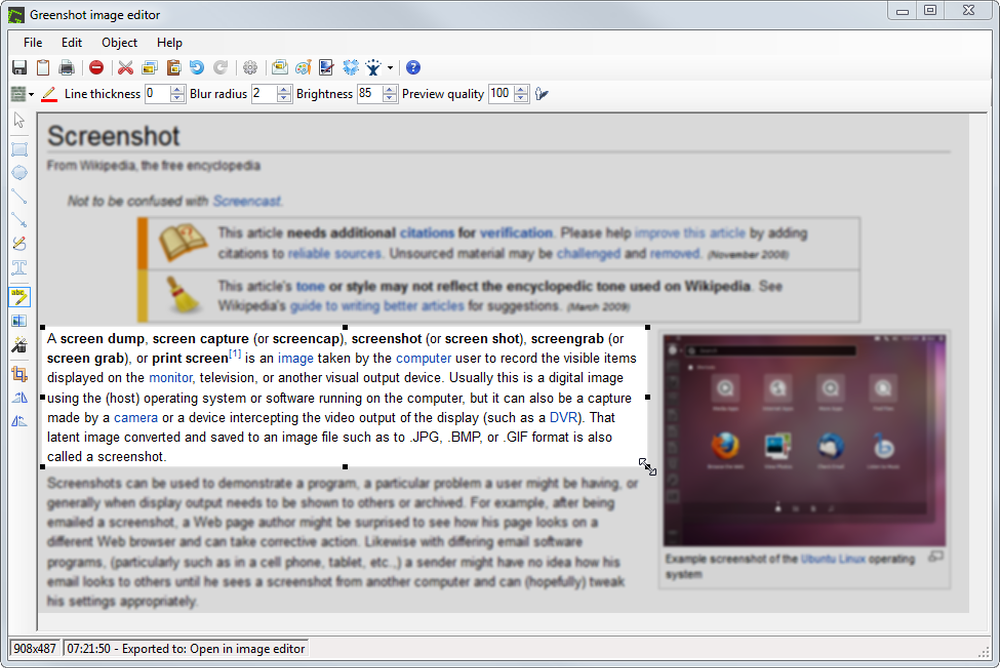
With Screencapt, you can record the entire screen, a selected area, or a specific window. This flexibility makes Screencapt the perfect screen recorder for any type of application. Thanks to the integrated audio recording, you can additionally integrate your commentary or system sounds directly into the screen recording, which is especially helpful when creating explanatory videos or presentations.
A special highlight of Screencapt is the ability to include a webcam window in the recording. This way, you can show your reactions and comments live in the video, making your screen recordings even more personal and professional.
Screencapt also offers advanced options for recording the cursor. You can hide the cursor if needed or add special cursor effects to highlight certain actions. This is particularly useful for software demonstrations and tutorials where a clear view of the cursor is essential.
Learn more
Hubstaff is a time tracking software that helps teams log hours, monitor productivity, and automate payments — whether remote, hybrid, in-office, or field-based.
Available on desktop, web, and mobile, Hubstaff enables employees to track time against specific tasks and projects from anywhere. Managers get built-in visibility through app and URL usage data, activity rates, and optional screenshots — all configurable by user role.
Designed for global, growing and distributed teams, Hubstaff includes built-in productivity monitoring and workforce analytics to help businesses analyze how time is spent, identify inefficiencies, and improve performance — without micromanagement.
Learn more
Pixtel
Pixtel is an all-in-one screen capture and management software for Windows, combining capture, annotation, and sharing in a single tabbed interface. Built for developers, QA engineers, product managers, and technical writers, Pixtel eliminates the need to juggle multiple tools.
Capture: Choose from 12 capture modes — region, fullscreen, active window, scrolling, timed, continuous, camera snapshot, screen/camera recording, clipboard, repeat, OCR text extraction, and web clip.
Annotate: A unique Virtual Canvas lets you place text, shapes, callouts, arrows, sticky notes, and 20,000+ vector icons anywhere on or beyond the image — fully editable, non-destructively.
Manage: Organize screenshots with categories, tags, and auto-detected metadata. Multi-tab interface, grid view, visual bookmarking, bulk import/export, and a usage dashboard keep collections under control.
Direct integrations with Google Drive, OneDrive, Dropbox, Box, Jira, MS Word, PowerPoint, OneNote, and email.
Learn more