Logic ProApple
|
MixPadNCH Software
|
|||||
Related Products
|
||||||
About
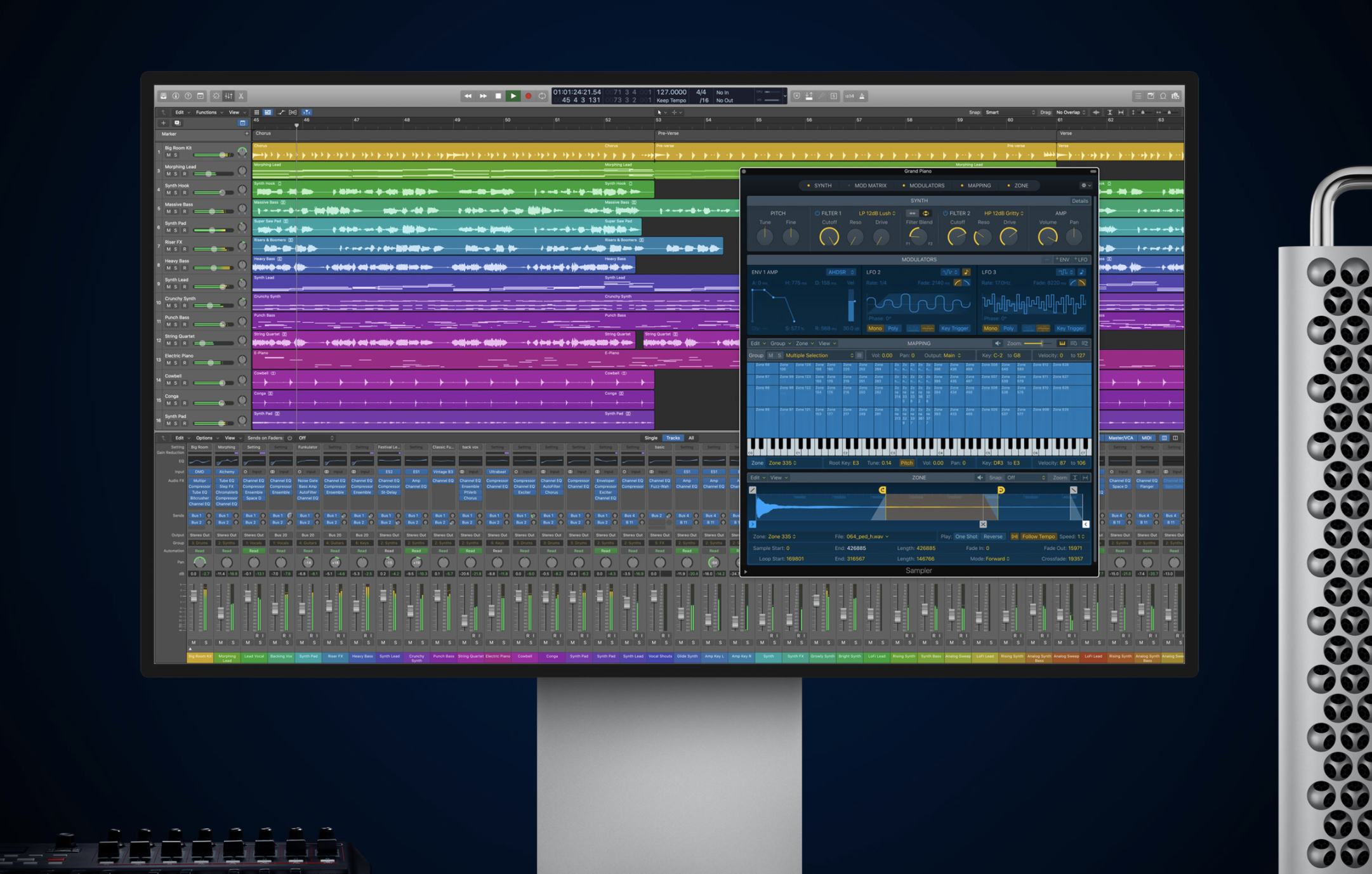
Logic Pro turns your Mac into a professional recording studio able to handle even the most demanding projects. Capture your compositions and performances — from tracking a live band to a solo software-instrument session — and flow them into your songs. Create and improvise in a whole new way with Live Loops. Control music-making sessions from your iPad or iPhone with Logic Remote. Transform sounds into instruments with Sampler and Quick Sampler. Quickly build drum beats and melodic patterns with Step Sequencer. Live Loops is a dynamic way to create and arrange music in real time. Kick off your composition by adding loops, samples, or your recorded performances into a grid of cells. Trigger different cells to play with your ideas without worrying about a timeline or arrangement. Once you find combinations that work well together you can create song sections, then move everything into the Tracks area to continue production and finish your song.
|
About
With MixPad multi-track recording and mixing software, you can access all the power of professional recording and mixing equipment through a single platform that streamlines the process and makes mixing a breeze. Get the MixPad free multitrack recording software for non-commercial use only. If you are using it at home, you can download the free version. Mix an unlimited number of audio, music, sounds, and voice tracks. Record single or multiple tracks simultaneously. Load any audio file; more supported formats than any other mixer. Add audio effects including EQ, compression, reverb and more. Includes a royalty-free sound effect and music library with hundreds of clips to use in your productions. Craft your own beats or start with a sample pattern using beat designer. VST plugin support for added studio effects and instruments. Very low latency, ASIO support for sample accurate recording. Supports sample rates from 6 kHz to 96 kHz.
|
|||||
Platforms Supported
Windows
Not Supported
Mac
Supported
Linux
Not Supported
Cloud
Not Supported
On-Premises
Not Supported
iPhone
Not Supported
iPad
Supported
Android
Not Supported
Chromebook
Not Supported
|
Platforms Supported
Windows
Supported
Mac
Supported
Linux
Not Supported
Cloud
Not Supported
On-Premises
Not Supported
iPhone
Supported
iPad
Supported
Android
Supported
Chromebook
Not Supported
|
|||||
Audience
Musicians and Audio Engineers
|
Audience
Content creators, musicians and anyone looking for multi-track mixing and recording solution to create and mix audio productions
|
|||||
Support
Phone Support
Supported
24/7 Live Support
Not Supported
Online
Not Supported
|
Support
Phone Support
Supported
24/7 Live Support
Not Supported
Online
Supported
|
|||||
API
Offers API
Not Supported
|
API
Offers API
Not Supported
|
|||||
Screenshots and Videos |
Screenshots and Videos |
|||||
Pricing
No information available.
Free Version
Not Supported
Free Trial
Supported
|
Pricing
$80
Free Version
Supported
Free Trial
Not Supported
|
|||||
Reviews/
|
Reviews/
|
|||||
Pros & Cons from Real UsersPros
Cons
|
Pros & Cons from Real UsersPros
Cons
|
|||||
Training
Documentation
Supported
Webinars
Not Supported
Live Online
Not Supported
In Person
Not Supported
|
Training
Documentation
Supported
Webinars
Not Supported
Live Online
Not Supported
In Person
Supported
|
|||||
Company InformationApple
Founded: 1976
United States
www.apple.com/logic-pro/
|
Company InformationNCH Software
Founded: 1993
Australia
www.nch.com.au/mixpad/index.html
|
|||||
Alternatives |
Alternatives |
|||||
|
|
|
|||||
|
|
|
|||||
|
|
||||||
|
|
|
|||||
Categories |
Categories |
|||||
Audio Editing Features
Audio Effects
Supported
Batch Processing
Supported
Export Audio (Multiple File Types)
Supported
Record Live Audio
Supported
Record Multiple Simultaneous Tracks
Supported
Scrub, Search, Bookmark
Supported
Sound Editing Tools
Supported
Spectral Analysis / FFT
Supported
Speech Synthesis (TTS)
Supported
Swappable Patches
Supported
Virtual Instruments
Supported
Virtual Mixing
Supported
Voice Changer
Supported
|
||||||
Integrations
AudioJungle
Supported
AudioRoute
Supported
Beatformer
Supported
Dropbox
Not Supported
ERA Bundle
Supported
Minsar Studio
Supported
MixStage
Supported
Neutone Morpho
Supported
Qithesizer
Supported
Regroover
Supported
|
Integrations
AudioJungle
Not Supported
AudioRoute
Not Supported
Beatformer
Not Supported
Dropbox
Supported
ERA Bundle
Not Supported
Minsar Studio
Not Supported
MixStage
Not Supported
Neutone Morpho
Not Supported
Qithesizer
Not Supported
Regroover
Not Supported
|
|||||
|
|
|