Related Products
|
||||||
About
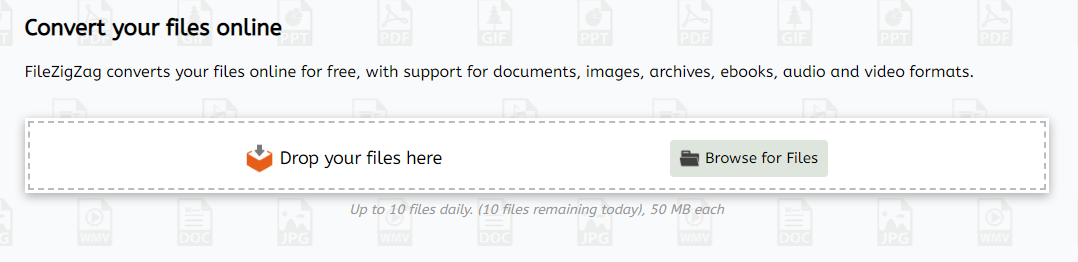
FileZigZag is a free online converter that supports a wide range of formats including audio, video, image, document, ebook, and archive. It uses a sophisticated conversion engine to deliver the best quality conversion. Also, you don't need to install any software in your computer. FileZigZag converts your files online for free, with support for documents, images, archives, ebooks, audio and video formats. FileZigZag supports conversion between a wide variety of different file formats. We work hard to add new conversion formats. Contact us if you would like to add a new format and we will do our best to add it. Click on a source format link to open a converter for that format, or click on a target format link to open a source-to-target converter. Our servers has industry-leading CPUs, so your can save your CPU power and let us do the work for you. We use sophisticated conversion algorithms specially designed to provide the best quality possible.
|
About
ZeeConvert is an all-in-one online toolkit designed to help users manage and optimize their digital files with ease. Whether you’re a professional, student, or casual user, ZeeConvert offers a fast, free, and user-friendly way to convert, compress, crop, and resize your images and documents — all without needing to install any software.
With ZeeConvert, you can quickly reduce the size of large PNG or JPG images to save storage or improve web performance, convert images into different formats like PNG, JPG, or WebP, and even crop or resize pictures to fit your exact needs. The tools are fully browser-based and work on all devices, making it accessible anytime, anywhere.
The platform is designed with simplicity in mind — just upload your file, choose your desired settings, and download the optimized result within seconds. We prioritize data privacy, so your files are never stored or shared.
|
|||||
Platforms Supported
Windows
Not Supported
Mac
Not Supported
Linux
Not Supported
Cloud
Supported
On-Premises
Not Supported
iPhone
Not Supported
iPad
Not Supported
Android
Not Supported
Chromebook
Not Supported
|
Platforms Supported
Windows
Supported
Mac
Supported
Linux
Supported
Cloud
Supported
On-Premises
Supported
iPhone
Not Supported
iPad
Not Supported
Android
Not Supported
Chromebook
Supported
|
|||||
Audience
Anyone seeking a free online converter supporting a wide range of formats including audio, video, image, document, etc.
|
Audience
Students, professionals, organizations, digital marketers, photographers, and small businesses
|
|||||
Support
Phone Support
Not Supported
24/7 Live Support
Not Supported
Online
Supported
|
Support
Phone Support
Not Supported
24/7 Live Support
Not Supported
Online
Supported
|
|||||
API
Offers API
Not Supported
|
API
Offers API
Not Supported
|
|||||
Screenshots and Videos |
Screenshots and VideosNo images available
|
|||||
Pricing
Free
Free Version
Supported
Free Trial
Not Supported
|
Pricing
$0
Free Version
Supported
Free Trial
Not Supported
|
|||||
Reviews/
|
Reviews/
|
|||||
Training
Documentation
Supported
Webinars
Not Supported
Live Online
Not Supported
In Person
Not Supported
|
Training
Documentation
Supported
Webinars
Not Supported
Live Online
Not Supported
In Person
Not Supported
|
|||||
Company InformationFileZigZag
Founded: 2015
www.filezigzag.com
|
Company InformationZeeConvert
Founded: 2022
zeeconvert.com
|
|||||
Alternatives |
Alternatives |
|||||
|
|
||||||
|
|
|
|||||
|
|
||||||
Categories |
Categories |
|||||
Integrations
Google Chrome
Not Supported
|
||||||
|
|
|