Related Products
|
||||||
About
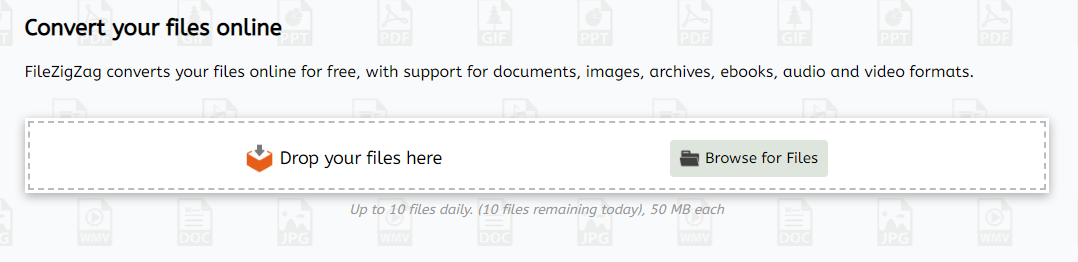
FileZigZag is a free online converter that supports a wide range of formats including audio, video, image, document, ebook, and archive. It uses a sophisticated conversion engine to deliver the best quality conversion. Also, you don't need to install any software in your computer. FileZigZag converts your files online for free, with support for documents, images, archives, ebooks, audio and video formats. FileZigZag supports conversion between a wide variety of different file formats. We work hard to add new conversion formats. Contact us if you would like to add a new format and we will do our best to add it. Click on a source format link to open a converter for that format, or click on a target format link to open a source-to-target converter. Our servers has industry-leading CPUs, so your can save your CPU power and let us do the work for you. We use sophisticated conversion algorithms specially designed to provide the best quality possible.
|
About
We are the web's premier online converter of Portable Document Format (PDF) files. Our site allows you to make a PDF-compatible file without loading any special software. All it takes to generate a PDF-compatible file is to upload a postscript-compatible file to our website and then click on the resulting link. Our aim is to make it simple for light and moderate users to generate PDF files. Convert and merge JPG, PNG, and other images to PDF online for free. Change border size, page size, image alignment, and orientation to fit your preferences. No watermark is added. Combine or merge a large number of photos to PDF document(s) at once. We don't compromise quality for anything. Our advanced image converter detects the best quality for your output files. This feature enables us to keep the best quality while reducing PNG, TIFF/TIF, WebP, and JPG/JPEG image file size. We do our best to separate all details need to merge Image files so you can just download single PDF file.
|
|||||
Platforms Supported
Windows
Not Supported
Mac
Not Supported
Linux
Not Supported
Cloud
Supported
On-Premises
Not Supported
iPhone
Not Supported
iPad
Not Supported
Android
Not Supported
Chromebook
Not Supported
|
Platforms Supported
Windows
Not Supported
Mac
Not Supported
Linux
Not Supported
Cloud
Supported
On-Premises
Not Supported
iPhone
Not Supported
iPad
Not Supported
Android
Not Supported
Chromebook
Not Supported
|
|||||
Audience
Anyone seeking a free online converter supporting a wide range of formats including audio, video, image, document, etc.
|
Audience
Users seeking a solution to merge and resize images, compress and convert files, and manage their PDF projects
|
|||||
Support
Phone Support
Not Supported
24/7 Live Support
Not Supported
Online
Supported
|
Support
Phone Support
Not Supported
24/7 Live Support
Not Supported
Online
Supported
|
|||||
API
Offers API
Not Supported
|
API
Offers API
Not Supported
|
|||||
Screenshots and Videos |
Screenshots and Videos |
|||||
Pricing
Free
Free Version
Supported
Free Trial
Not Supported
|
Pricing
$4.99 per month
Free Version
Supported
Free Trial
Not Supported
|
|||||
Reviews/
|
Reviews/
|
|||||
Pros & Cons from Real UsersPros
Cons
|
||||||
Training
Documentation
Supported
Webinars
Not Supported
Live Online
Not Supported
In Person
Not Supported
|
Training
Documentation
Supported
Webinars
Not Supported
Live Online
Not Supported
In Person
Not Supported
|
|||||
Company InformationFileZigZag
Founded: 2015
www.filezigzag.com
|
Company InformationXConvert
United States
www.xconvert.com
|
|||||
Alternatives |
Alternatives |
|||||
|
|
||||||
|
|
||||||
|
|
||||||
Categories |
Categories |
|||||
|
|
|