Related Products
|
||||||
About
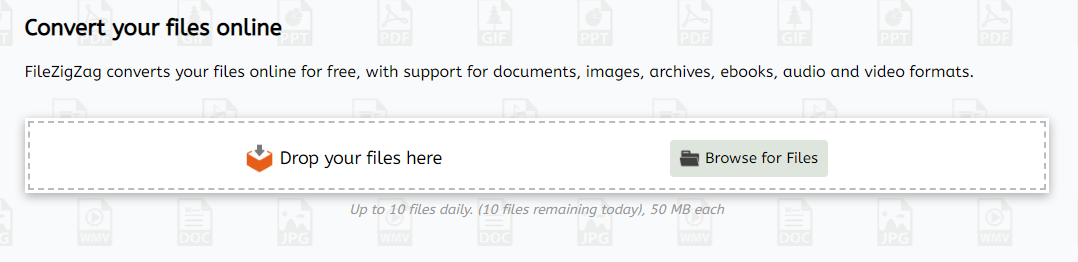
FileZigZag is a free online converter that supports a wide range of formats including audio, video, image, document, ebook, and archive. It uses a sophisticated conversion engine to deliver the best quality conversion. Also, you don't need to install any software in your computer. FileZigZag converts your files online for free, with support for documents, images, archives, ebooks, audio and video formats. FileZigZag supports conversion between a wide variety of different file formats. We work hard to add new conversion formats. Contact us if you would like to add a new format and we will do our best to add it. Click on a source format link to open a converter for that format, or click on a target format link to open a source-to-target converter. Our servers has industry-leading CPUs, so your can save your CPU power and let us do the work for you. We use sophisticated conversion algorithms specially designed to provide the best quality possible.
|
About
OnlineConvertFree provides file and document conversion tools. At present, the service interface is available in 15 languages. Every day the service is used by tens of thousands of the users. The file conversion service onlineconvertfree.com has one of the largest lists of supported formats. Prior to the update, the service worked only with the document files (70+ formats), images (120+ formats), audio (15 formats) video (32 formats) , e-books, archives, etc. All 1500+ directions of conversion are available to the users for free.
|
|||||
Platforms Supported
Windows
Not Supported
Mac
Not Supported
Linux
Not Supported
Cloud
Supported
On-Premises
Not Supported
iPhone
Not Supported
iPad
Not Supported
Android
Not Supported
Chromebook
Not Supported
|
Platforms Supported
Windows
Not Supported
Mac
Not Supported
Linux
Not Supported
Cloud
Supported
On-Premises
Not Supported
iPhone
Not Supported
iPad
Not Supported
Android
Not Supported
Chromebook
Not Supported
|
|||||
Audience
Anyone seeking a free online converter supporting a wide range of formats including audio, video, image, document, etc.
|
Audience
Users that need an online file conversion tool
|
|||||
Support
Phone Support
Not Supported
24/7 Live Support
Not Supported
Online
Supported
|
Support
Phone Support
Supported
24/7 Live Support
Not Supported
Online
Supported
|
|||||
API
Offers API
Not Supported
|
API
Offers API
Supported
|
|||||
Screenshots and Videos |
Screenshots and Videos |
|||||
Pricing
Free
Free Version
Supported
Free Trial
Not Supported
|
Pricing
No information available.
Free Version
Supported
Free Trial
Not Supported
|
|||||
Reviews/
|
Reviews/
|
|||||
Pros & Cons from Real UsersPros
Cons
|
||||||
Training
Documentation
Supported
Webinars
Not Supported
Live Online
Not Supported
In Person
Not Supported
|
Training
Documentation
Not Supported
Webinars
Not Supported
Live Online
Supported
In Person
Not Supported
|
|||||
Company InformationFileZigZag
Founded: 2015
www.filezigzag.com
|
Company InformationOnlineConvertFree
Russia
onlineconvertfree.com
|
|||||
Alternatives |
Alternatives |
|||||
|
|
||||||
|
|
||||||
Categories |
Categories |
|||||
Integrations
Google Chrome
Not Supported
|
||||||
|
|
|