DemixerAudioSourceRE
|
||||||
Related Products
|
||||||
About
Quickly separate your tracks into two or four stems with your music files exported into high-quality vocals, drums, bass, and instruments that can be remixed in our multi-track mixer. Create great karaoke versions of your tracks in seconds removing vocals and exporting high-quality backing tracks. Upload files in WAV, MP3 or MP4, with support for up to 16bit 44.1 kHz audio. The higher quality the input file, the higher quality the separation. Demixer's advanced AI algorithms generate high-quality vocal, drum, bass and instrumental stems from a wide variety of audio files. Exported files enable you to play your tracks in our web player, or import them into your favorite DAW to remix your tracks in your own time. Advanced vocal isolation algorithms give you the cleanest stems minimizing any post-production requirements to clean up your tracks.
|
About
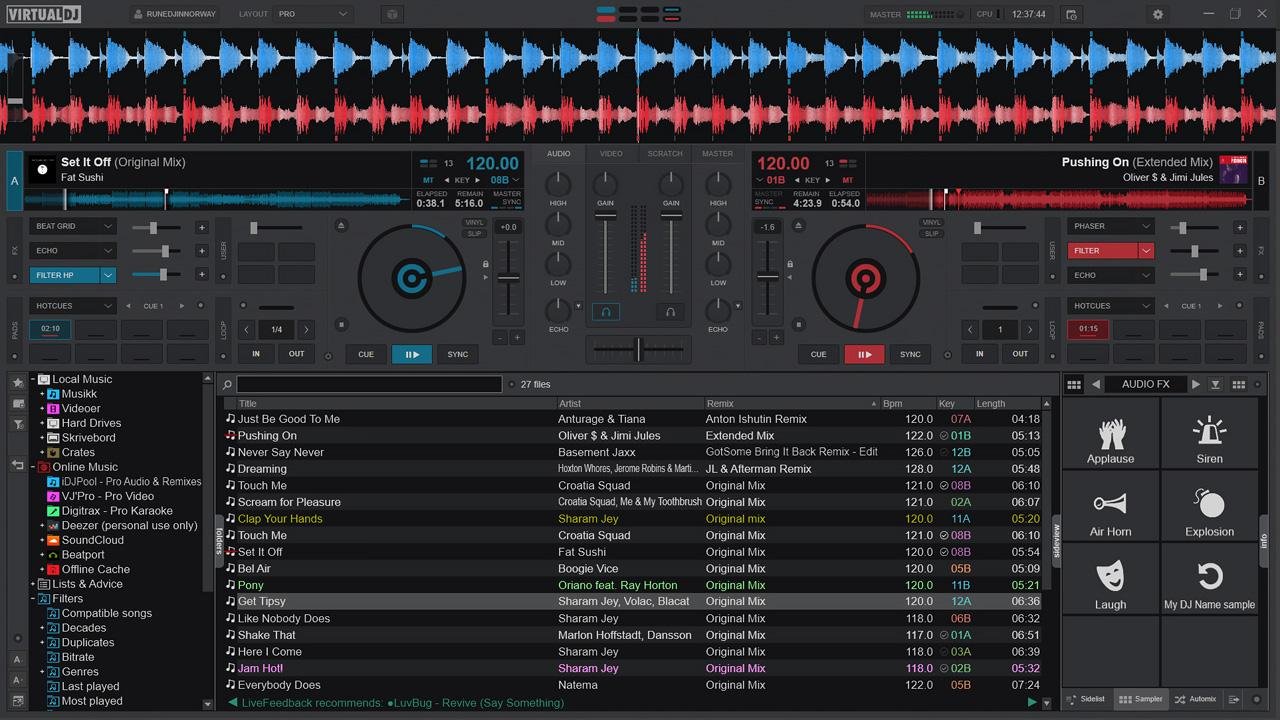
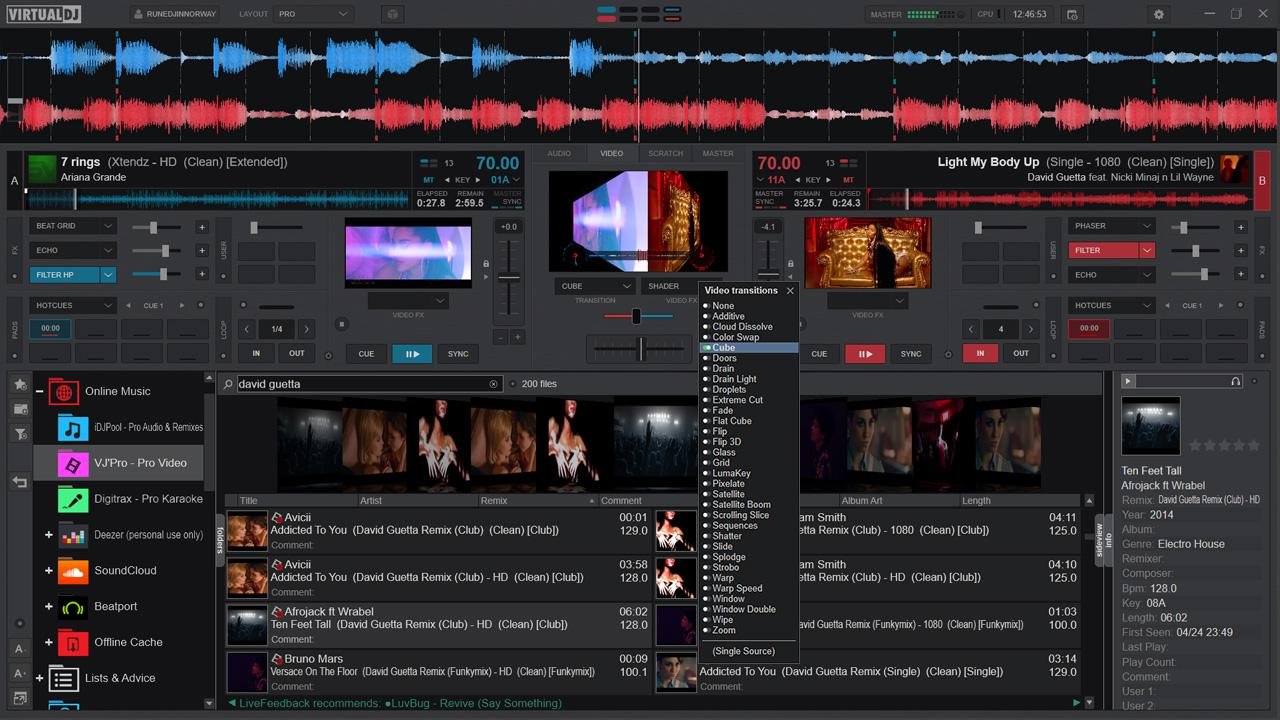
With over 150 million global users, VirtualDJ is the most widely used professional DJ software in the industry. Since 1996, it has embodied the digital DJing revolution, acting as the ultimate launchpad for countless musical journeys. It has proudly helped propel many of today's biggest superstar DJs from early bedroom practice sessions to headlining massive sold-out stadiums. VirtualDJ is renowned for packing the most advanced audio engine and cutting-edge features. It is consistently the first platform to innovate, bringing you revolutionary tools today that will shape the DJing landscape of tomorrow, like real-time stem separation, lyrics waveforms or AI assisted playlists. It also offers unmatched plug-and-play hardware compatibility with hundreds of popular controllers. Whether you are an aspiring beginner learning the basics or a seasoned touring professional demanding absolute reliability, VirtualDJ delivers. It is the definitive software you need to get the party started.
|
|||||
Platforms Supported
Windows
Not Supported
Mac
Not Supported
Linux
Not Supported
Cloud
Supported
On-Premises
Not Supported
iPhone
Not Supported
iPad
Not Supported
Android
Not Supported
Chromebook
Not Supported
|
Platforms Supported
Windows
Supported
Mac
Supported
Linux
Not Supported
Cloud
Not Supported
On-Premises
Not Supported
iPhone
Not Supported
iPad
Not Supported
Android
Not Supported
Chromebook
Not Supported
|
|||||
Audience
Individuals that need an advanced Vocal Remover solution
|
Audience
DJ software for individuals looking to mix in real-time the various components of their tracks
|
|||||
Support
Phone Support
Not Supported
24/7 Live Support
Not Supported
Online
Supported
|
Support
Phone Support
Supported
24/7 Live Support
Supported
Online
Supported
|
|||||
API
Offers API
Not Supported
|
API
Offers API
Supported
|
|||||
Screenshots and Videos |
Screenshots and Videos |
|||||
Pricing
$97.03 per track
Free Version
Not Supported
Free Trial
Not Supported
|
Pricing
$4 per month
$4/month for HOME
$19/month for PRO $99/month for BUSINESS
Free Version
Supported
Free Trial
Not Supported
|
|||||
Reviews/
|
Reviews/
|
|||||
Pros & Cons from Real UsersPros
Cons
|
Pros & Cons from Real UsersPros
Cons
|
|||||
Training
Documentation
Supported
Webinars
Not Supported
Live Online
Not Supported
In Person
Not Supported
|
Training
Documentation
Supported
Webinars
Not Supported
Live Online
Not Supported
In Person
Not Supported
|
|||||
Company InformationAudioSourceRE
Founded: 2018
Ireland
www.demixer.com
|
Company InformationVirtualDJ
Dubai
virtualdj.com
|
|||||
Alternatives |
Alternatives |
|||||
|
|
||||||
|
|
||||||
|
|
||||||
Categories |
Categories |
|||||
Integrations
GreenGo
Not Supported
|
||||||
|
|
|