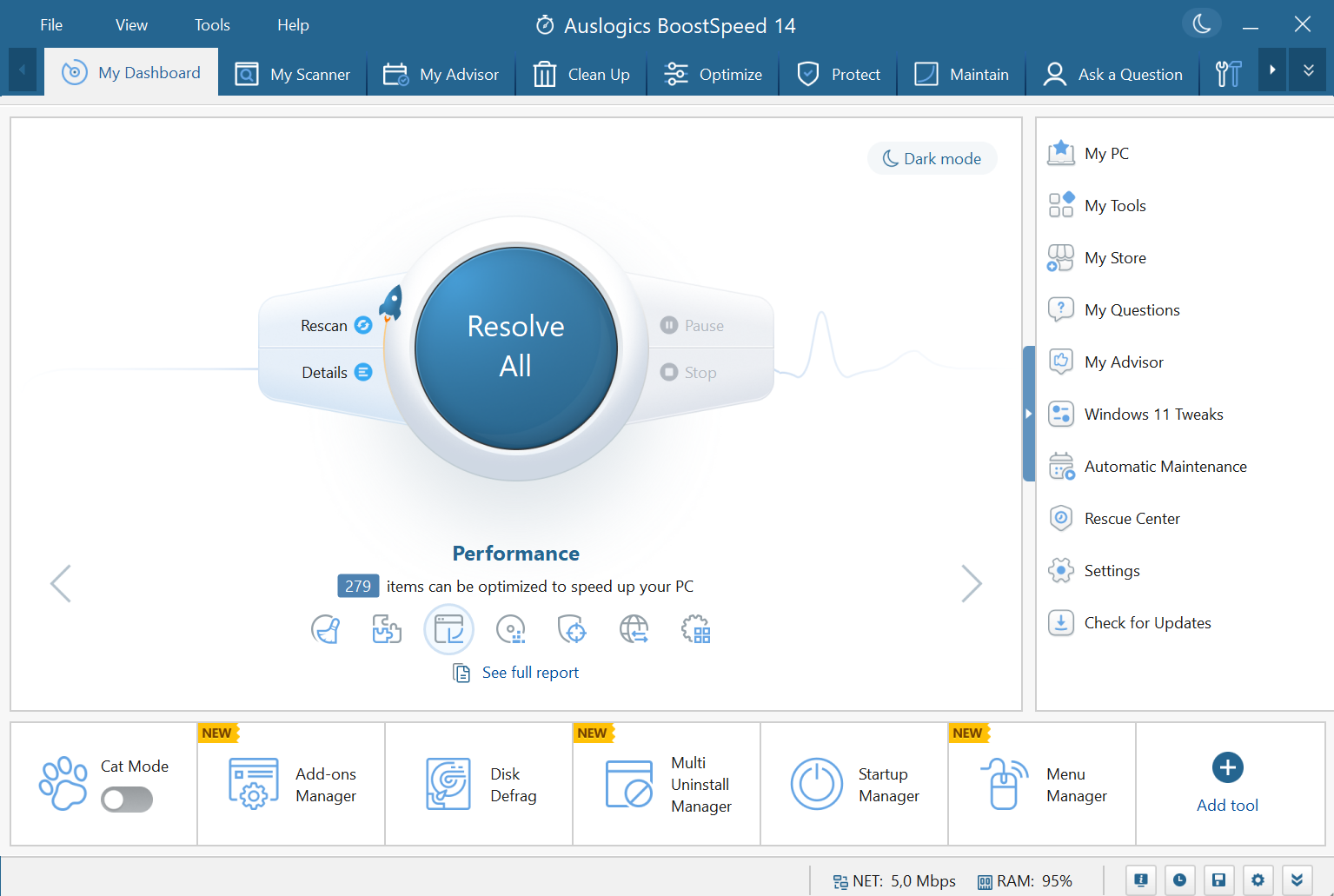
Auslogics BoostSpeedAuslogics
|
Memory CleanerKoshy John
|
|||||
Related Products
|
||||||
About
Auslogics BoostSpeed helps businesses save money on expensive hardware upgrades by cleaning, tweaking and optimizing computer systems for top performance.
Auslogics, an Australian software maker, has been offering professional computer maintenance solutions for over 15 years, with its flagship product BoostSpeed downloaded over 50 million times worldwide.
BoostSpeed is an all-in-one suite of tools to remove file clutter, fix registry issues, defragment HDD, optimize SSD, tune up Windows, improve internet speed, boost MS Office apps, and resolve various malfunctions.
In addition to that, it includes tools to cover many other PC-related tasks: recover accidentally deleted files; shred sensitive files & wipe free space on drives; check HDD for errors & prevent data loss; get full system information for getting support or part replacement; force-remove apps & their leftovers.
The program is simple enough for novice PC users while letting IT pros run more advanced tweaking.
|
About
Tech-savvy folk are divided over how useful memory cleaning tools can be because Windows (Vista upwards at least) manage memory reasonably well. Most memory cleaning tools are not very useful because many of them use ill-advised techniques that are only relevant to older versions of Windows (pre-Vista). Memory Cleaner is considerably better because it uses functions built into Windows to judiciously free memory - with no performance impact whatsoever. You can now access Memory Cleaner functions from the tray icon without having to open up the main window. The cleaning procedures are both silent and the only alert you will see is the amount of RAM recovered briefly displayed in the window.
|
|||||
Platforms Supported
Windows
Supported
Mac
Not Supported
Linux
Not Supported
Cloud
Not Supported
On-Premises
Not Supported
iPhone
Not Supported
iPad
Not Supported
Android
Not Supported
Chromebook
Not Supported
|
Platforms Supported
Windows
Supported
Mac
Not Supported
Linux
Not Supported
Cloud
Not Supported
On-Premises
Not Supported
iPhone
Not Supported
iPad
Not Supported
Android
Not Supported
Chromebook
Not Supported
|
|||||
Audience
Companies of all sizes
|
Audience
IT teams in need of a memory cleaning application
|
|||||
Support
Phone Support
Supported
24/7 Live Support
Not Supported
Online
Supported
|
Support
Phone Support
Supported
24/7 Live Support
Not Supported
Online
Supported
|
|||||
API
Offers API
Not Supported
|
API
Offers API
Not Supported
|
|||||
Screenshots and Videos |
Screenshots and Videos |
|||||
Pricing
$69.95 per year
1 Year Subscription
3 PC license
Free Version
Supported
Free Trial
Not Supported
|
Pricing
Free
Free Version
Supported
Free Trial
Not Supported
|
|||||
Reviews/
|
Reviews/
|
|||||
Pros & Cons from Real UsersPros
Cons
|
||||||
Training
Documentation
Supported
Webinars
Not Supported
Live Online
Supported
In Person
Not Supported
|
Training
Documentation
Not Supported
Webinars
Not Supported
Live Online
Not Supported
In Person
Not Supported
|
|||||
Company InformationAuslogics
Founded: 2008
Australia
www.auslogics.com
|
Company InformationKoshy John
United States
www.koshyjohn.com/software/memclean/
|
|||||
Alternatives |
Alternatives |
|||||
|
|
||||||
|
|
|
|||||
|
|
|
|||||
|
|
|
|||||
Categories |
Categories |
|||||
Data Recovery Features
Web Access / Restoration
Supported
Backup Log
Supported
Backup Scheduling
Supported
Compression
Not Supported
Continuous Backup
Not Supported
Encryption
Not Supported
Incremental Backup
Not Supported
Local Server Options
Not Supported
Multiple System Support
Not Supported
Remote Server Options
Not Supported
Secure Data Storage
Not Supported
|
||||||
Integrations
No info available.
|
Integrations
No info available.
|
|||||
|
|
|