

Subtitles (srt) from video courses on Udacity website have different format and most video players (e.g. VLC) can't play them. It leads to the situation when only timestamps from .srt file are displayed.
HOW TO:
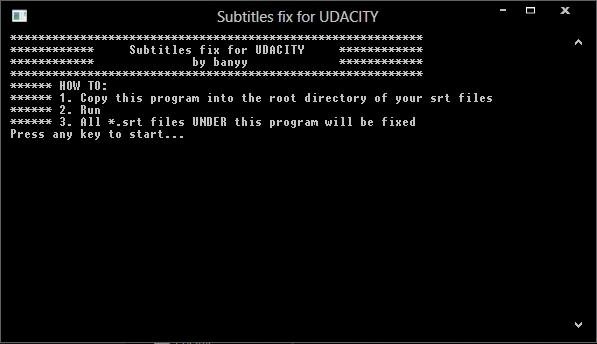
1. Download and copy .exe file to the parent dir = where all subtitles in directory tree are located under this .exe
2. Run and read instructions.
This utility will modify all of the .srt files in all subdirectories.
WRONG FORMAT of timestamps:
0:00:00.730,0:00:02.050
changed to the CORRECT FORMAT:
0:00:00.730 --> 0:00:02.050
it also fixes [br] tag as newline
Made for VLC Media Player.
Features
- fixes subtitles
- corrects format
Project Samples
Follow Udacity Subtitles Fix
Other Useful Business Software
Train ML Models With SQL You Already Know
Build and deploy ML models using familiar SQL. Automate data prep with built-in Gemini. Query 1 TB and store 10 GB free monthly.
Rate This Project
Login To Rate This Project
User Reviews
Be the first to post a review of Udacity Subtitles Fix!

