
 Download
Installation Note: After copying the Turbo C++ folder to Applications, please right-click on the TurboC app in the Turbo C++ folder in Applications and select "Open". This needs to be done only when you launch the application for the first time.
Special thanks to Manav Aggarwal & Ananay Arora for testing.
Project Samples


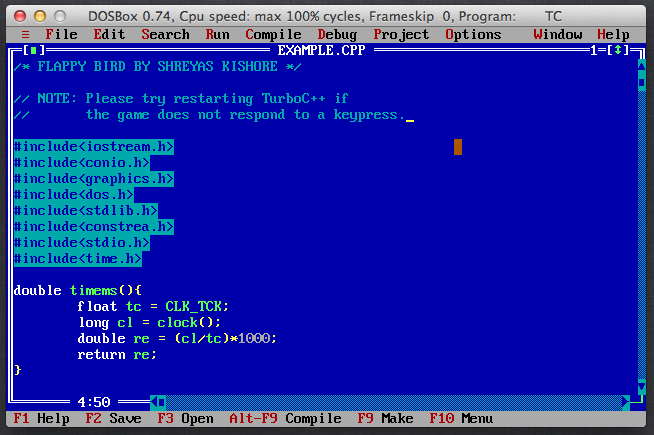
Follow Turbo C++ for Mac OS X
Other Useful Business Software
Paessler - Monitor Your Whole Network in Minutes
Waiting weeks for a monitoring rollout isn't an option when infrastructure doesn't stop running. PRTG's auto-discovery scans your network and suggests from over 200 pre-configured sensor types, so you're watching servers, applications and devices within minutes, not after a multi-week deployment. Enterprise-strength monitoring, without the enterprise complexity. Start your free trial today.
Rate This Project
Login To Rate This Project
User Reviews
-
could be nice than before
