


| Name | Modified | Size | Downloads / Week |
|---|---|---|---|
| Parent folder | |||
| Tiny11Builder-0.1.2-win-x64.zip | 2026-10-15 | 94.4 MB | |
| Tiny11Builder-0.1.2-win-x64.zip.sha256 | 2026-10-15 | 98 Bytes | |
| Tiny11Builder-0.1.2-win-arm64.zip | 2026-10-15 | 91.9 MB | |
| Tiny11Builder-0.1.2-win-arm64.zip.sha256 | 2026-10-15 | 100 Bytes | |
| README.md | 2026-10-15 | 2.5 kB | |
| Tiny11 Builder WinUI 0.1.2 source code.tar.gz | 2026-10-15 | 950.1 kB | |
| Tiny11 Builder WinUI 0.1.2 source code.zip | 2026-10-15 | 1.0 MB | |
| Totals: 7 Items | 188.2 MB | 11 | |
Fixed in 0.1.2
- Retry transient Microsoft download resets with visible status and a TLS 1.2 fallback. Certificate checks stay enabled.
- Decode Cyrillic and other localized edition names correctly.
- Run component cleanup before .NET 3.5. Pending cleanup on serviceable images is skipped with a warning, not reported as completed. Edge/WebView2 files are kept when that pending cleanup prevents their safe removal.
- Stop Core and Custom component-store deletion before pruning when operations are still pending. Do not delete pending files to bypass the check; build without .NET 3.5 or use a serviceable image instead.
- Use the supported search-highlights policy instead of writing the protected SearchSettings preference.
- Separate read-only component inventory from writable-build checks and provide an actionable image-tools download notice.
Windows 10 can stay installed. Its inbox 19041 tools are not the supported toolset for a 26300 image. Install current Windows ADK Deployment Tools and servicing updates, then reopen the app. The 26100/26200/26300 shared servicing-base fix remains included.
Download x64 for Intel/AMD PCs or ARM64 for Windows on ARM. Extract the whole ZIP into a new application folder and open Tiny11Builder.exe. Administrator approval is required. SHA-256 files are included. The app is unsigned; Windows installation media is not bundled.
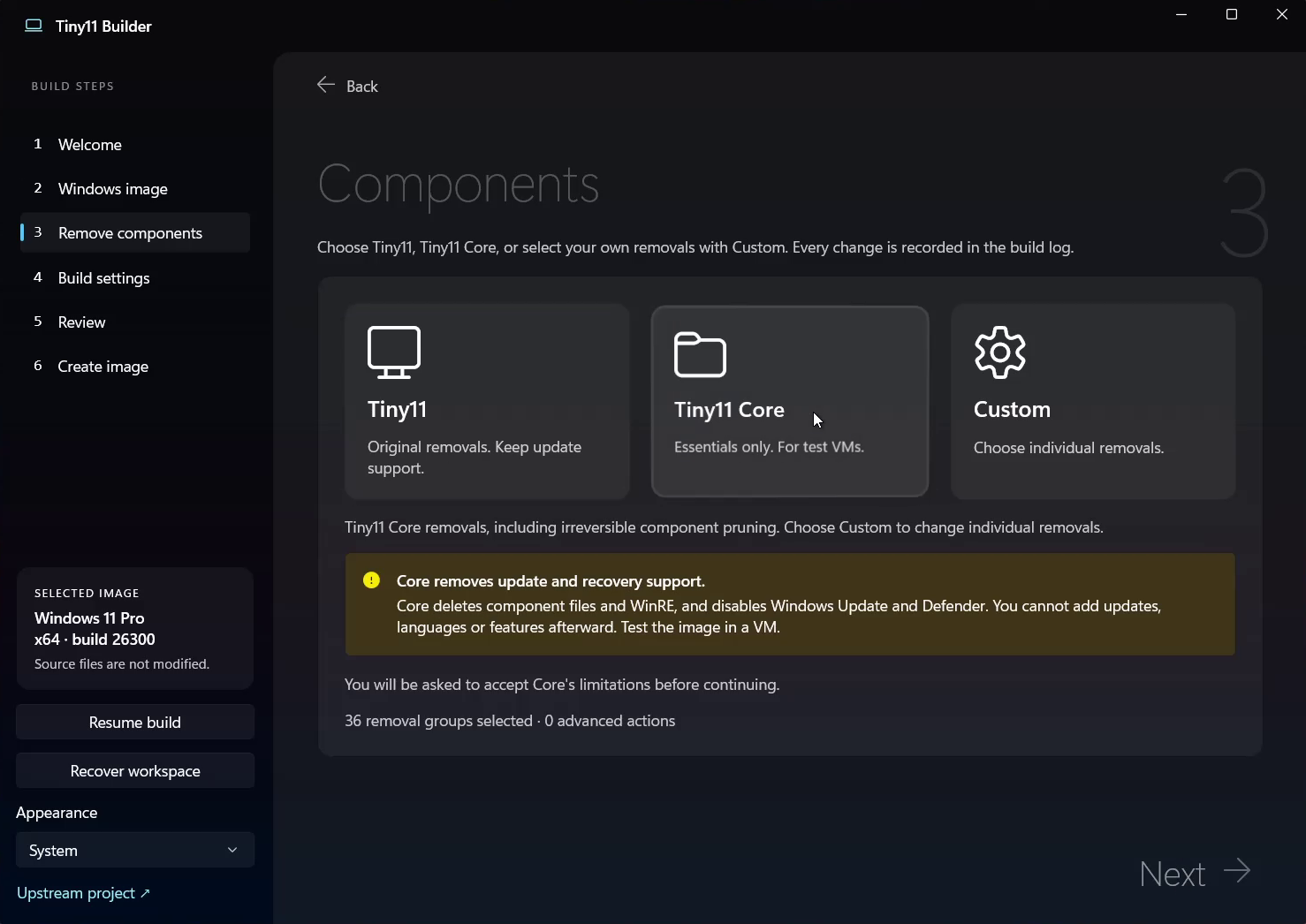
Core removes update/recovery support and disables Defender. Protected Custom removals can break Windows. Test your output ISO in a VM first.
Video
Screenshots
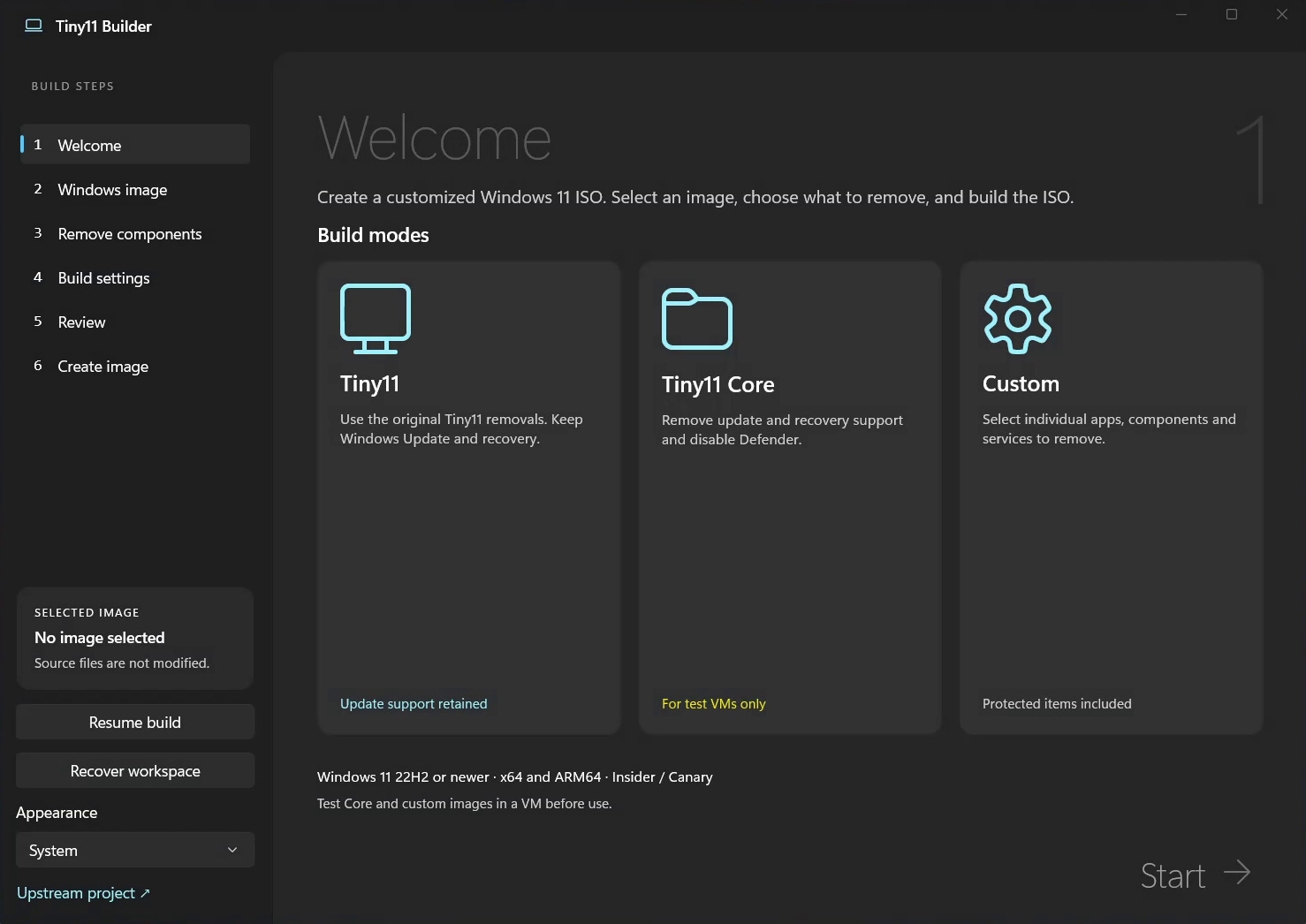
Welcome
Components
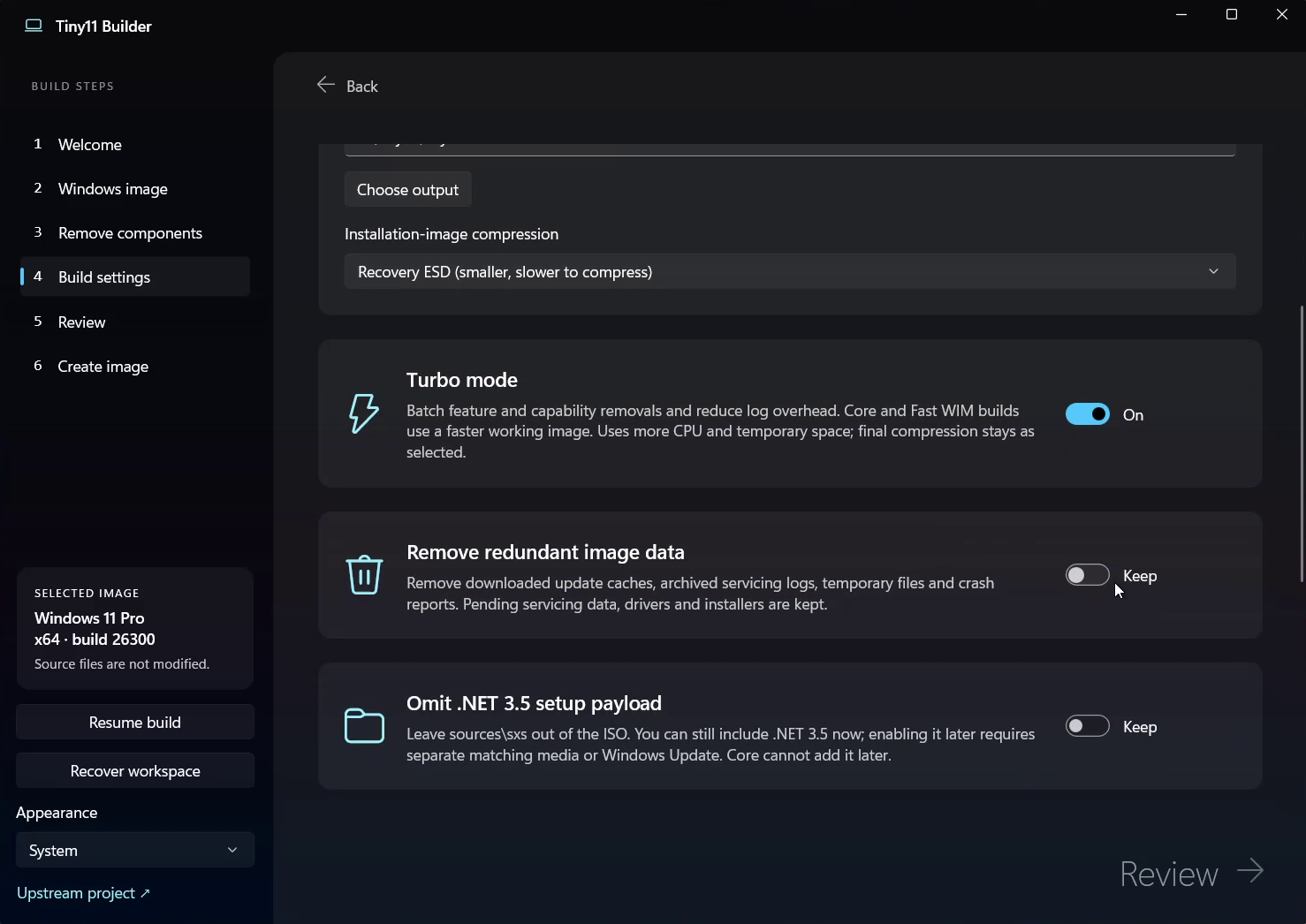
Build settings
Support the project
GitHub Sponsors · Patreon · PayPal · Ko-fi
