| Name | Modified | Size | Downloads / Week |
|---|---|---|---|
| 2026.11-beta1 | < 2 hours ago | ||
| README.md | < 2 hours ago | 2.8 kB | |
| Totals: 2 Items | 2.8 kB | 19 |
ShadowRealm-OS
A Debian 13 and Xfce desktop with coordinated themes, integrated controls and a live AMD64 installer. 2026.11 beta 1.
Download the ISO · Checksums & licenses · Custom source & source-download guide · Third-party sources (GitHub) · Project website · Source and documentation
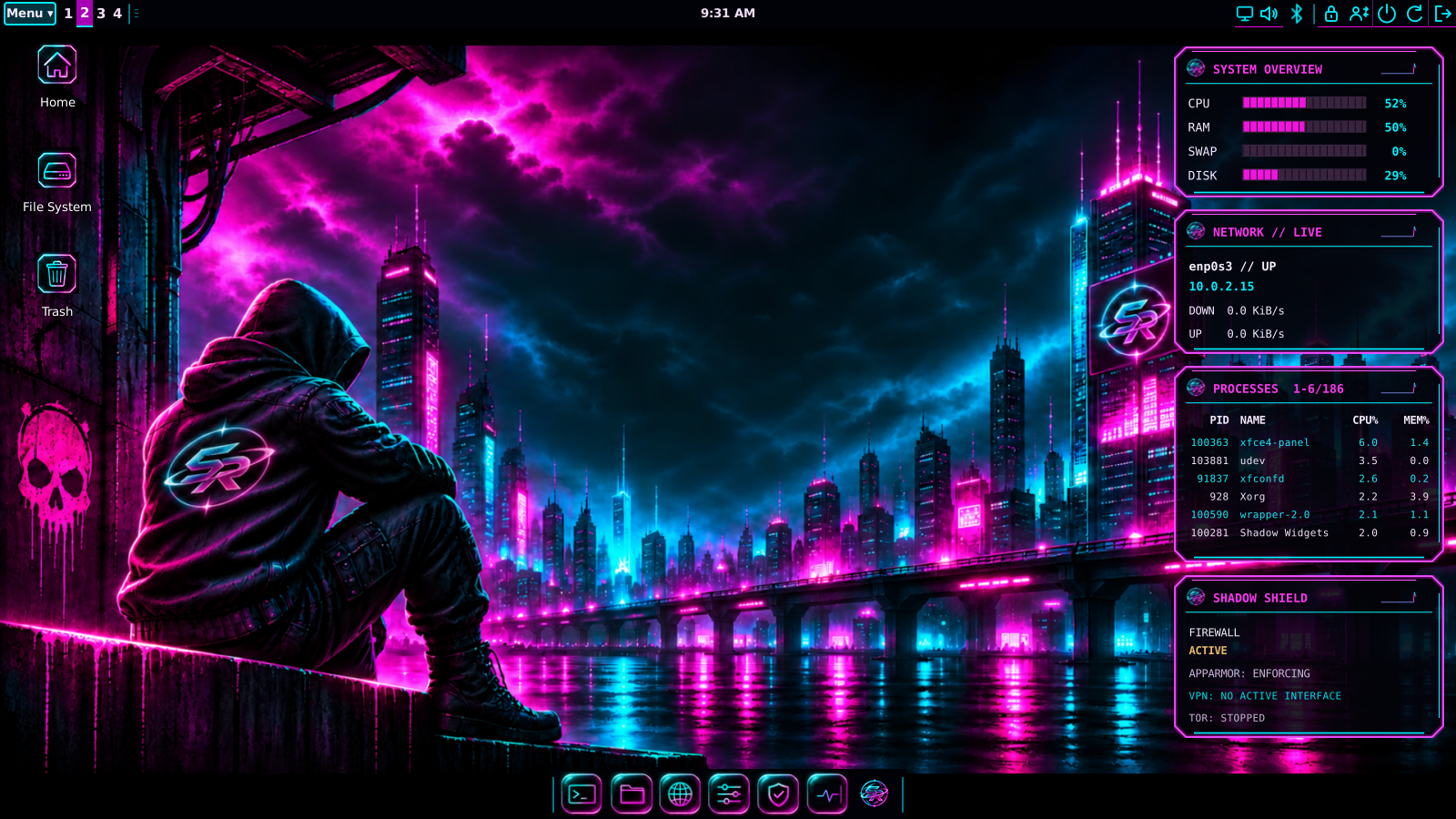
- Eight coordinated styles, independent wallpapers and an editable dock.
- Four local desktop panels for resources, interface traffic, processes and security-service status.
- Appearance, accounts, network, audio, Bluetooth and software controls.
- Signed custom component/game updates alongside Debian and configured vendor repositories.
- Everyday desktop applications and nine offline games.
- Graphical installation with optional disk encryption.
Read the installation and validation guides before changing disks. This is a public beta: hardware coverage is limited, and Secure Boot, shared-ESP dual boot and suspend/resume are not certified. Original project work is MIT; bundled third-party software retains its own licenses. Matching notices and corresponding source accompany the release.
Updates & Packages - browse the signed component and game packages.
Try or install
Verify the ISO against SHA256SUMS before writing a USB drive or attaching it in VirtualBox. Boot the ISO to try the live desktop; open Install ShadowRealm-OS to install. Back up your files before changing disk partitions. The live account is user, password live. Installed users choose their own account password and, if enabled, a separate disk-encryption passphrase.
- Installation and VirtualBox setup
- System requirements and known limits
- Desktop guide
- Matching source downloads and instructions