
 Download
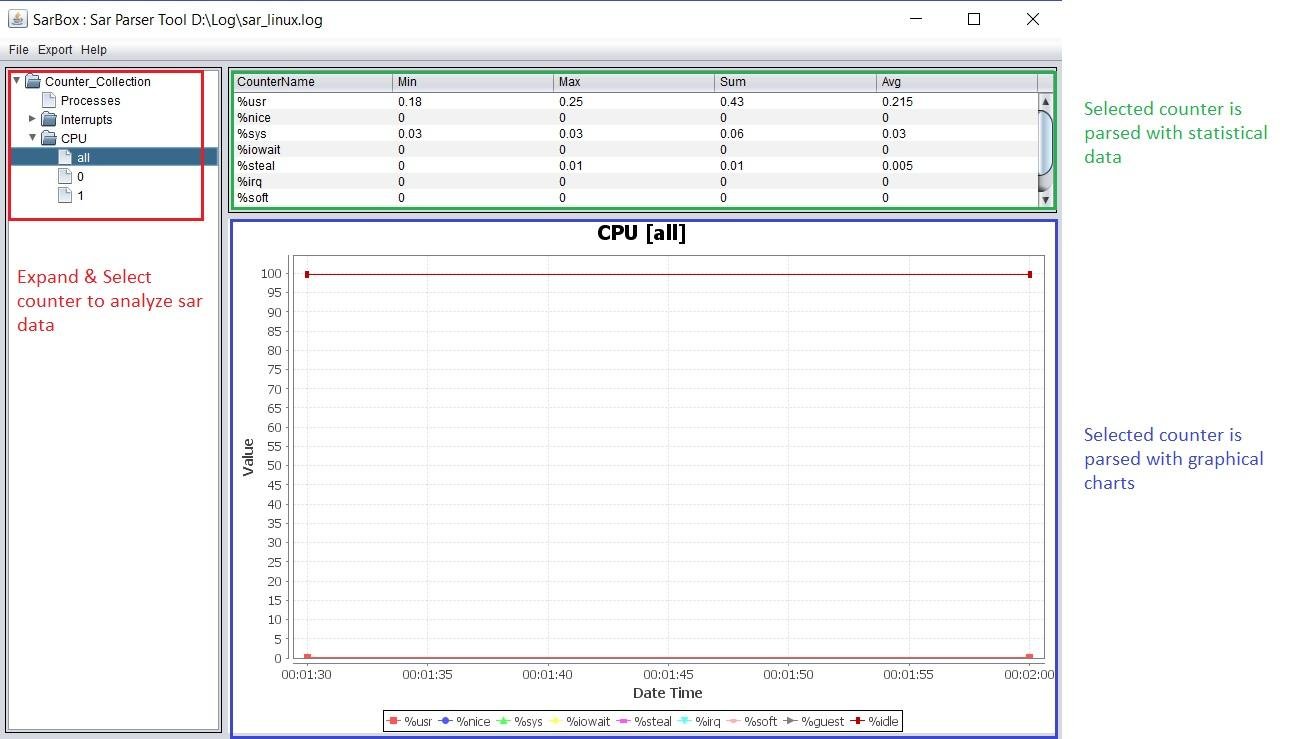
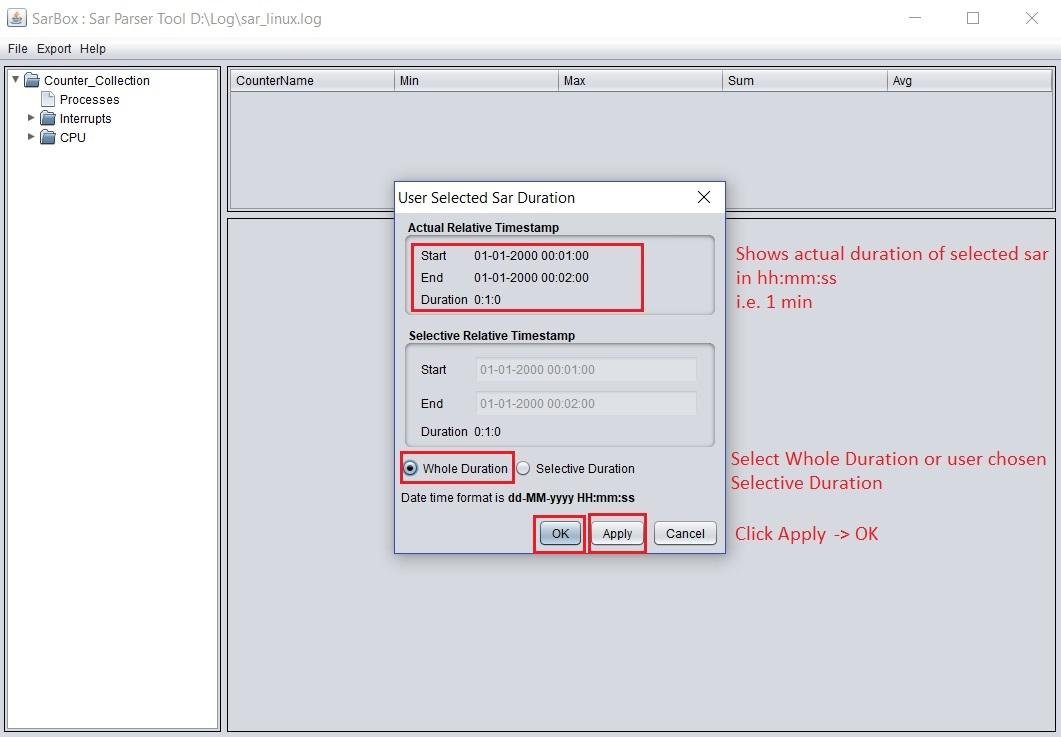
The software program (SarBox) parses and analyzes SAR data in charts or text formats.
SAR is cumulative activity counters in the operating system. It is the most comprehensive command which helps to monitor performance of various Linux / Solaris subsystems (CPU, Memory, I/O, Disk, Network, etc) all in same log. This makes it difficult to analyze since every counter data is dumped into the log file.
SarBox helps to analyze this log file and present data in graphical charts or text format.
To collect sar statistics from an environment, use below syntax
[user@host ~]# sar -A 30 2 > sar_linux.log
“30 2” reports for every 30 seconds and total of 2 times, written in sar_linux.log.
Project Samples



License
GNU General Public License version 3.0 (GPLv3), GNU Library or Lesser General Public License version 3.0 (LGPLv3)Follow SarBox
Other Useful Business Software
Build Agents and Models on One Platform
Gemini Enterprise Agent Platform is Google Cloud's comprehensive platform for developers to build, scale, govern, and optimize agents and models. Choose from Google's most advanced models and third-party models like Anthropic's Claude Model Family.
Rate This Project
Login To Rate This Project
User Reviews
Be the first to post a review of SarBox!
