
 Download
A free Japanese text editor for Windows
Project Samples
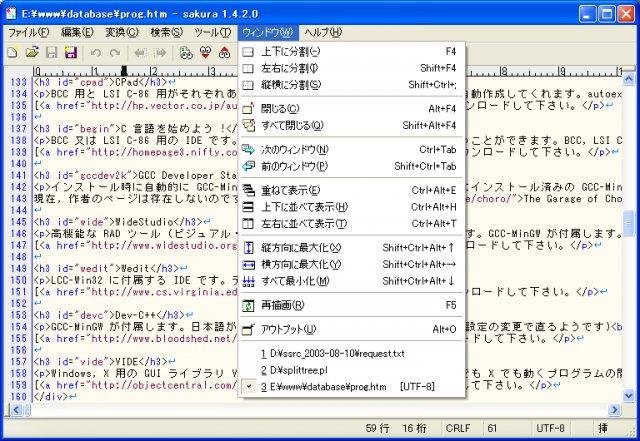
License
Other LicenseFollow SAKURA Editor
Other Useful Business Software
MongoDB Atlas runs apps anywhere
MongoDB Atlas gives you the freedom to build and run modern applications anywhere—across AWS, Azure, and Google Cloud. With global availability in over 115 regions, Atlas lets you deploy close to your users, meet compliance needs, and scale with confidence across any geography.
Rate This Project
Login To Rate This Project
User Reviews
-
Thank you for this editor. It is very useful not only for Japanese language.
-
For non-Japanese want to use English language user interface for Sakura Editor: Step 1: Download the English language package from link: https: // sourceforge.net/projects/sakura-editor/files/language2/ Step 2: Unzip and put the DLL file to Sakura's install directory (same as 'sakura.exe') Step 3: Press Ctrl + 6 (or choose 設定 > 共通設定 [Option > Common Settings]) Step 4: Choose tab ウィンドウ [Window] in new window Step 5: In 言語 [Language] box, you choose option English (US) to change to English user interface So love this app (^_^)
-
Is there any English version, or how to choose?
-
Great stuff.
-
A very helpful app. Thank you very much.
