
 Download
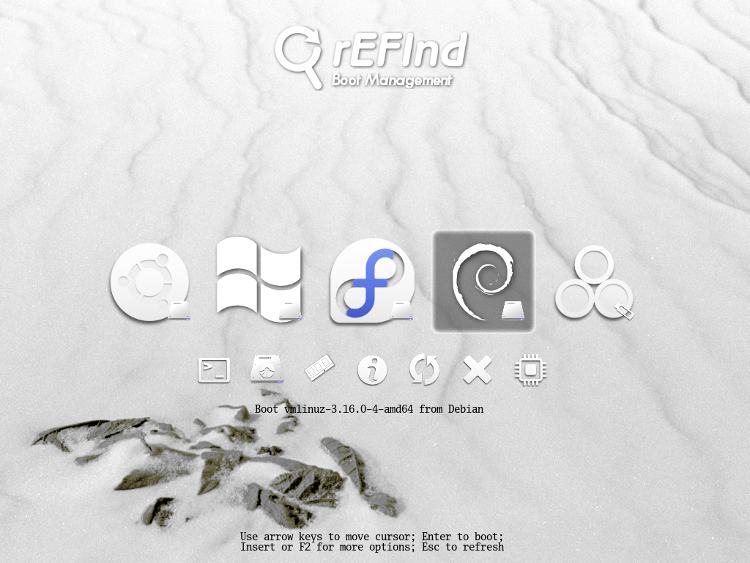
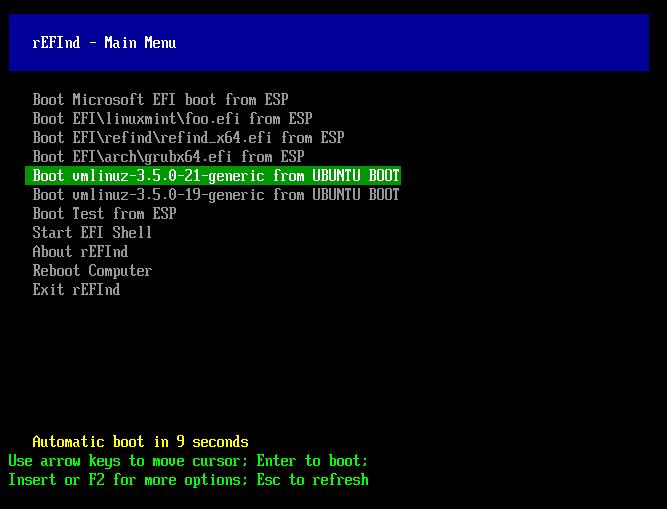
rEFInd is a fork of the rEFIt boot manager. Like rEFIt, rEFInd can auto-detect your installed EFI boot loaders and it presents a pretty GUI menu of boot options. rEFInd goes beyond rEFIt in that rEFInd better handles systems with many boot loaders, gives better control over the boot loader search process, and provides the ability for users to define their own boot loader entries.
Features
- Support for EFI 1.x and UEFI 2.x computers
- Support for Mac and PC platforms
- Graphical and text-mode boot selector
- Auto-detection of available EFI boot loaders
- Directly launch Linux 3.3.0 and later kernels with EFI stub loader support
- Maintenance-free Linux kernel updates -- boot-time auto-detection means that no configuration file changes are needed after a kernel update
- Manually edit boot-time options
- Launch EFI programs such as an EFI shell (available from third parties)
- Launch OS X and Windows recovery tools
- Reboot into the firmware setup utility (on some UEFIs)
- Try before installation via a CD-R or USB flash drive image
- Secure Boot support (requires separate shim or PreLoader program)
- Includes EFI drivers for ext2/3fs, ext4fs, ReiserFS, Btrfs, HFS+, NTFS, and ISO-9660
Project Samples



Categories
BootLicense
BSD License, GNU General Public License version 3.0 (GPLv3)Follow rEFInd
Other Useful Business Software
MongoDB Atlas runs apps anywhere
MongoDB Atlas gives you the freedom to build and run modern applications anywhere—across AWS, Azure, and Google Cloud. With global availability in over 115 regions, Atlas lets you deploy close to your users, meet compliance needs, and scale with confidence across any geography.
Rate This Project
Login To Rate This Project
User Reviews
-
thank for your hard work.
-
great work , need more work because every time it needs to edit to boot into updated kernels on opensuse
-
ok
-
Awesome work
-
Really happy it worked as described. The documentation is outstanding. Very helpful in understanding what going with the Mac and SIP. BTW I was able to install from a flash drive without having take an extra step is altering SIP. And it provides boot options both bootable option (I have a backup) plus Recovery Mode. Now Linux install is next Thanks

