


| Name | Modified | Size | Downloads / Week |
|---|---|---|---|
| Platinum+ Toolbox | 2026-10-21 | ||
| Platinum+ Optimizer | 2026-10-21 | ||
| README.md | 2026-10-21 | 6.2 kB | |
| Totals: 3 Items | 6.2 kB | 2,121 |
Platinum+ Optimizer V9.4
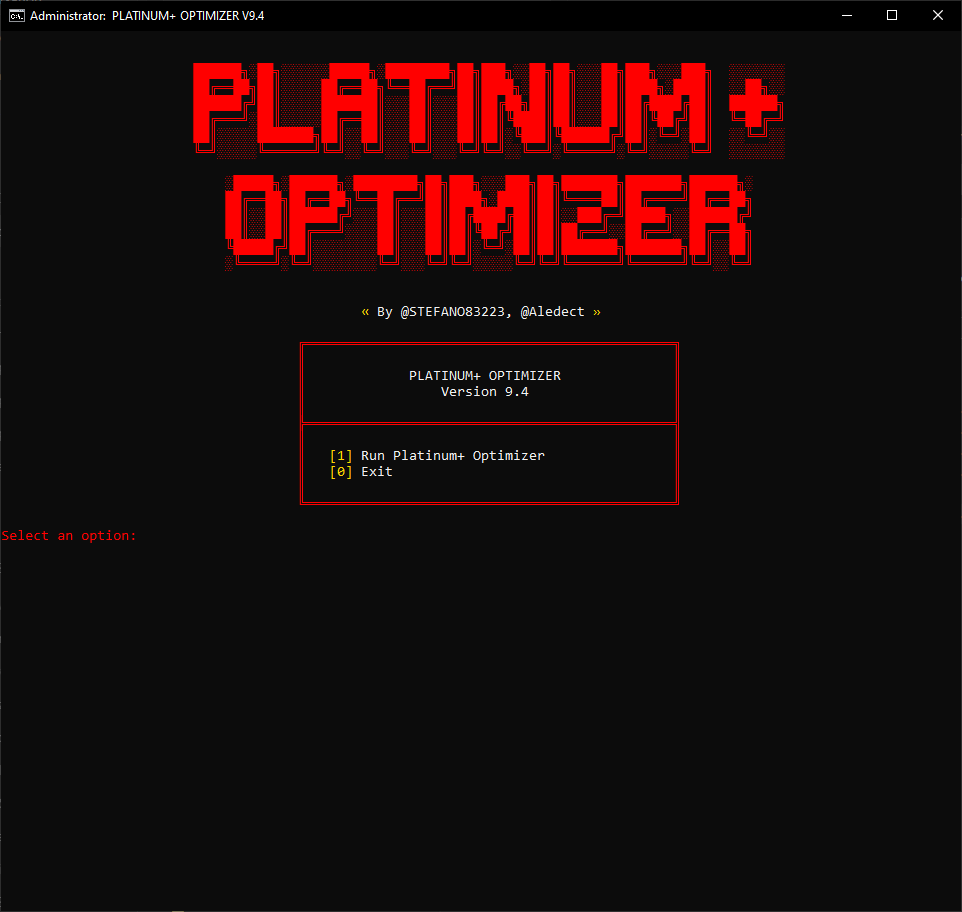
A lightweight Windows batch script (.cmd) made to lower input delay, reduce FPS drops and micro-stutters in games, and strip out background telemetry and useless Windows bloatware.
Official Links & Downloads
- Community & Support: Discord
- Telegram: Telegram Group
- Download Mirror: SourceForge
- Companion Toolbox: SourceForge - Platinum+ Toolbox
- Donations: PayPal | Ko-fi
- Authors: @STEFANO83223 & @Aledect
WARNING:
If you have V9.3 or older builds, do not use them. Older versions contain bugs that have been completely resolved in this release. Use ONLY V9.4 or newer.
What's New in V9.4
- Interactive Bluetooth Configuration: Prompt to keep Bluetooth active with default tweaks or disable it completely to save RAM.
- Interactive Binary Compression (CompactOS): Option to decompress system binaries (
[1] Decompress (Never) - No CPU Overhead) or compress them ([2] Compress (Always) - Saves 2-4GB Disk Space). - Restored Proven Latency & GPU Values: Restored original DWM, GPU Preemption, Game DVR, and NVENC parameters to maintain frame pacing and eliminate micro-stutters.
- Selector Crash Prevention: Fixed batch parsing issues caused by unescaped parentheses and countdown loops inside option blocks.
- Advanced Network Stack Alignment: Integrated Section 12 network optimizations to reduce packet jitter while keeping local connections stable.
- ANSI Layout Alignment: Standardized all interactive terminal boxes to a 46-character width.
What's New in V9.3
- Interactive Configuration (Store & Windows Update): Added an interactive prompt directly in the menu before applying tweaks, allowing you to choose whether to disable or keep Microsoft Store and Windows Update active and running.
- GTA V Fully Working: Resolved startup crashes, freezes, and black screen issues for Grand Theft Auto V.
- Overhauled CPU & GPU Detection: Upgraded hardware detection engine with higher reliability across Intel, AMD, and NVIDIA hardware (including multi-GPU configurations and dedicated VRAM detection).
- Working System Restore Point: Fixed VSS and Software Shadow Copy service dependencies ensuring restore points are created successfully before optimizations.
- Script Logic & Variable Fixes: Cleaned up unassigned variables, improved internal variable resolution, and optimized script execution flow.
- Removed Deprecated Parameters: Stripped out obsolete registry keys and tweaks that are no longer functional on modern Windows 10 and Windows 11 builds.
What This Script Tweaks
- Kernel & Latency: Optimizes interrupt handling, DPC rates, and Low Fragmentation Heap (LFH) allocations to cut down CPU processing delays.
- GPU & Display: Reduces frame queuing latency and disables background overlays, Game DVR captures, and unnecessary DWM debug layers.
- Memory & Storage: Optimizes RAM paging behavior, enables SSD TRIM, and prevents useless disk writes.
- Mouse & Keyboard: Disables USB selective suspend and configures raw input queues without audio starvation.
- Debloat & Telemetry: Uninstalls preinstalled bloat apps and turns off telemetry, diagnostic logging, Cortana, and Copilot.
- Services: Disables 50+ background services you don't need while keeping core audio, network, and restore features fully functional.
Interactive Configurations
- Custom Selection Prompts: You can configure CompactOS binary compression, Windows Update, Microsoft Store, and Bluetooth services directly before running optimizations.
- Customizable: If disabled, these services can be restored at any time via our Platinum+ Toolbox.
VirusTotal & Hashes

- Status: 0 / 60 Clean (100% Safe) — Zero detections, zero false positives, zero malware.
- MD5:
12e73acafa2729c2e68f9261c85125f5 - SHA-1:
88050e2034146fea5fe57f6121168592db618872 - SHA-256:
14edae097c2a77fc80c849e478c868ed4fa3593e48a9f0e8b4171d0a2987bfa9
The file is 100% open source. There are no compiled executables, encryptions, or hidden scripts. You can right-click the .cmd file, open it in Notepad, and inspect every single command yourself.
Compatibility
- Windows 10: 1809 through 22H2 (Home, Pro, Enterprise, LTSC).
- Windows 11: 21H2 through 24H2 (Home, Pro, Enterprise).
- Tested across physical PCs (Intel, AMD, NVIDIA) with verified stability and lower latency.
Note on Custom OS / Tweaked Builds: This script is designed for stock Windows installs. If you are using heavily stripped custom ISOs or have already applied multiple third-party optimizers, we cannot guarantee full compatibility since external tweaks can conflict with each other.
How to Run
- Download
Platinum+Optimizer.V9.4.FREE.cmd. - Right-click the file and select Run as administrator.
- Configure your preferences for CompactOS, Windows Update, Microsoft Store, and Bluetooth.
- Choose option
[1]from the menu. - When finished, reboot your PC.
Disclaimer
- This script is provided "as is", without any warranty.
- Use it at your own risk.
- The authors are not responsible for any system damage, file loss, or issues caused by incorrect use or conflicts with pre-modified Windows installs.
- Even though the script automatically creates a restore point, always make a backup of your important files before running system tweaks.
