
 Download Latest Version
egg-of-opensuse-slowroll-20261001-colibri-amd64-2026-10-25_1617.iso (2.9 GB)
Download Latest Version
egg-of-opensuse-slowroll-20261001-colibri-amd64-2026-10-25_1617.iso (2.9 GB)
 Add to Preferred Sources
| Name | Modified | Size | Downloads / Week |
|---|---|---|---|
| Isos | 2026-10-21 | ||
| Packages | 2026-10-08 | ||
| README.md | 2026-10-08 | 2.2 kB | |
| Totals: 3 Items | 2.2 kB | 236 |
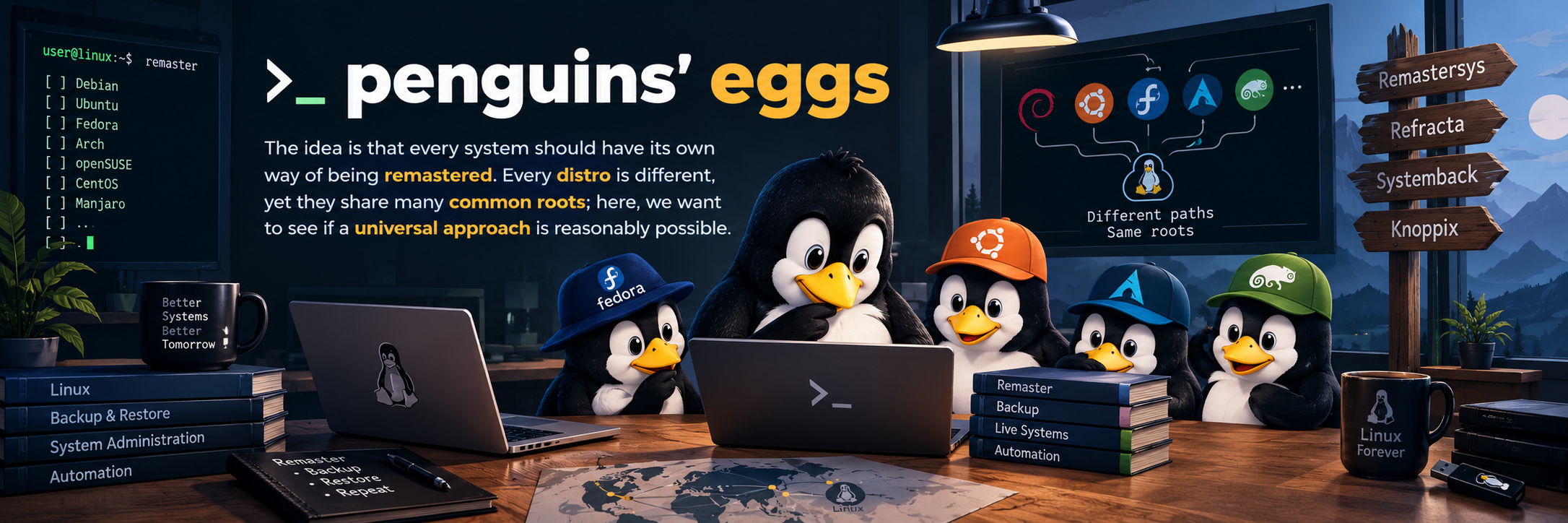
🐧 penguins-eggs
penguins-eggs is growing, even though, at its core, it has always remained the same. The main purpose of the project is still the same: remaster a running Linux system and create a bootable live ISO from it.
The engine that performs the actual remastering remains penguins-eggs. Around it, a streamlined ecosystem of companion tools has developed, each with a specific responsibility.
🧩 The Ecosystem Components
🥚 penguins-eggs (The Core Engine)
- The core command-line tool that transforms an active Linux system into a bootable Live ISO.
- Designed to work across a wide range of Linux distributions and architectures.
- Can be used directly from the CLI, integrated into other workflows, or driven through the graphical interface.
🖥️ penguins-gui (The Graphical Interface)
- An independent desktop application written in Go using Fyne.
- Distributed as an AppImage, allowing it to run on virtually any Linux distribution without prior installation.
- Acts as a friendly graphical entry point and automatically handles downloading and installing the appropriate native
penguins-eggspackage for your distribution.
👨🍳 penguins-chef (The Recipe & Package Manager)
- Responsible for applying pre-defined package selections and targeted system customizations.
- Acts as a "recipe" manager to prepare and mold the working environment to your specific needs.
🗺️ Workflow Overview
penguins-gui ──┐
               ├──> penguins-eggs ──> Live ISO
CLI ───────────┘

penguins-chef    →  package selections and system customizations
🚀 The Easiest Way to Get Started
If you simply want to remaster the Linux system you are currently running, you don't need to master the entire ecosystem:
- Download
penguins-guias an AppImage. - Run the application.
- Let it automatically find and install the correct
penguins-eggspackage for your distribution. - Create your live ISO.
For users who prefer the command line, penguins-eggs remains fully available as a direct and complete tool.
