Download
Bu yazılımı e imza ile ilgili sorun yaşayanlar için hazırladım.
1- Bu adres deki deb paketini indirip gdebi veya dpkg -i ile paketi kurun.
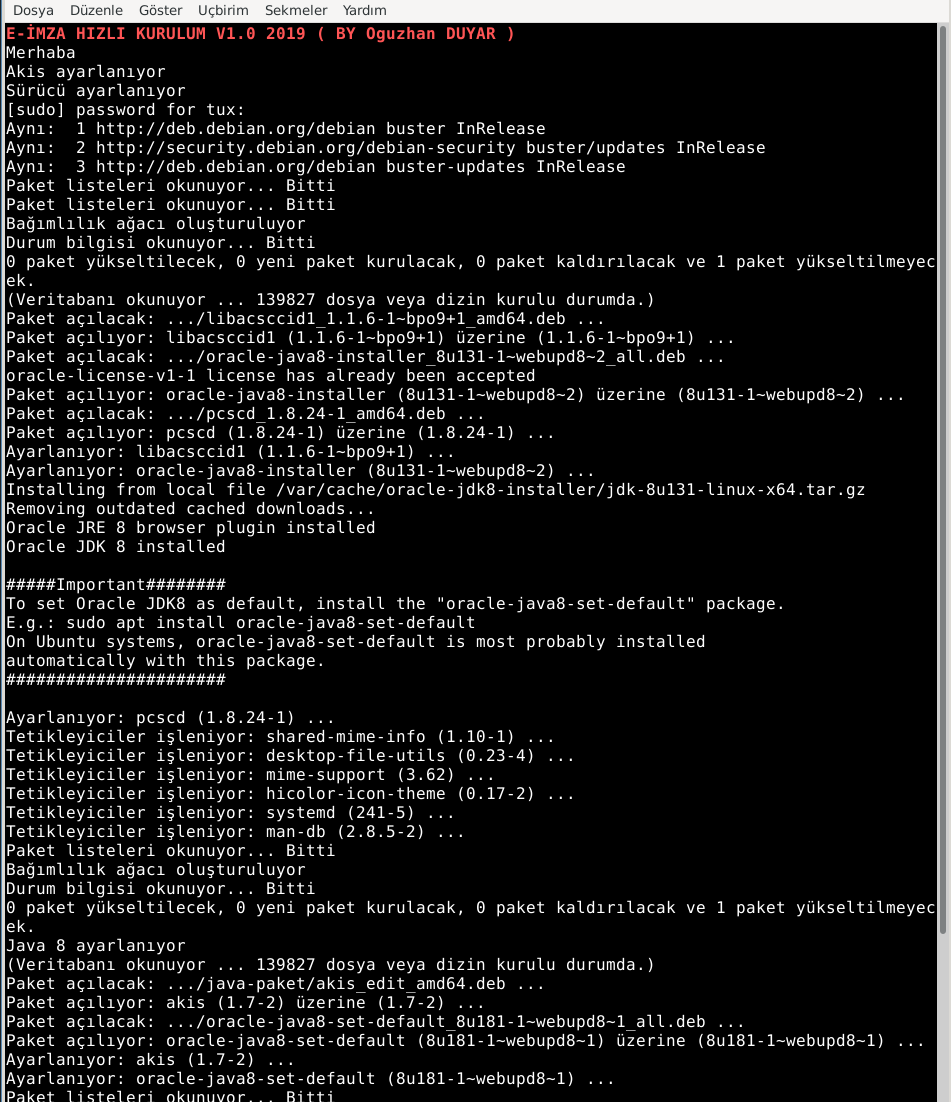
2- Yeni bir konsol ( Terminal Açın ) ve tırnaklar olmadan “e-imza-ayarla” yazın.
3- Java için lisans anlasmasına evet diyin ( başka birşey sormuyor geri kalan kısımda arkanıza yaslanın )
4- Kurulum biti güle güle yazısını görünce işlem tamam.
Java Oracle , akis ve gerekli sürücü paketleri kurulmuş olacaktır.
ileride resim ve video eklenecektir.
Menü den İnternet kategorisine geldiğinizde e-imza-tarayici olması lazım o uygulama ile e imzalarınızı atabilirsiniz.
e-imza-tarayici güncellenmeyen java destekli firefox’da kurulacaktır. Sistemde kurulu iki firefox olacak böylece son versiyon firefox da kullanılabilecek.
- 1.2 sürümünde Türksat E-İmza servisi eklendi.
By Oguzhan DUYAR ( oduyar.tstm@gmail.com )
https://github.com/OguzhanDUYAR
Features
- Desteklenen Dağıtımlar: Debian ( 10 ), Pardus (19), Ubuntu (20) Linux Mint ( 20 ), Kali (20)
Project Samples