Download
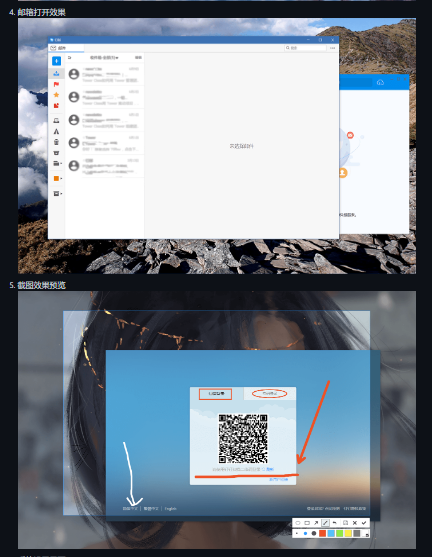
DingTalk desktop version, developed based on electron and DingTalk web version, supports Windows, Linux and macOS. his version is based on the web version of DingTalk and electron. Differences between this version and the web version. Solved the problem that the content area of Dingding on the web version cannot be maximized. Except for a few functions that have not been fully realized, the rest of the user experience is basically the same as the PC version of DingTalk. Screenshots are supported, and multi-monitor screenshots are supported. The screenshot shortcut isctrl+alt+a. Add application category, Linux system category. Currently supports Linux, macOS and Windows three platforms. Screenshots are supported, and multi-monitor screenshots are supported. The shortcut key for screenshot is ctrl+alt+a, 2017-10-23.
Features
- Supports Windows, Linux and macOS
- Domestic warehouse and version installation package
- Build manually
- Screenshot effect
- QR code login page
- Account password login page
Project Samples