Download
Click Files Tab Above and then Right Click Each File to Open Them in New Tab, one by one, to download 8 files with total size of 3.8 GB
After downloading, Run Following Command ( after cd to folder ) :
Windows cmd:
copy /B custom-ubuntu-image-for-usb-drives.gz.* custom-ubuntu-image-for-usb-drives.gz
Linux/Mac Terminal:
cat custom-ubuntu-image-for-usb-drives.gz.* > custom-ubuntu-image-for-usb-drives.gz
After joining the files, use the free Balena Etcher ( Check Google ) to write it to an EMPTY USB Drive of Size 32 GB and then boot from that USB Drive ( Press F12 or Equivalent on your System to choose usb disk drive boot, quickly on PC Start )
This image is a minimal installation of ubuntu 20.04 LTS having Browser, Utilities, Geany and LibreOffice 7.2
Hope it is useful for your scripts & office work.
Default User Name and Password : script/script with Auto Login and Administrator Privileges.
Right Click files like Video / Audio to open with Chrome Browser.
Features
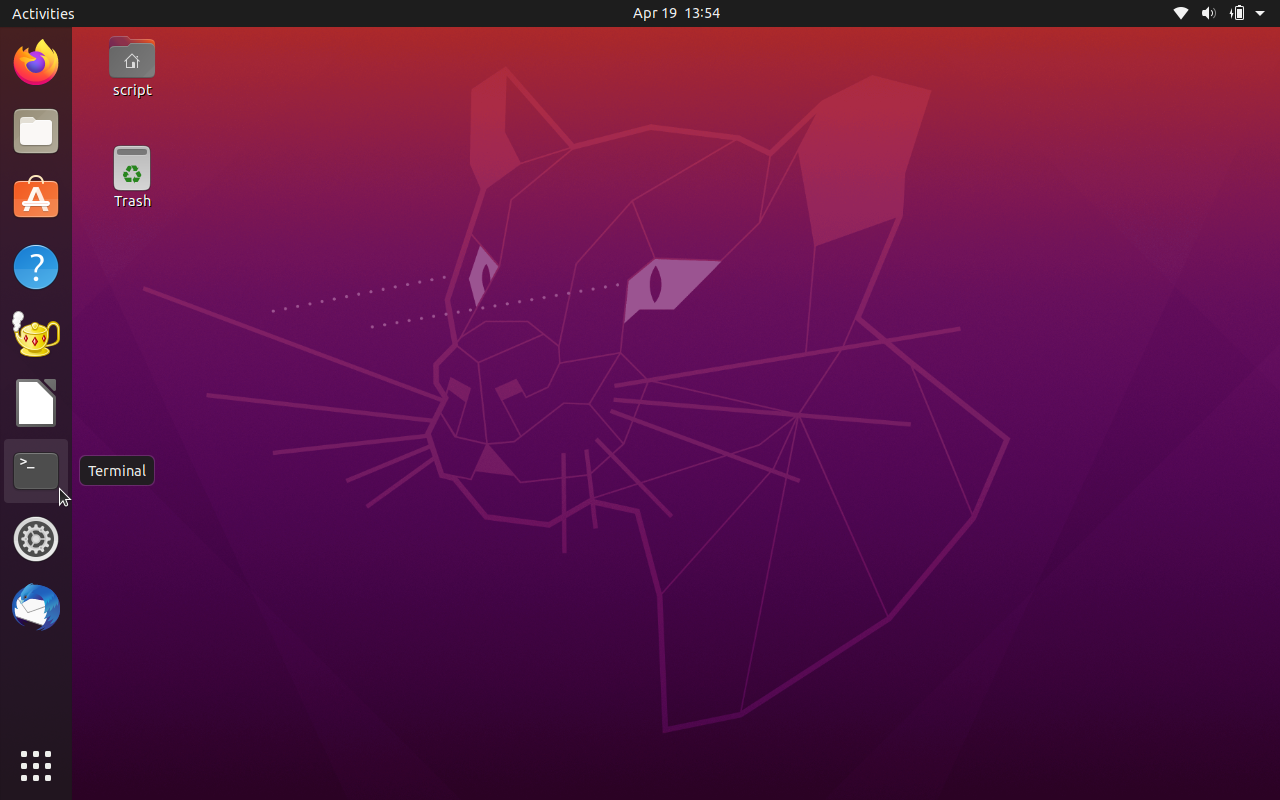
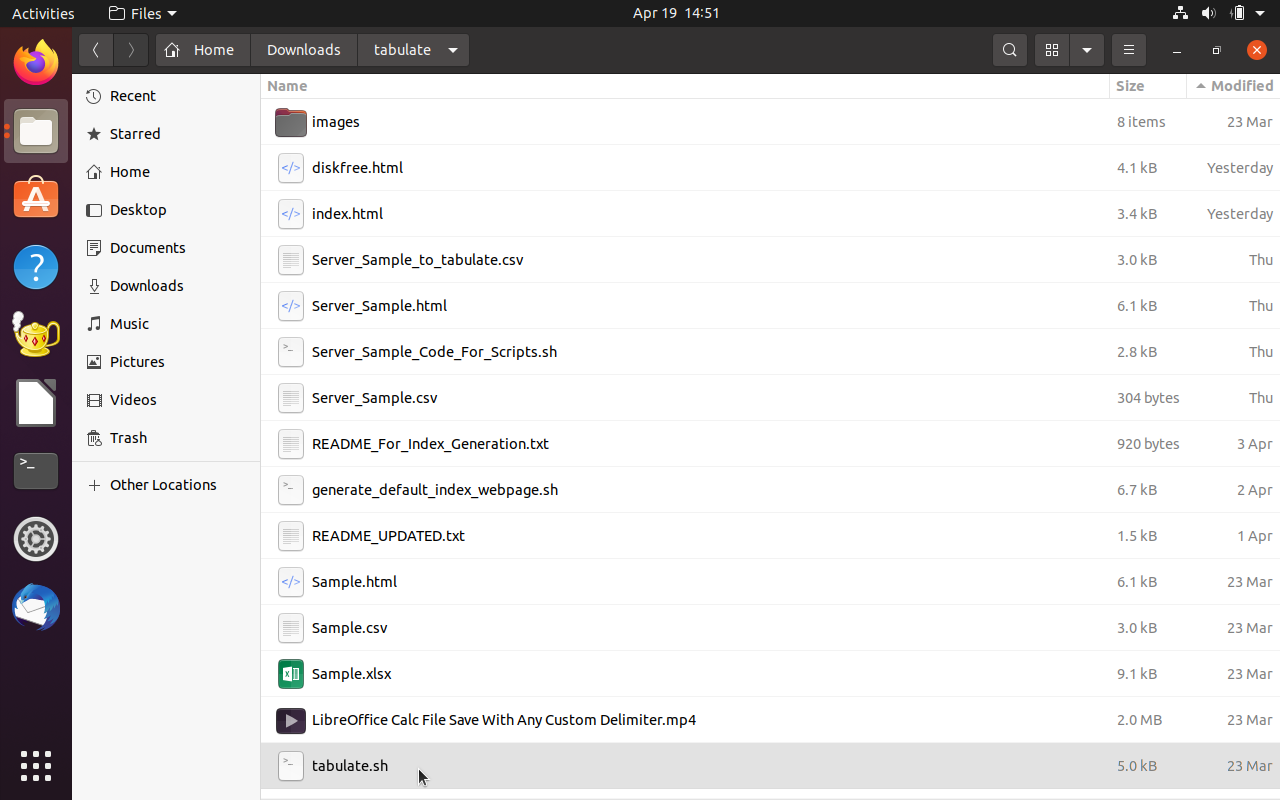
- Please see video and screenshots below
- If you need to copy files from this system to another computer ( or Vice Versa ), then use the msdos folder, as shown in this video : https://youtu.be/E-VffamlrJ8. After copying, shutdown the system and then use the usb drive on the other computer
- Some issues are present in the default Firefox browser. So it is better to install Google Chrome and then make it the default browser. For this, copy the download and install instructions from : https://linuxize.com/post/how-to-install-google-chrome-web-browser-on-ubuntu-20-04/. Alternatively, I have uploaded a text file attachment on the Wiki Home Page of this Project site for the same here : https://sourceforge.net/p/custom-ubuntu-image-for-usb/wiki/Home/attachment/How%20to%20Install%20Google%20Chrome%20Web%20Browser%20on%20Ubuntu.txt
- Also, stopping / removing the unattended upgrades service can reduce some load on the system. For this, refer the link : https://askubuntu.com/a/1346636 for commands to run on the Terminal
- The MD5 checksum computed for the file custom-ubuntu-image-for-usb-drives.gz is 0c5c3d8bb4624d271fbf3bbd45ba1027 Please verify this value, after joining the files, using the following commands, on the Terminal OR Command Prompt : md5 filename OR md5sum filename For windows, the md5sum utlity is available at : http://gnuwin32.sourceforge.net/downlinks/coreutils.php and instructions at : http://gnuwin32.sourceforge.net/packages/coreutils.htm
- Alternate method: The command to restore the gzip image on to a empty usb drive ( i.e. sdc in this case ) is : gunzip </mnt/sdb1/custom-ubuntu-image-for-usb-drives.gz >/dev/sdc
- Use the gparted partition editor application, to extend / resize the free space available on the partitions. You can temporarily remove the swap partition and re-introduce it later. If the partitions are locked because of use, you can get the gparted program from a Puppy Linux Live CD
Project Samples