
 Download
Installation
- Unpack the files in a folder called booklet
- Run dev/build
Usage
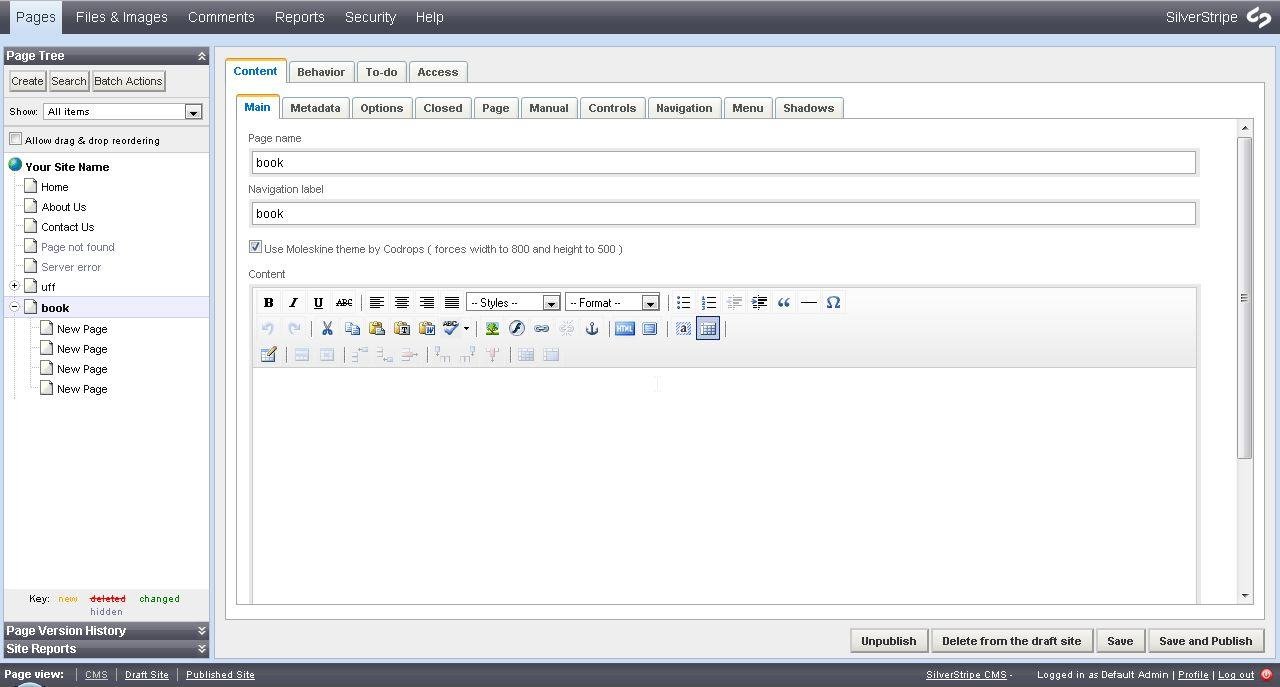
- At the CMS add a new page of "Booklet Holder" type
- Choose if you want to use the Moleskine Theme by checking the field at the Main tab
- In the tabs Options, Closed, Page, Manual, Controls, Navigation, Menu and Shadows you can set the jQuery plugin options
Project Samples




Categories
Content Management Systems (CMS)License
MIT LicenseFollow Booklet Silverstripe Module
Other Useful Business Software
Go From AI Idea to AI App Fast
Access Gemini 3 and 200+ models. Build chatbots, agents, or custom models with built-in monitoring and scaling.
Rate This Project
Login To Rate This Project
User Reviews
Be the first to post a review of Booklet Silverstripe Module!

