Download
:octocat: RAMAnimatedTabBarController is a Swift UI module library for adding animation to iOS tabbar items and icons. iOS library made by @Ramotion. Just add the RAMAnimatedTabBarController folder to your project. Create a new UITabBarController in your storyboard or nib, set the class of the UITabBarController to RAMAnimatedTabBarController in your Storyboard or nib, for each UITabBarItem, set the class to RAMAnimatedTabBarItem, add a custom image icon for each RAMAnimatedTabBarItem, add animation for each RAMAnimatedTabBarItem. Drag and drop an NSObject item into your ViewController, set its class to ANIMATION_CLASS (where ANIMATION_CLASS is the class name of the animation you want to use), and connect the outlet animation in RAMAnimatedTabBarItem to your ANIMATION_CLASS.
Features
- Swift UI module library for adding animation to iOS tabbar items and icons
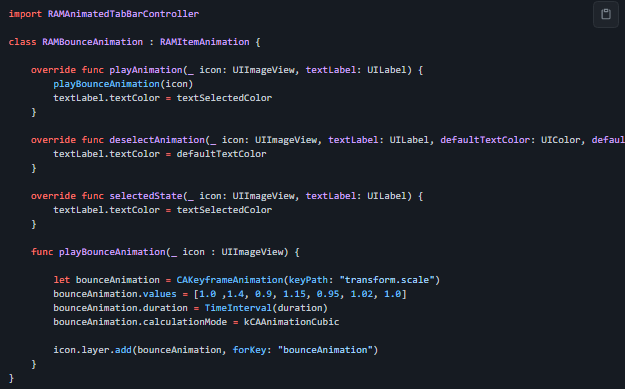
- Provides RAMBounceAnimation feature
- Provides RAMLeftRotationAnimation feature
- Provides RAMFlipLeftTransitionItemAnimations feature
- Provides RAMFlipRightTransitionItemAnimations feature
- Provides RAMFlipBottomTransitionItemAnimations feature
Project Samples