zxED Wiki
Utility for viewing ZX Spectrum emulator snapshot files.
Status: Alpha
Brought to you by:
luny

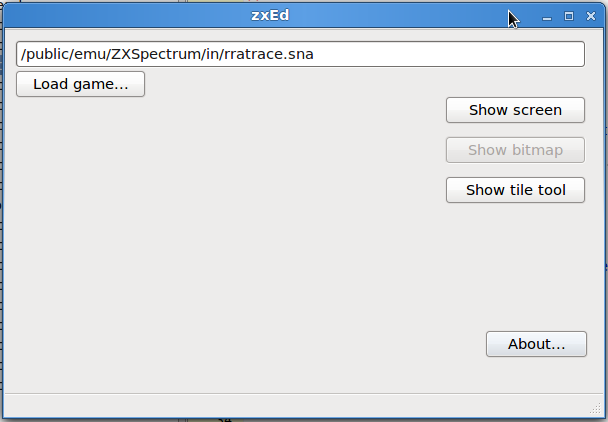
When first loaded, the only action that can be performed on ZXed is to load a game snapshot.
Clicking the 'Load game...' button will display a file dialog allowing you to select a file.
A new snapshot can be loaded at anytime, with all memory data being replaced with the new file.
However the Tile Tool will not lose any images already placed onto it.
Currently the application only handles .SNA format, but it will handle .Z80 and .TZX file formats in the future.
Once loaded the 'Show' buttons will 'enable', allowing you to display a the current Screen display, a Bitmaps tool and a Tile tool. See [Images]

