Open Source Mirrors whatsie
Brought to you by:
johngrimmreaper

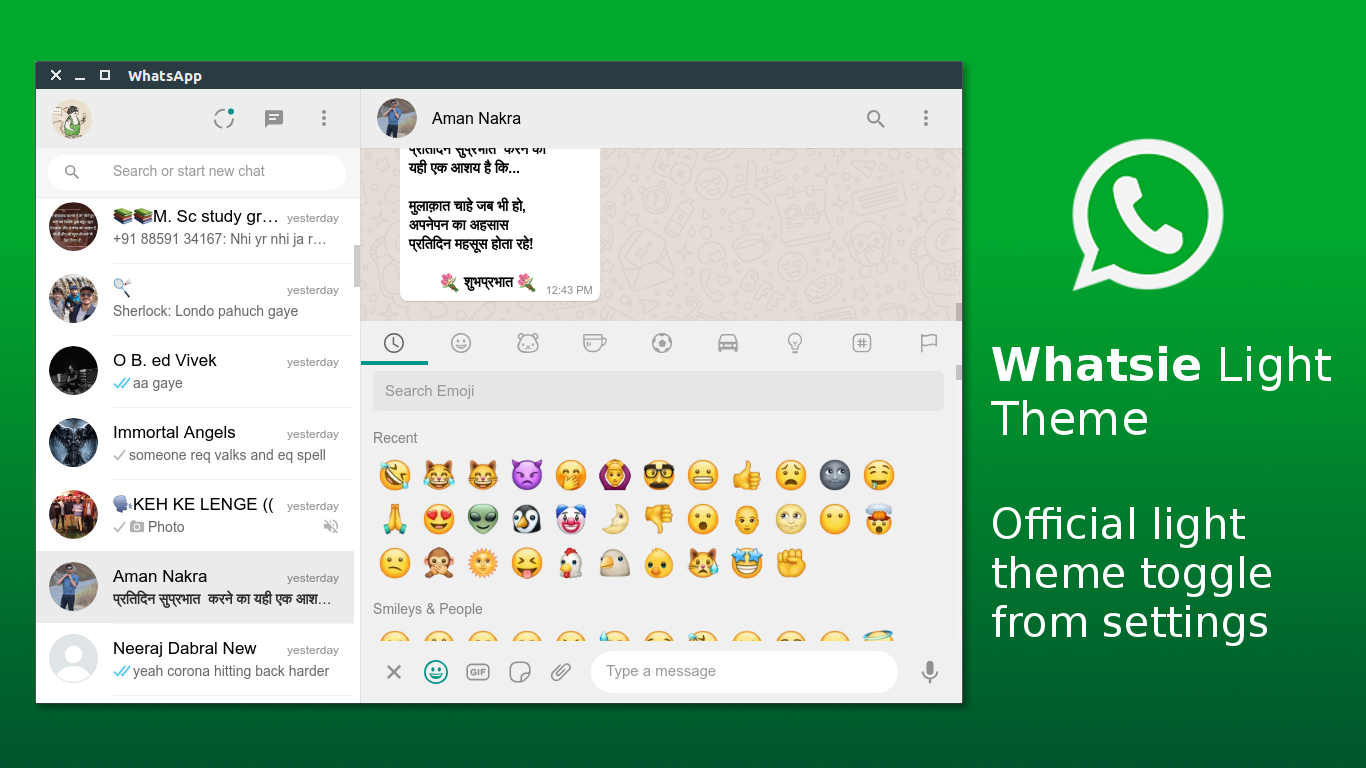
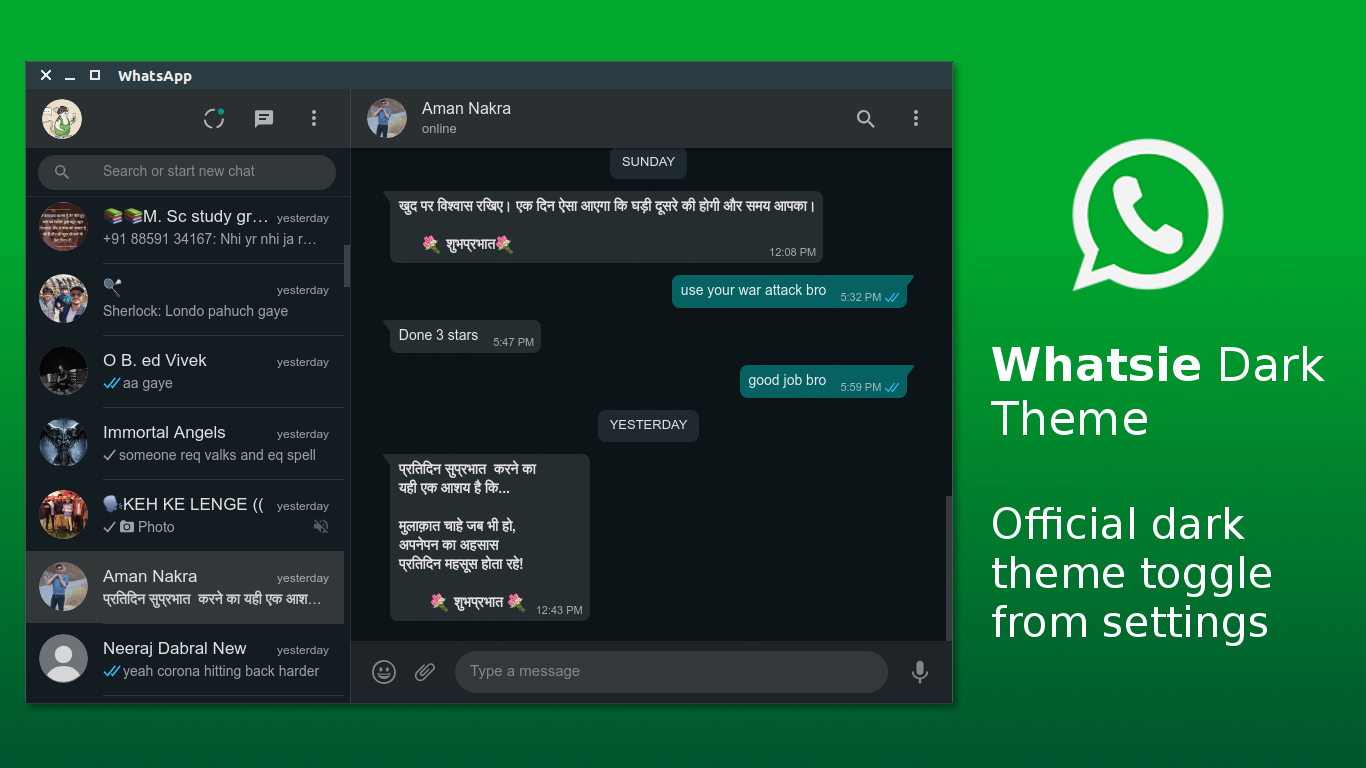
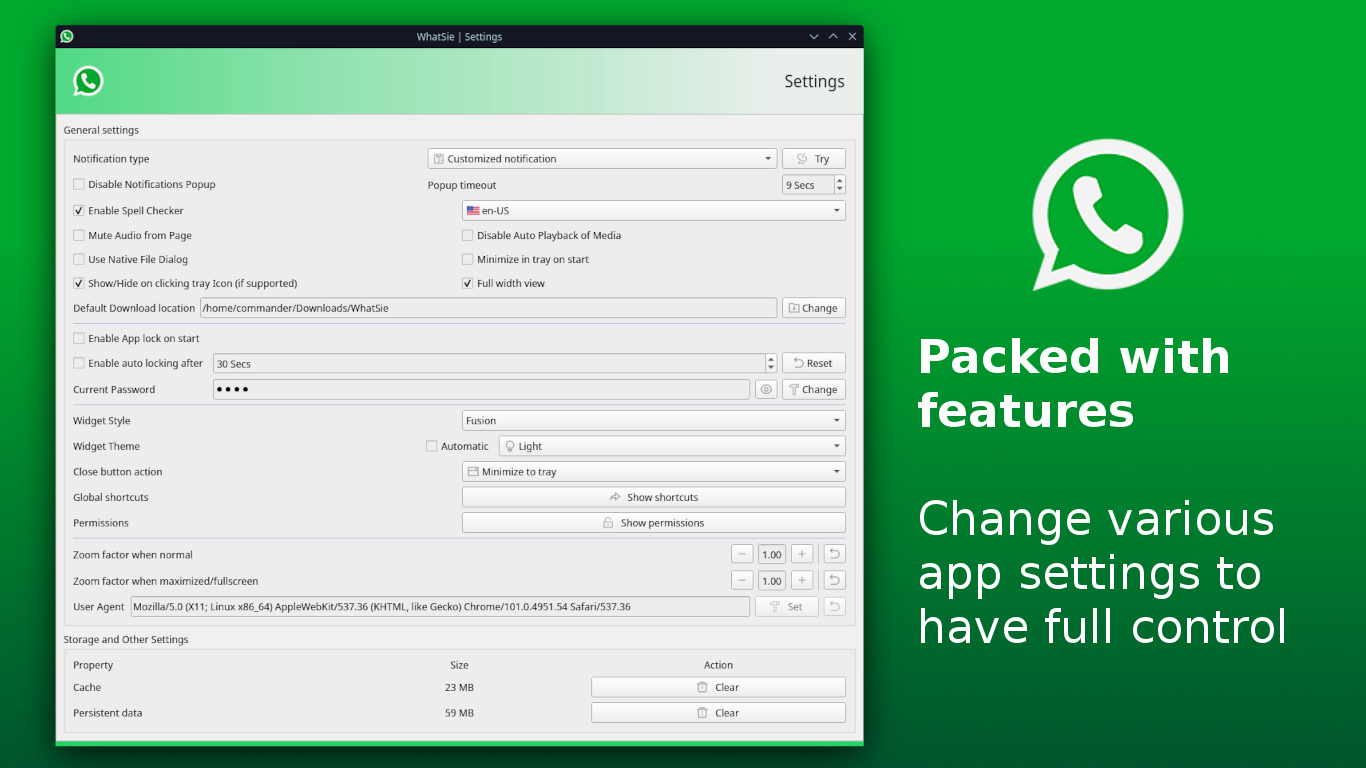
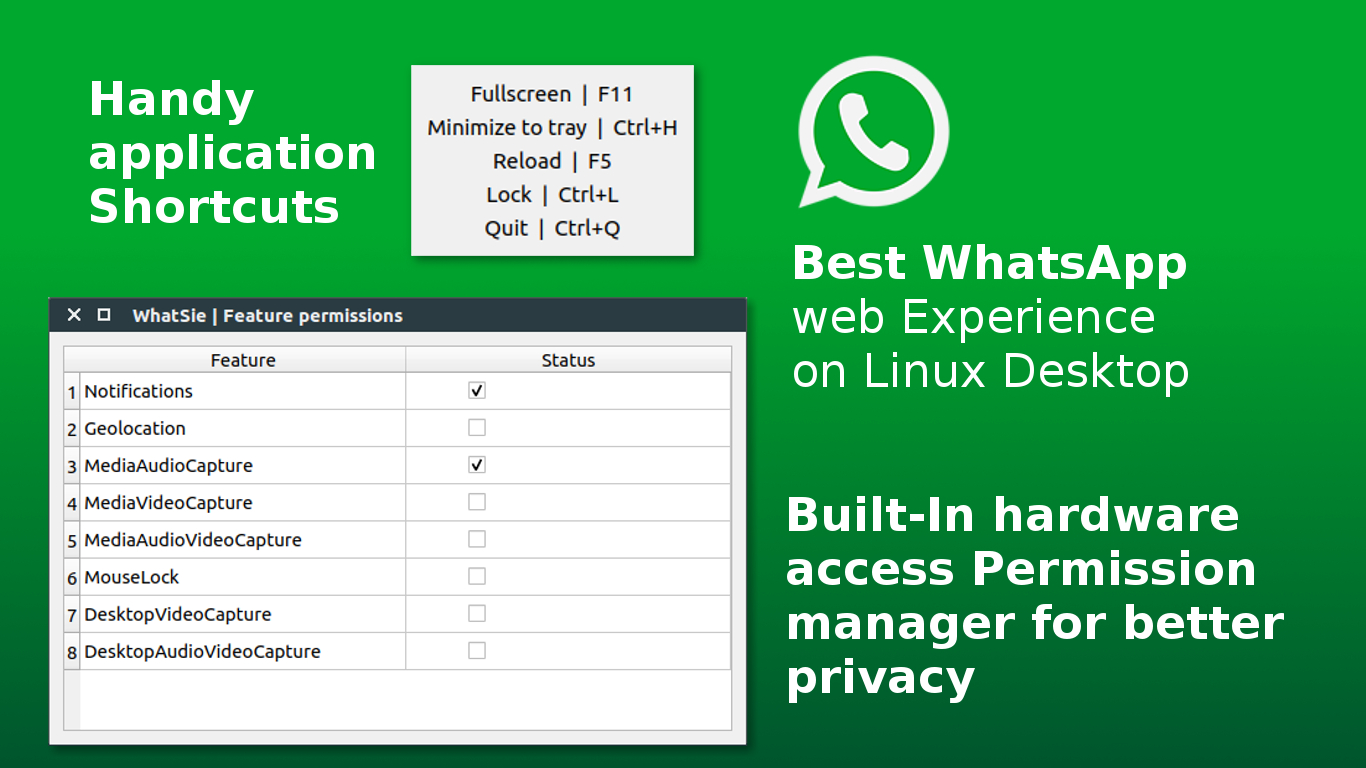
Feature rich WhatsApp web client based on Qt WebEngine for Linux Desktop
Comes with general CLI support, with a bunch of options that let you interact with already running instances of Whatsie.
Run: whatsie -h to see all supported options.
Usage: whatsie [options]
Feature rich WhatsApp web client based on Qt WebEngine

Options:
  -h, --help           Displays help on commandline options
  -v, --version        Displays version information.
  -b, --build-info     Shows detailed current build infomation
  -w, --show-window    Show main window of running instance of WhatSie
  -s, --open-settings  Opens Settings dialog in a running instance of WhatSie
  -l, --lock-app       Locks a running instance of WhatSie
  -i, --open-about     Opens About dialog in a running instance of WhatSie
  -t, --toggle-theme   Toggle between dark & light theme in a running instance
                       of WhatSie
  -r, --reload-app     Reload the app in a running instance of WhatSie
  -n, --new-chat       Open new chat prompt in a running instance of WhatSie
Ubuntu/Debian:
sudo apt-get install cmake ninja-build qt6-base-dev qt6-webengine-dev \
    qt6-positioning-dev libx11-dev build-essential
Fedora:
sudo dnf install cmake ninja-build qt6-qtbase-devel qt6-qtwebengine-devel \
    qt6-qttools-devel libX11-devel gcc-c++
Arch Linux:
sudo pacman -S cmake ninja qt6-base qt6-webengine qt6-positioning
git clone https://github.com/keshavbhatt/whatsie.git
cd whatsie
make build-release
./build/whatsie
# Install to /usr/local
make install

# OR install system-wide to /usr
sudo make install INSTALL_PREFIX=/usr
make build-release    # Build in Release mode
make build-debug      # Build in Debug mode
make install          # Install to /usr/local
make run              # Run the built executable
make clean            # Clean build artifacts
make help             # Show all available targets
| Problem | Solution |
|---|---|
| CMake not found | sudo apt install cmake |
| Qt6 not found | sudo apt install qt6-base-dev qt6-webengine-dev |
| Ninja not found | sudo apt install ninja-build |
| Permission denied | make install INSTALL_PREFIX=~/.local |
For detailed build instructions, see BUILD_QUICK_REFERENCE.md
snap install whatsie
Using Arch User Repository (AUR), AUR package for Whatsie is maintained by M0Rf30
yay -S whatsie-git

 Keshav Bhatt
 Victor Gabriel 🐧
 krafairus

 Keshav Bhatt
 Mubashshir