
 Download
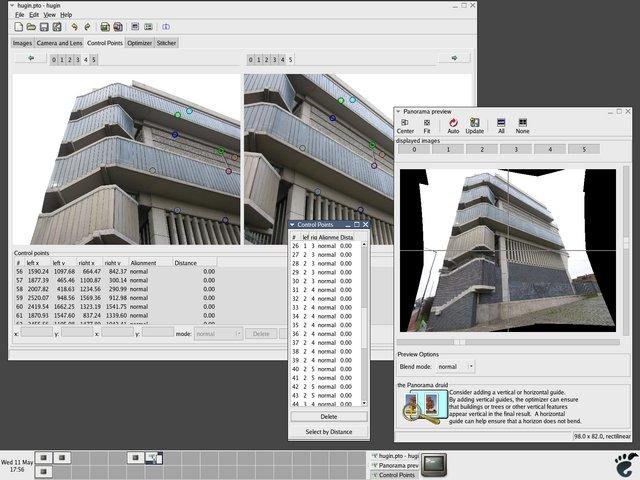
With Hugin you can assemble a mosaic of photographs into a complete immersive panorama, stitch any series of overlapping pictures and much more.
Features
- panorama
- stitching
- overlapping images
Project Samples
Categories
Image ConvertersLicense
GNU General Public License version 2.0 (GPLv2)Follow Hugin
Other Useful Business Software
Host LLMs in Production With On-Demand GPUs
Deploy your model, get an endpoint, pay only for compute time. No GPU provisioning or infrastructure management required.
Rate This Project
Login To Rate This Project
User Reviews
-
This software is brilliant! Thank you. I’m just having a bit of trouble with box panoramas (6 x 90° images) – it could be a bit easier, but perhaps I haven’t found everything in the tutorials yet. Please also include the new JXL format, as ‘kiawizard’ has already requested.
-
amazing tool, simple to use yet a lot of advanced features if required.
-
Despite some negative comments, version 2024.0.1 works on Mac M1 with macOS Sequoia 15.6.1. However, the installation isn’t as smooth as it should be: make needs to be installed separately, and the pto2mk component is requested when launching the tool, but it cannot be installed because it’s obsolete. Thanks to Copilot, which helped me solve the issue, I was able to continue with the installation: it pointed out that pto2mk has been replaced by a newer component (hugin_executor), and by renaming it, I eventually managed to make the new component visible at startup in place of the old one and use the Panorama tool.
-
Can't even get past the installation process. Always needs to restart in the middle of installation and still shows it even after the restart. After clicking OK, the installation finishes but it fails. It's on Windows 10 22H2.
-
Current version unusable on M1 silicon Mac - as others have noted, can't get past tip of the day
