OpenText HostExplorerOpenText
|
||||||
Related Products
|
||||||
About
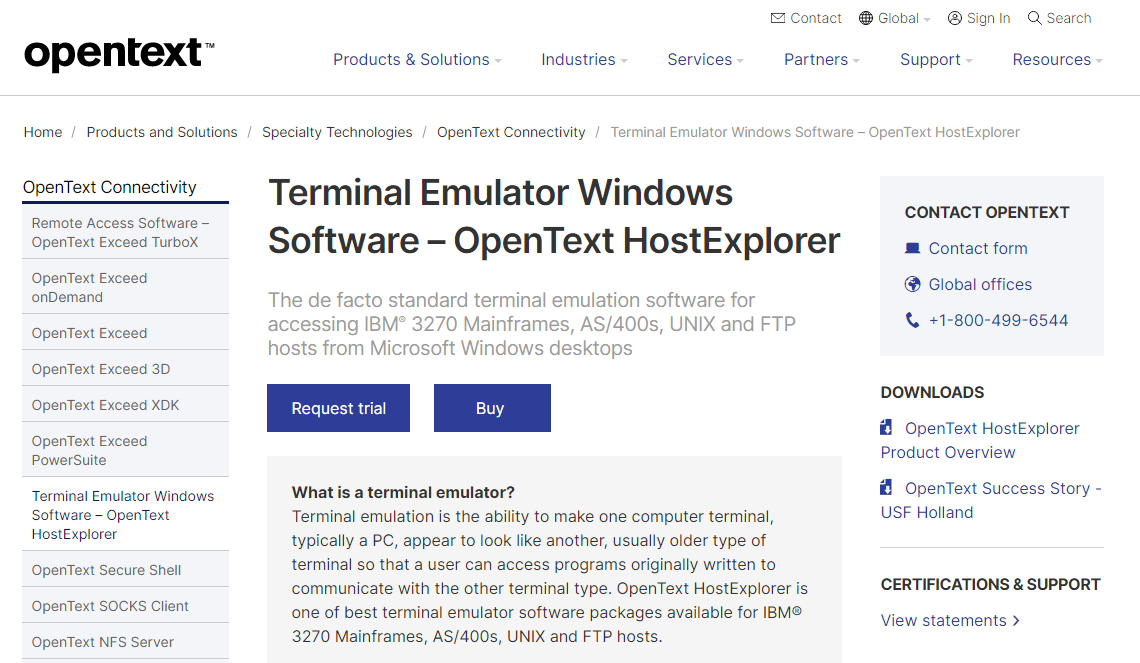
Terminal emulation is the ability to make one computer terminal, typically a PC, appear to look like another, usually older type of terminal so that a user can access programs originally written to communicate with the other terminal type. OpenText HostExplorer is one of best terminal emulator software packages available for IBM® 3270 Mainframes, AS/400s, UNIX and FTP hosts. OpenText™ HostExplorer is a terminal emulator that provides fast, secure and reliable connections from Microsoft® Windows® PCs to a variety of enterprise hosts. HostExplorer enables organizations to benefit from the latest PC and web technologies while protecting their investment in data, information assets and systems. Easy migration preserves user experience, eliminates need for retraining and avoiding business workflow interruptions. Reduces maintenance cost and effort through automatic upgrades and centralized administration.
|
About
PuTTY is a free implementation of SSH and Telnet for Windows and Unix platforms, along with an xterm terminal emulator. PuTTY is a client program for the SSH, Telnet, Rlogin, and SUPDUP network protocols. These protocols are all used to run a remote session on a computer, over a network. PuTTY implements the client end of that session, the end at which the session is displayed, rather than the end at which it runs. In really simple terms, you run PuTTY on a Windows machine, and tell it to connect to (for example) a Unix machine. PuTTY opens a window. Then, anything you type into that window is sent straight to the Unix machine, and everything the Unix machine sends back is displayed in the window. So you can work on the Unix machine as if you were sitting at its console, while actually sitting somewhere else. All of PuTTY's settings can be saved in named session profiles. You can also change the default settings that are used for new sessions.
|
|||||
Platforms Supported
Windows
Supported
Mac
Not Supported
Linux
Not Supported
Cloud
Supported
On-Premises
Not Supported
iPhone
Not Supported
iPad
Not Supported
Android
Not Supported
Chromebook
Not Supported
|
Platforms Supported
Windows
Supported
Mac
Not Supported
Linux
Supported
Cloud
Not Supported
On-Premises
Not Supported
iPhone
Not Supported
iPad
Not Supported
Android
Not Supported
Chromebook
Not Supported
|
|||||
Audience
Companies looking for a terminal emulators solution that provides fast, secure and reliable connections from Windows PCs
|
Audience
Anyone interested in a client solution for the SSH, Telnet, Rlogin, and SUPDUP network protocols
|
|||||
Support
Phone Support
Supported
24/7 Live Support
Not Supported
Online
Supported
|
Support
Phone Support
Not Supported
24/7 Live Support
Not Supported
Online
Supported
|
|||||
API
Offers API
Not Supported
|
API
Offers API
Not Supported
|
|||||
Screenshots and Videos |
Screenshots and Videos |
|||||
Pricing
No information available.
Free Version
Not Supported
Free Trial
Supported
|
Pricing
Free
Free Version
Supported
Free Trial
Not Supported
|
|||||
Reviews/
|
Reviews/
|
|||||
Training
Documentation
Supported
Webinars
Supported
Live Online
Not Supported
In Person
Not Supported
|
Training
Documentation
Supported
Webinars
Not Supported
Live Online
Not Supported
In Person
Not Supported
|
|||||
Company InformationOpenText
Founded: 1991
Canada
www.opentext.com/products-and-solutions/products/specialty-technologies/connectivity/hostexplorer
|
Company InformationPuTTY
United Kingdom
www.chiark.greenend.org.uk/~sgtatham/putty/
|
|||||
Alternatives |
Alternatives |
|||||
|
|
||||||
|
|
|
|||||
|
|
|
|||||
Categories |
Categories |
|||||
Integrations
Accops HySecure
Not Supported
Accops HyWorks
Not Supported
Azure Marketplace
Not Supported
KiTTY
Not Supported
PuTTYTray
Not Supported
TidyTabs
Not Supported
WinSCP
Not Supported
|
Integrations
Accops HySecure
Supported
Accops HyWorks
Supported
Azure Marketplace
Supported
KiTTY
Supported
PuTTYTray
Supported
TidyTabs
Supported
WinSCP
Supported
|
|||||
|
|
|