LALAL.AI4.3 out of 5 stars |
VirtualDJ5.0 out of 5 stars |
|||||
| LALAL.AI | VirtualDJ | |||||
|---|---|---|---|---|---|---|
LALAL.AI:
About
LALAL.AI is an AI-powered service for stem separation and voice processing in audio and video files. It runs on in-house neural networks, including the flagship Andromeda model, and is available on the web, as desktop apps for Windows, macOS, and Linux, as mobile apps for iOS and Android, as DAW plugins, and via a REST API.
Vocal Remover
Remove vocals or extract the instrumental from songs and videos.
Stem Splitter
Split a track into up to 10 stems: vocals and instrumental, drums, bass, electric guitar, acoustic guitar, piano, synthesizer, string instruments, wind instruments, and voice and noise. Works with popular audio and video formats, including MP3, WAV, FLAC, AAC, and MP4.
Voice Cleaner
Remove background noise, ambient music, mic rumble, plosives, and other unwanted sounds from speech and singing.
Echo & Reverb Remover
Reduce echo and reverb in speech and singing vocals in audio and video files.
Lead & Back Vocal Splitter
Separate lead vocals from backing vocals. You get four tracks: lead vocals, backing vocals, instrumental, and backing vocals with instrumental.
Voice Changer
Change the voice in an existing song or speech recording using voice packs. Premium voice packs are licensed for commercial use.
Voice Cloner
Create a personal voice pack from your own recordings and use it in Voice Changer.
Plugins
Three plugins work inside your DAW: Stem Separator splits a track into stems, Speech Cleaner separates a voice from background noise, and Voice Dereverb removes reverb from a recorded voice. All processing runs on your own computer, with no file uploads. VST3 on Windows, macOS, and Linux; AU (beta) on macOS.
Desktop App
Process multiple files at once and save results to a local folder. Pro subscribers can also separate stems locally with Lyra, without uploading files.
API
Add stem separation, voice cleaning, and voice changing to your own products with REST API v1. Several stems can be extracted in a single request. Documentation and an OpenAPI specification are available.
Business Solutions
High-volume processing, API integration, and dedicated support for localization and dubbing, video production, podcast post-production, and music workflows.
|
VirtualDJ:
About
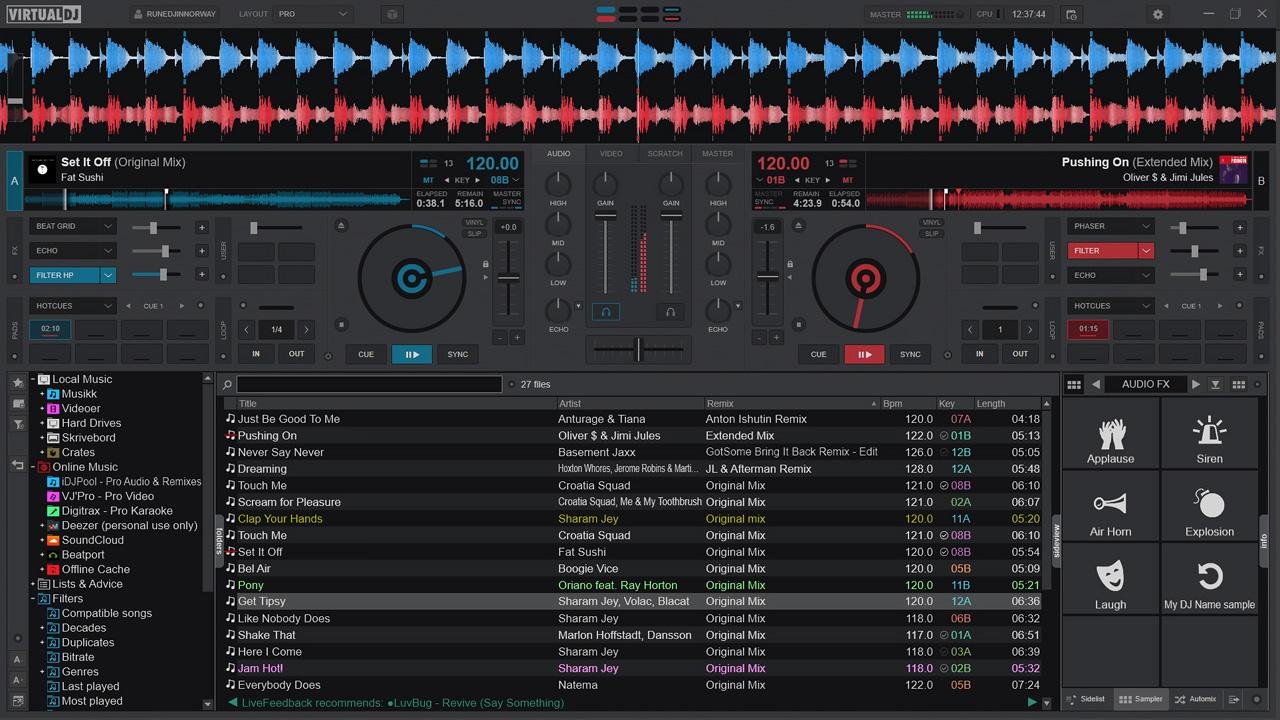
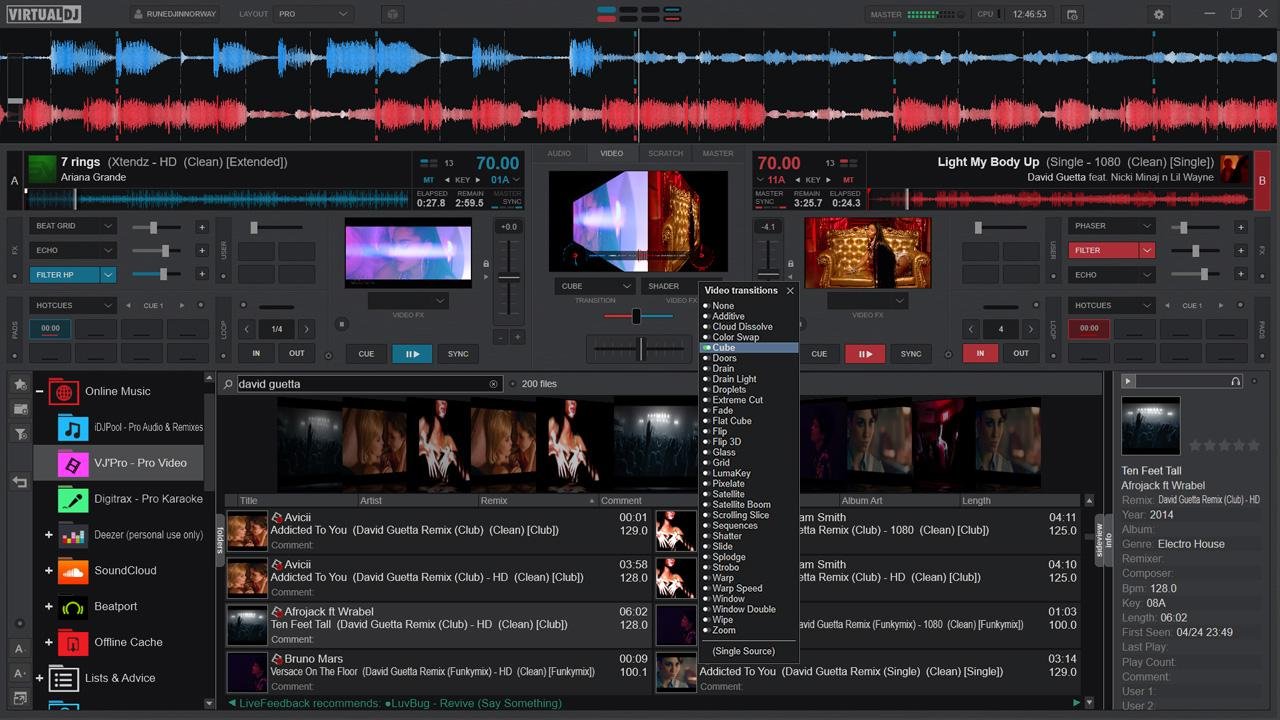
With over 150 million global users, VirtualDJ is the most widely used professional DJ software in the industry. Since 1996, it has embodied the digital DJing revolution, acting as the ultimate launchpad for countless musical journeys. It has proudly helped propel many of today's biggest superstar DJs from early bedroom practice sessions to headlining massive sold-out stadiums. VirtualDJ is renowned for packing the most advanced audio engine and cutting-edge features. It is consistently the first platform to innovate, bringing you revolutionary tools today that will shape the DJing landscape of tomorrow, like real-time stem separation, lyrics waveforms or AI assisted playlists. It also offers unmatched plug-and-play hardware compatibility with hundreds of popular controllers. Whether you are an aspiring beginner learning the basics or a seasoned touring professional demanding absolute reliability, VirtualDJ delivers. It is the definitive software you need to get the party started.
|
|||||
LALAL.AI:
Platforms Supported
Windows
Supported
Mac
Supported
Linux
Supported
Cloud
Supported
On-Premises
Not Supported
iPhone
Supported
iPad
Supported
Android
Supported
Chromebook
Not Supported
|
VirtualDJ:
Platforms Supported
Windows
Supported
Mac
Supported
Linux
Not Supported
Cloud
Not Supported
On-Premises
Not Supported
iPhone
Not Supported
iPad
Not Supported
Android
Not Supported
Chromebook
Not Supported
|
|||||
LALAL.AI:
Audience
Anyone seeking a tool to extract vocal, accompaniment and various instruments from any audio track
|
VirtualDJ:
Audience
DJ software for individuals looking to mix in real-time the various components of their tracks
|
|||||
LALAL.AI:
Support
Phone Support
Not Supported
24/7 Live Support
Supported
Online
Supported
|
VirtualDJ:
Support
Phone Support
Supported
24/7 Live Support
Supported
Online
Supported
|
|||||
LALAL.AI:
API
Offers API
Supported
|
VirtualDJ:
API
Offers API
Supported
|
|||||
LALAL.AI:
Screenshots and Videos |
VirtualDJ:
Screenshots and Videos |
|||||
LALAL.AI:
Pricing
$7.5/mo
Free Version
Supported
Free Trial
Not Supported
|
VirtualDJ:
Pricing
$4 per month
$4/month for HOME
$19/month for PRO $99/month for BUSINESS
Free Version
Supported
Free Trial
Not Supported
|
|||||
LALAL.AI:
Reviews/
|
VirtualDJ:
Reviews/
|
|||||
LALAL.AI:
Pros from Real UsersPros
|
VirtualDJ:
Pros & Cons from Real UsersPros
Cons
|
|||||
LALAL.AI:
Training
Documentation
Supported
Webinars
Not Supported
Live Online
Not Supported
In Person
Not Supported
|
VirtualDJ:
Training
Documentation
Supported
Webinars
Not Supported
Live Online
Not Supported
In Person
Not Supported
|
|||||
LALAL.AI:
Company InformationLALAL.AI
Founded: 2020
Switzerland
www.lalal.ai/
|
VirtualDJ:
Company InformationVirtualDJ
Dubai
virtualdj.com
|
|||||
LALAL.AI:
Alternatives |
VirtualDJ:
Alternatives |
|||||
|
LALAL.AI:
|
VirtualDJ:
|
|||||
|
LALAL.AI:
|
VirtualDJ:
|
|||||
| LALAL.AI: |
VirtualDJ:
|
|||||
| LALAL.AI: |
VirtualDJ:
|
|||||
LALAL.AI:
CategoriesLALAL.AI uses AI for audio tasks that are hard to do by hand: separating a mixed recording into its parts and isolating a voice from everything around it. Its neural networks are developed in-house. Andromeda, a transformer-based model, is the flagship for separating vocals and instrumentals, and Lyra is an on-device model that runs locally in the desktop app and DAW plugins. With these models, LALAL.AI splits tracks into up to 10 stem types, removes background noise and music from voice recordings, reduces echo and reverb, separates lead and backing vocals, and changes or clones voices. Instead of drawing selections or adjusting filters, you upload an audio or video file, choose the result you need, and preview it before downloading. Processing runs in the cloud on the web, desktop, iOS, and Android, or locally for Pro subscribers. LALAL.AI is an AI tool for one area: audio. It takes recordings apart and cleans up voices. Upload a song and get the vocals, drums, bass, or other instruments as separate tracks. Upload an interview or a video and get the speech without background noise, music, or room echo. You can also change the voice in a recording or create a clone of your own voice. The neural networks behind it are built in-house for these tasks. Musicians, video editors, podcasters, and localization teams use LALAL.AI for audio work that general-purpose AI assistants don't cover. You can work in the browser, in the desktop and mobile apps, or right inside a DAW with the plugins. Companies connect LALAL.AI to their own products through the API. The free plan lets you upload a file and hear the result before you pay. LALAL.AI Voice Changer makes a recording sound like a different voice while keeping the original words and delivery. It works with both singing and speech, so you can use it on songs, voiceovers, podcasts, and video. Upload an audio or video file, pick a voice pack, and adjust the accent and tonality if the result needs fine-tuning. It processes recorded files rather than a live microphone feed. Want to use your own voice? Voice Cloner creates a voice pack from samples you record and upload, and the clone then works in Voice Changer like any other voice. It works in any language. LALAL.AI includes a verification step to confirm that the voice belongs to you, and your samples aren't used to train its other AI models. Companies can add voice changing to their own products through the LALAL.AI API, using voice packs licensed for that purpose. LALAL.AI is not a full audio editor. It prepares material for editing by taking a finished mix or recording apart. Use it before or alongside your editor or DAW to get separate tracks you can edit: vocals, instrumental, drums, bass, guitars, piano, synthesizer, strings, and wind instruments. For voice work, it removes background noise, ambient music, mic rumble, and plosives, reduces echo and reverb, and splits lead from backing vocals. Audio and video files are supported, and results can be saved as WAV, FLAC, MP3, AAC, or OGG for further editing. Pro subscribers can work directly in a DAW with three VST3 plugins (Stem Separator, Speech Cleaner, and Voice Dereverb) that process audio locally on their computer. LALAL.AI helps producers, remixers, and musicians work with songs that are only available as a finished mix. Extract vocals, instrumental, drums, bass, electric and acoustic guitar, piano, synthesizer, strings, or wind instruments for remixes, mashups, sampling, practice, and restoration of older recordings. Lead & Back Vocal Splitter separates the lead vocal from backing vocals, and Echo & Reverb Remover cleans up vocals with too much room sound. Voice Changer applies a different voice to a sung vocal, including a personal voice clone made from your own recordings. Pro subscribers can split stems without leaving their session: the Stem Separator plugin works inside VST3-compatible DAWs on Windows, macOS, and Linux, with AU in beta on macOS, and processes audio locally on your computer. LALAL.AI removes noise from recorded audio and video files. It is not a real-time noise canceller for calls or live streams. Voice Cleaner separates a voice from background noise, ambient music, mic rumble, plosives, and other unwanted sounds, and works with both speech and singing. A Noise Canceling Level setting (Mild, Normal, Aggressive) controls how much a quiet voice is raised after the noise is removed, and a De-Echo option reduces room echo and reverb at the same time. It accepts MP3, WAV, FLAC, AIFF, AAC, OGG, and M4A audio, as well as MP4, MOV, MKV, AVI, and M4V video. Typical uses include podcasts, interviews, voiceovers, video dialogue, and preparing speech for dubbing and localization. Pro subscribers can also clean speech inside their DAW with the Speech Cleaner plugin, which processes audio locally, and businesses can automate voice cleaning through the API. LALAL.AI started as a stem splitter, and that is still its core. Choose what you want to pull out of a track: vocals and instrumental, drums, bass, electric or acoustic guitar, piano, synthesizer, strings, wind instruments, or voice and noise. Each separation gives you two files, the selected stem and everything else, so you get the part you need and the rest of the track. After the first upload, you can switch to another stem without uploading the file again. The separation runs on LALAL.AI's own neural networks, with Andromeda as the flagship model for vocals and instrumentals. Stem splitting works on the web, in the desktop app, and on iOS and Android. Pro subscribers can also split stems locally, without uploading anything: in the desktop app or with the Stem Separator plugin inside a DAW. For platforms and services, the API can return several stems from a single request. LALAL.AI Vocal Remover separates a song into two tracks: the vocal and the instrumental. Use the instrumental for karaoke, covers, and backing tracks, or keep the isolated vocal for a cappella versions, remixes, and transcription. Vocal and instrumental separation runs on Andromeda, LALAL.AI's flagship transformer-based neural network. If you want to keep the backing vocals in a karaoke track, Lead & Back Vocal Splitter separates only the lead vocal and gives you an instrumental with backing vocals included. Vocal removal works with both audio and video files, including MP3, WAV, FLAC, AAC, MP4, and MOV, and results can be saved as WAV, FLAC, MP3, AAC, or OGG. You can preview the result for free before choosing a paid plan to download it. Vocal Remover is available on the web, in the desktop app, and in the iOS and Android apps. |
VirtualDJ:
Categories |
|||||
LALAL.AI:
Integrations
GreenGo
Not Supported
|
VirtualDJ: | |||||
|
VirtualDJ:
|