Filmage ScreenFilmage Pro
|
KdenliveKDE
|
|||||
Related Products
|
||||||
About
Filmage Screen is a professional and complete video toolbox for capturing screen, recording audio, editing video, and converting video formats on your macOS devices.
Filmage Screen is an all-in-one screen recording and video editing software, allowing you to make videos amazing. Recreated from the ground up, Filmage Screen integrates the best screen recorder, basic audio recorder, professional video editor, handy video converter and GIF maker, revolutionary to let you create wonderful videos.
It enables you to record Mac screen by customizing recording areas or a specific window and record your iOS screen with WIFI or USB.
Also, it supports you to edit videos with an easy-to-use video editing tools, like text box, sketch, shapes, subtitle effects and more.
Filmage Screen enables you to convert any video to MP4, MOV, AVI, WMV, MKV, FLV, 3GP, MPEG, over 30 formats, export your video as animated GIF quickly, and do more than you can imagine.
|
About
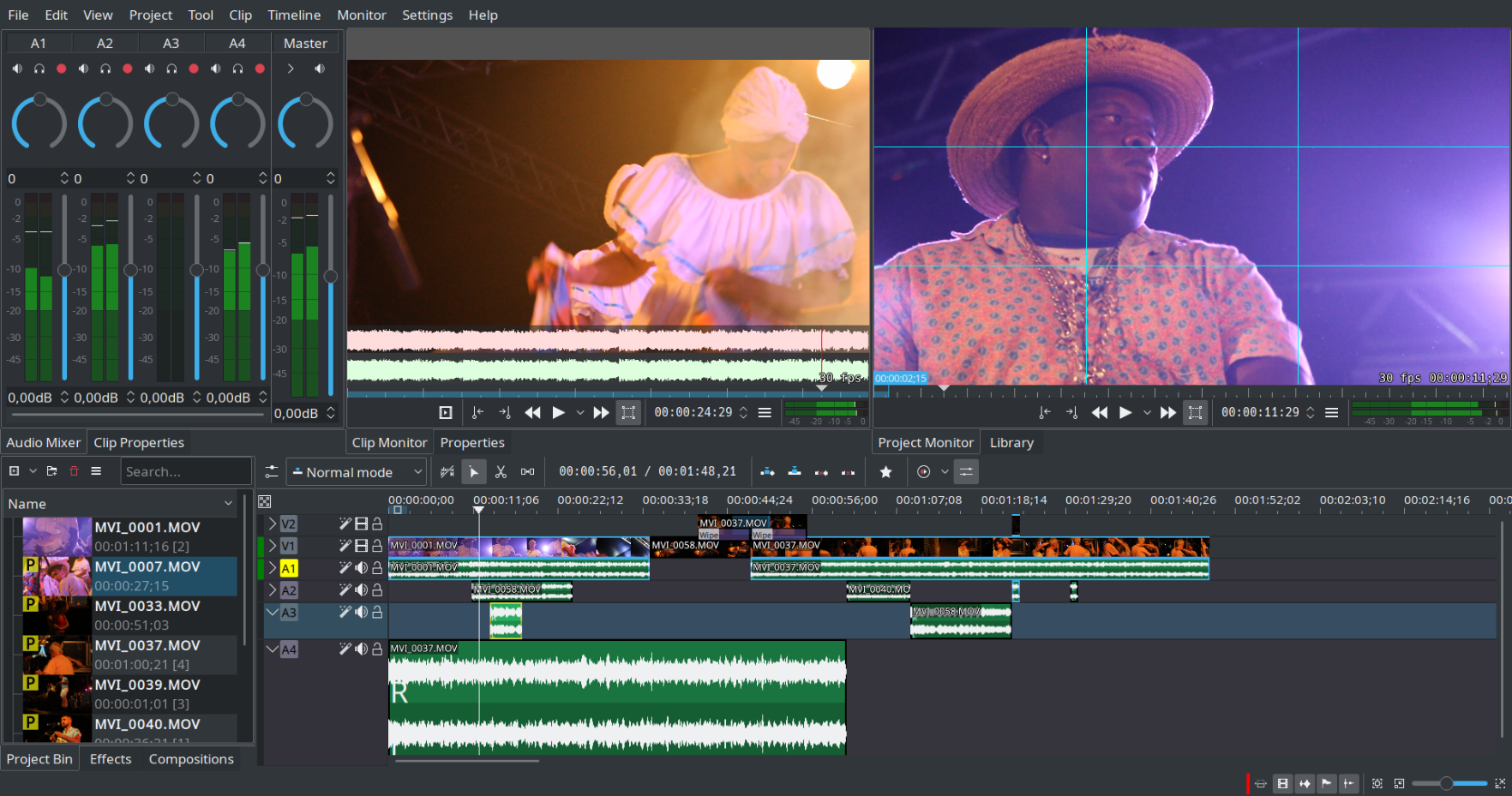
Kdenlive is a non linear video editor. It is based on the MLT framework and accepts many audio and video formats, allows you to add effects, transitions and render into the format of your choice.
|
|||||
Platforms Supported
Windows
Mac
Linux
Cloud
On-Premises
iPhone
iPad
Android
Chromebook
|
Platforms Supported
Windows
Mac
Linux
Cloud
On-Premises
iPhone
iPad
Android
Chromebook
|
|||||
Audience
Screen recorder and film editor who use Mac computers
|
Audience
Video editing solution for individuals or designers
|
|||||
Support
Phone Support
24/7 Live Support
Online
|
Support
Phone Support
24/7 Live Support
Online
|
|||||
API
Offers API
|
API
Offers API
|
|||||
Screenshots and Videos |
Screenshots and Videos |
|||||
Pricing
$29.99
$29.99 to lock all advanced features within 6 months
$59.99/permanent, one time purchase and enjoy whole life
Free Version
Free Trial
|
Pricing
No information available.
Free Version
Free Trial
|
|||||
Reviews/
|
Reviews/
|
|||||
Pros & Cons from Real UsersPros
Cons
|
Pros & Cons from Real UsersPros
Cons
|
|||||
Training
Documentation
Webinars
Live Online
In Person
|
Training
Documentation
Webinars
Live Online
In Person
|
|||||
Company InformationFilmage Pro
filmagepro.com
|
Company InformationKDE
Founded: 1996
Germany
apps.kde.org/kdenlive/
|
|||||
Alternatives |
Alternatives |
|||||
|
|
||||||
|
|
||||||
|
|
|
|||||
|
|
|
|||||
Categories |
Categories |
|||||
Video Editing Features
3D Video Editing
Audio Tools
Brand Overlay
Collaboration
Media Library
Social Sharing
Speed Adjustment
Split / Merge
Supports HD Resolution
Text Overlay
Video Capture
Video Stabilization
|
||||||
Integrations
KDE Plasma
|
||||||
|
|
|