


| Name | Modified | Size | Downloads / Week |
|---|---|---|---|
| Parent folder | |||
| SHA256SUMS.txt | 2026-11-25 | 744 Bytes | |
| Yonder_universal.app.tar.gz | 2026-11-25 | 5.7 MB | |
| Yonder_1.0.9_universal.dmg | 2026-11-25 | 5.7 MB | |
| Yonder_1.0.9_x64-portable.zip | 2026-11-25 | 2.8 MB | |
| Yonder_1.0.9_x64-setup.exe | 2026-11-25 | 2.3 MB | |
| Yonder_1.0.9_x64_en-US.msi | 2026-11-25 | 3.0 MB | |
| Yonder_1.0.9_amd64.AppImage | 2026-11-25 | 82.1 MB | |
| Yonder-1.0.9-1.x86_64.rpm | 2026-11-25 | 3.6 MB | |
| Yonder_1.0.9_amd64.deb | 2026-11-25 | 3.6 MB | |
| README.md | 2026-11-24 | 2.0 kB | |
| Yonder 1.0.9 source code.tar.gz | 2026-11-24 | 35.4 MB | |
| Yonder 1.0.9 source code.zip | 2026-11-24 | 35.4 MB | |
| Totals: 12 Items | 179.5 MB | 0 | |
Cleaner breaks over games, and a tray that does what you expect.
Fixed
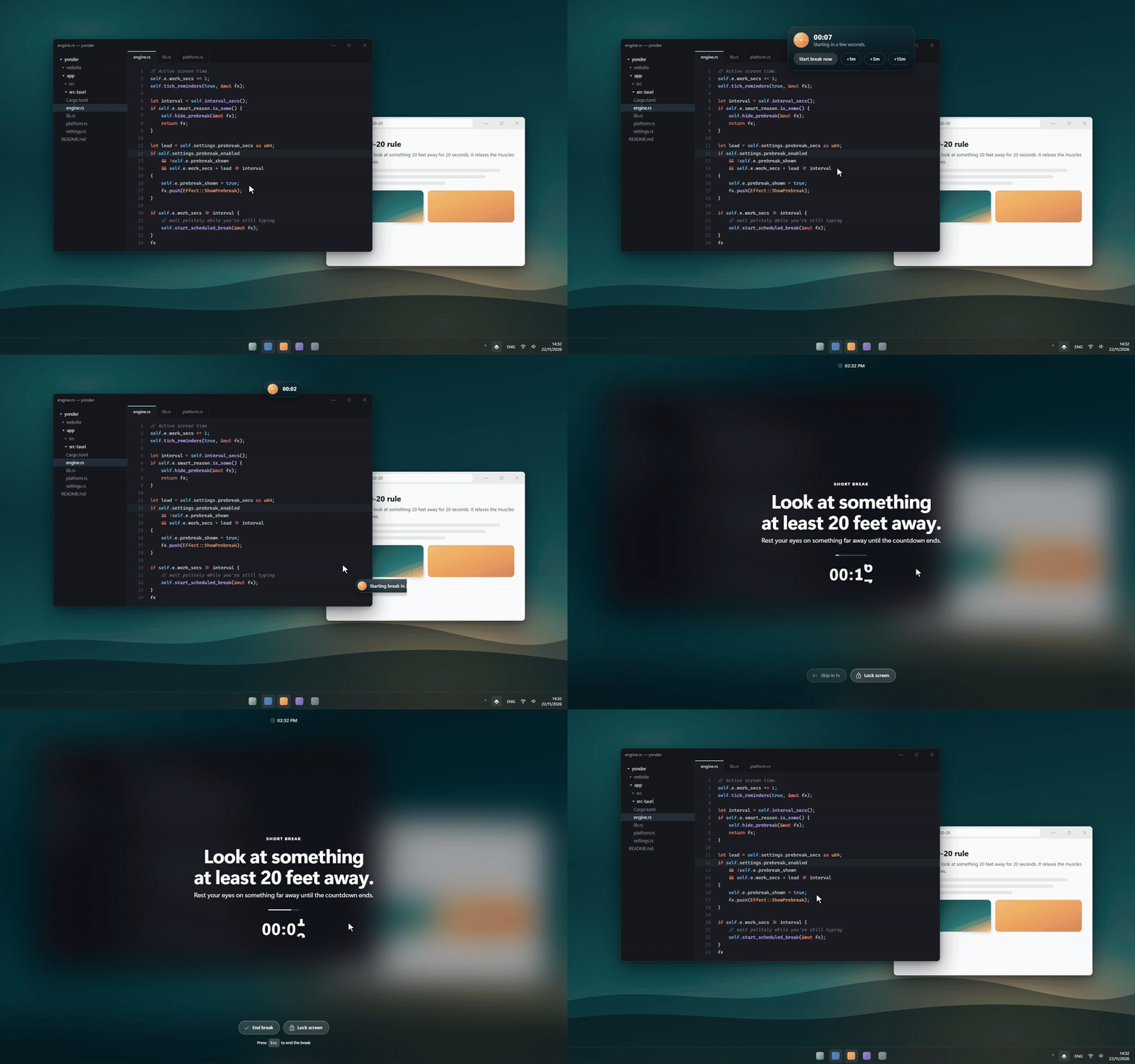
- The blurred break screen reaches every edge. Blurring made the outer edge of the break screen see-through, so a game's HUD (FPS counter, hotbar, map markers) showed through at the borders. Not anymore.
- No grey title strip on the break screen (Windows). With a borderless game in front, Windows could draw a hidden title bar reading "Yonder break" across the top. Break windows no longer have one.
- Double-clicking the tray icon opens Settings (Windows). The first click of the double-click used to start opening the popover, which then took the focus back. A single click now waits a moment, so a double-click opens only Settings.
- The tray menu stays narrow. Its status line shows only the first sentence, e.g. Break due — waiting while you're in a call (Discord). The full explanation is still on the Today page and in the popover.
New in 1.0.8, in case you missed it: Stats with streaks and a year heatmap, yonder:// scripting, a choice of what happens during games, and holds that name the app. See the 1.0.8 notes.
Install
| Platform | How |
|---|---|
| macOS | brew install --cask rmoura98/tap/yonder (or brew upgrade --cask yonder), or the .dmg below |
| Windows | scoop install yonder/yonder after scoop bucket add yonder https://github.com/RMoura98/scoop-bucket, Yonder_1.0.9_x64-setup.exe, or the portable zip below |
| Debian / Ubuntu | the signed apt repository, then sudo apt install yonder |
| Other Linux | .AppImage, .deb or .rpm below |
Verify downloads with SHA256SUMS.txt. On 1.0.1 or later, Yonder will tell you about this update itself.