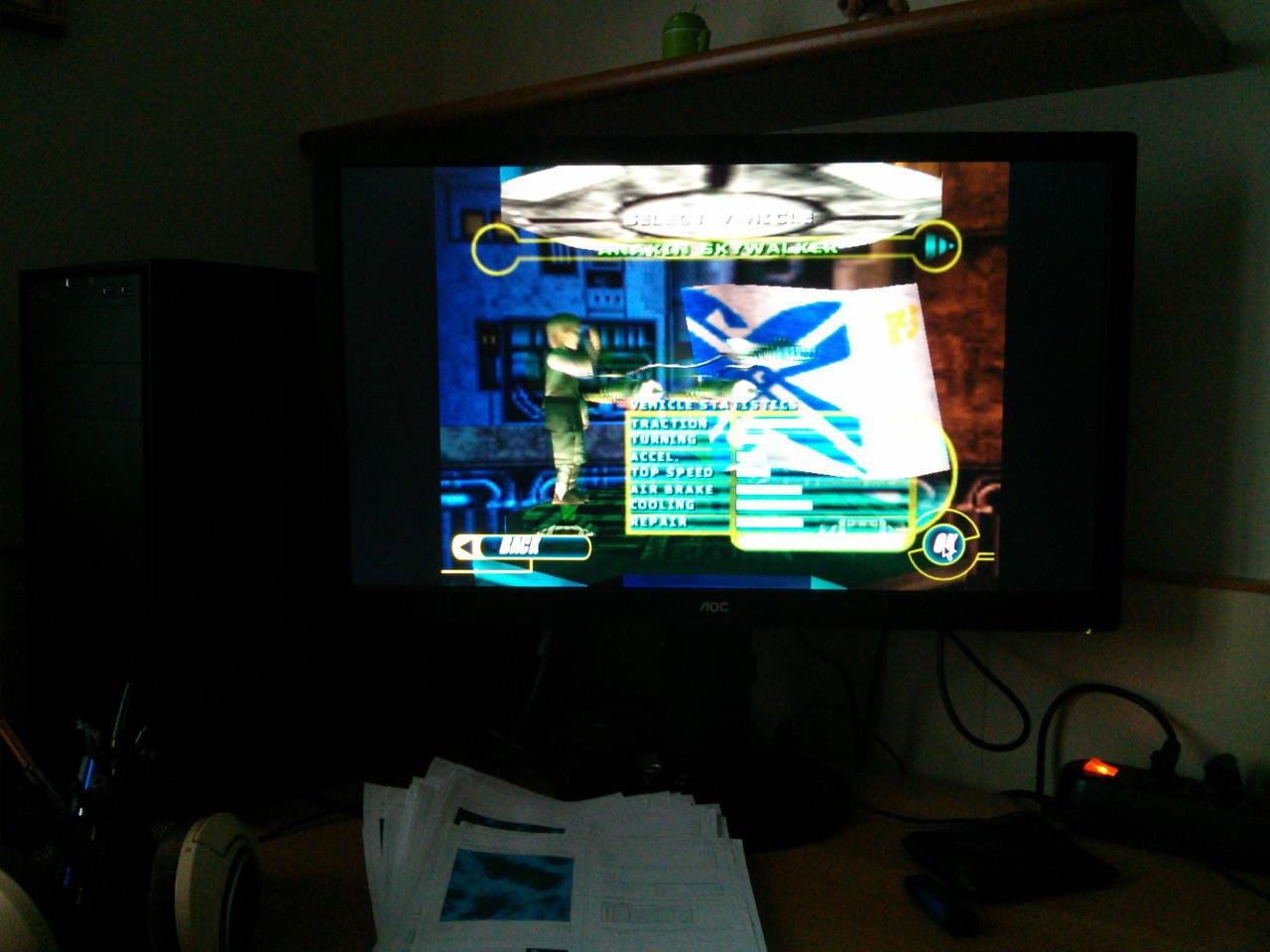
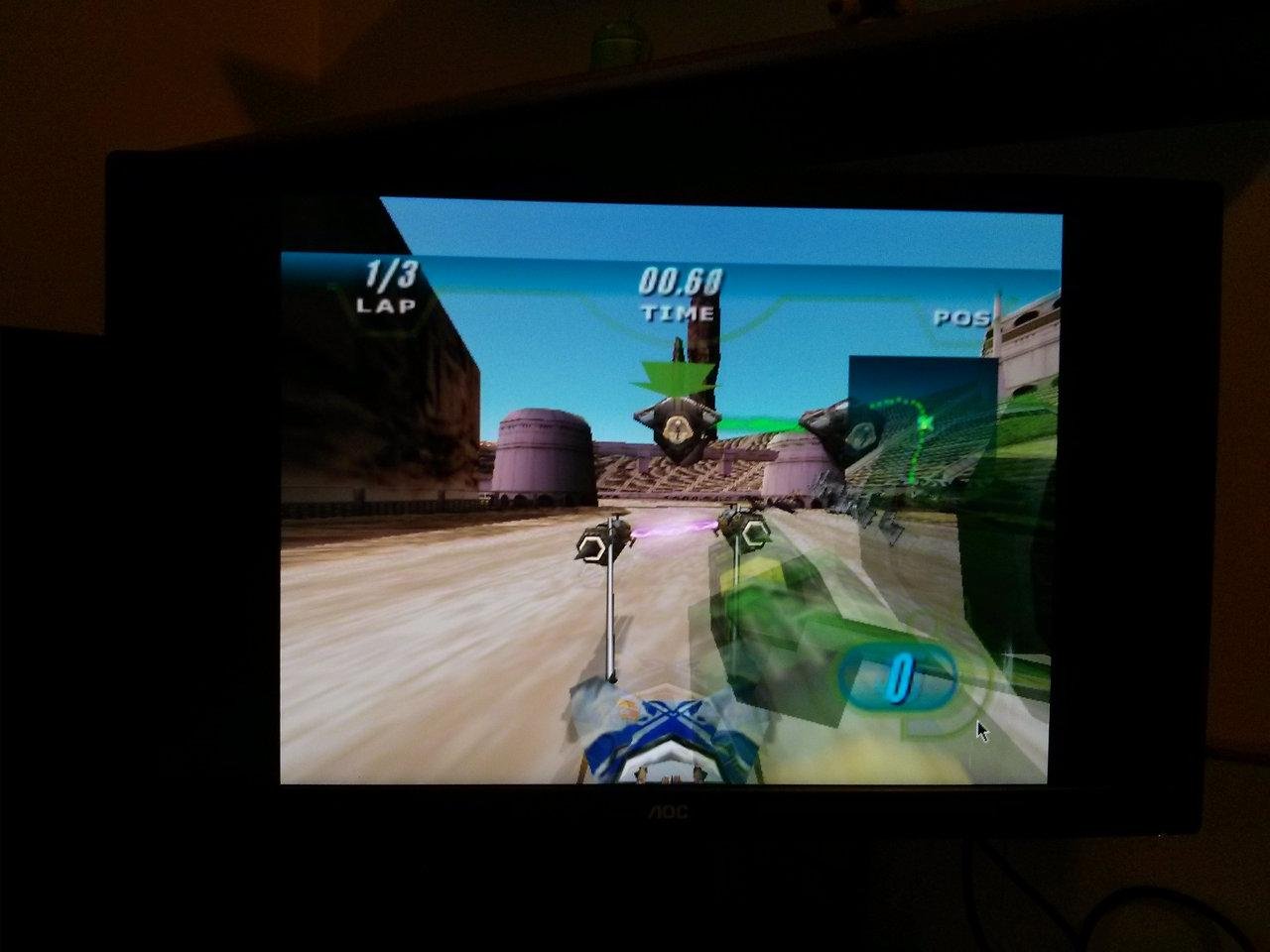
The WineD3DOnWindows project appears to be dead, so I decided to build WineD3D on MS Windows myself and release the binaries.
I hereby swear to keep this project updated until the day of my death. Or until it will no longer be possible to cross-compile it.
==What is it good for?==
WineD3D for Windows can be very useful to get old games to work properly on newer systems, especially Windows 8 and newer since they lack 16 bit screen modes.
Instructions are included.
==System requirements==
Microsoft Windows XP or newer (x86 o x64); Windows RT is not supported
OpenGL compatible video card and driver
==Limitations==
WineD3D is far from perfect, and many games will not work.
Also, keep in mind that sometimes you must be a bit creative to get old games to work. PCGamingWiki is a pretty good source of information.
==Source code?==
There's no source code, I just downloaded Wine via git and cross-compiled the DLLs using mingw32 on Debian for x86.
Features
- DirectX to OpenGL wrapper
- Free Software
- Get old games to work on modern systems
Project Samples