Download Latest Version
tla2tools.jar (2.3 MB)
Download Latest Version
tla2tools.jar (2.3 MB)

Get an email when there's a new version of tlaplus
| Name | Modified | Size | Downloads / Week |
|---|---|---|---|
| Parent folder | |||
| p2repository.zip | 2020-04-25 | 344.5 MB | |
| TLAToolbox-1.7.0.deb | 2020-04-25 | 178.0 MB | |
| TLAToolbox-1.7.0-linux.gtk.x86_64.zip | 2020-04-25 | 181.5 MB | |
| TLAToolbox-1.7.0-win32.win32.x86_64.zip | 2020-04-25 | 180.8 MB | |
| tla2tools.jar | 2020-04-25 | 2.3 MB | |
| TLAToolbox-1.7.0-macosx.cocoa.x86_64.zip | 2020-04-25 | 174.7 MB | |
| README.md | 2020-04-25 | 14.0 kB | |
| The Aristotle release.tar.gz | 2020-04-25 | 87.9 MB | |
| The Aristotle release.zip | 2020-04-25 | 90.8 MB | |
| Totals: 9 Items | 1.2 GB | 0 | |
Click here to jump to the downloads at the bottom of this page!
Changelog 04/26/2020
The high-level changelog is available at http://research.microsoft.com/en-us/um/people/lamport/tla/toolbox.html#release. The 1.7.0 milestone lists all completed issues.
Additional noteworthy changes
TLC
Bugfix
- Errors that occurred during liveness checking did not terminate TLC which could lead to a user incorrectly assuming that the specification had satisfied the liveness properties. [db2695]
- A race condition in parallel TLC could potentially result in bogus counterexamples or incomplete state space explorations.
- Absolute file paths on Windows were not working correctly when specifying file locations.
- Fixed
TLCGet("level")in simulation mode. [9652a4] - Fix crash when
-continuemode is combined with-workers >1. [d5b5a7]
Feature
- Running TLC with
-hnow displays a usage/help page (Screenshot) - Setting "-workers auto" automatically detects available parallelism. [411143]
- Define deadlock checking in model config file. [6b4ed5]
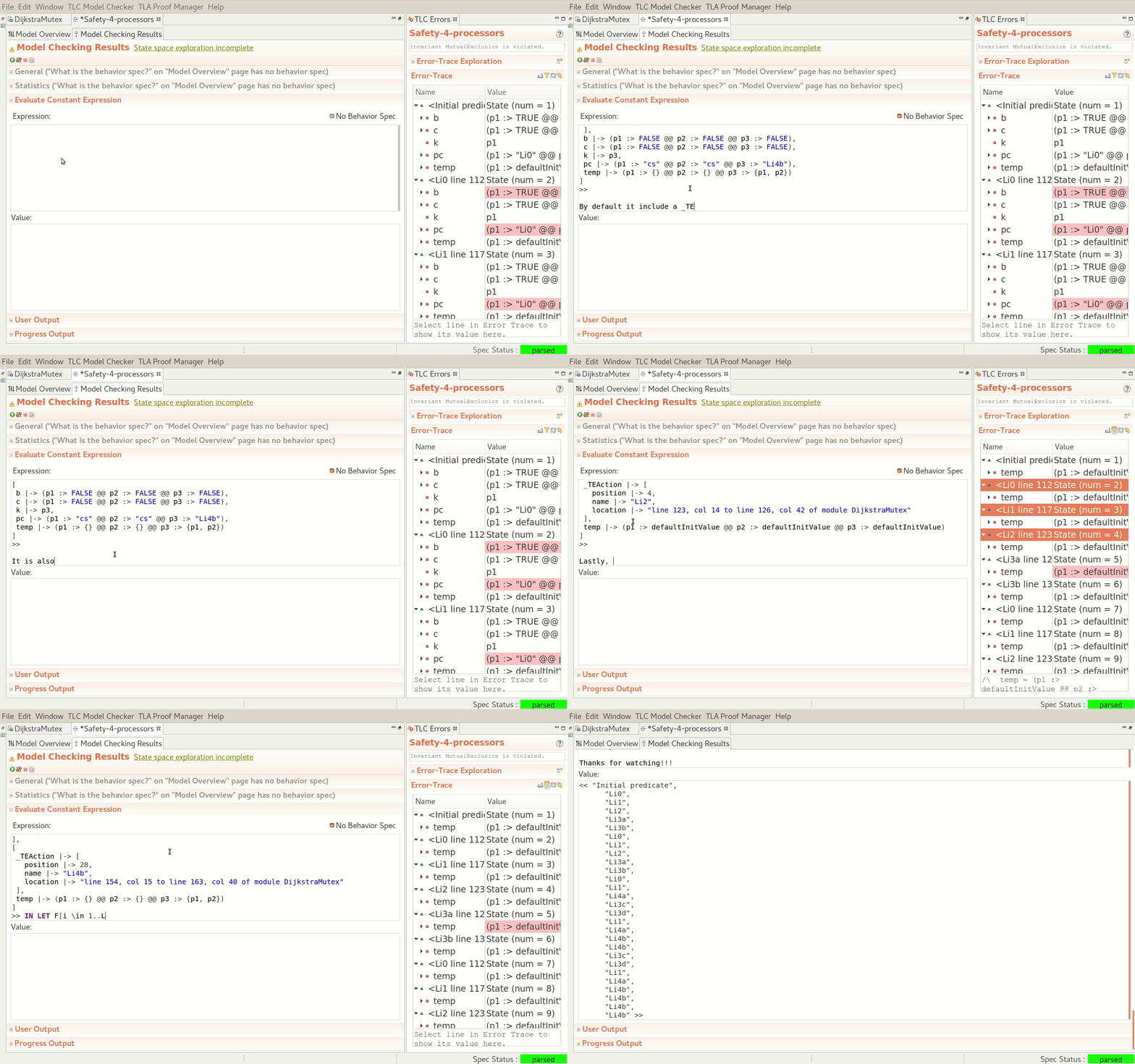
- Evaluate trace expressions on the command-line (Screencast).
- Running TLC with both the
-generateSpecTEflag will enable 'tool mode' output and, in the event that the model check encounters errors, generate aSpecTE.tlaandSpecTE.cfgfile pair that captures the state trace reconstruction in an Init-Next relation spec.- This
SpecTE.tlawill, by default, be a monolithic file, prefaced by the tool output, followed a theSpecTEMODULE definition which includes all extended non-StandardModule TLA code as well. - To prevent the monolith inclusion of dependent TLA code, specify
nomonolithafter the-generateSpecTE
- This
- TraceExplorer exposes four capabilities:
- running the TraceExplorer with no spec name puts the TraceExplorer into a mode to receive input via stdin (e.g in order to pipe tool-mode output from TLC)
- pretty-printing: given an existing tool-mode output from a previous model check run (or piping in such output), pretty-printing will display an output stack to the terminal in basically the same format as one would see in the Toolbox's Error Viewer
- SpecTE generation: given an existing tool-mode output from a previous model check run (or piping in such output), create a
SpecTE.tlaandSpecTE.cfgfile pair - this will not be a monolithic version. - Expression exploration: given an existing tool-mode output from a previous model check run (or piping in such output), and file of expressions, one per line:
- create a
SpecTE.tlaandSpecTE.cfgfile pair if one doesn't exist - then create a
TE.tlaandTE.cfgfile pair which extends SpecTE and contains appropriate conjunctions featuring the expressions - then run model checking on this TE spec, both creating a
TE.outand dumping the tool-mode output to stdout - then do a courtesy pretty-print of the output. Pretty-printing in this scenario will ANSI-bold the expressions and their evaluated values
- Single expression exploration: as a sort of REPL-adjacent, any single TLA+ expression can be evaluated.
- running
tlc2.TraceExplorerwith no arguments, or-hwill display helpful usage verbiage
- CloudTLC may now be run in simulation mode. [ab64ad]
- Error messages have been improved for bogus symmetry sets.
- Error messages have been improved when temporal existential and/or temporal universal quantification is used in a specification.
- Annotation-based loading of TLC module overrides (Java) for TLA+ operators. [eb42f9]
- More powerful TLC module overrides to programmatically (Java) manipulate successor states. [bb64cf]
- Write snapshots of state graph in dot/gv format after every new state. [305f38] (Screencast)
- Action names are now printed in error traces emitted in simulation mode. [c0180e]
- Performance has been improved when creating a profiler tree with large specs. [b7f928]
Toolbox
- The Toolbox now ships with AdoptOpenJDK version 14. [e7ca63]
Preferences
- The Toolbox comes with a Dark theme via
General → Appearance. - The "Show Evaluate Constant Expression in its own tab" preference has been moved from
TLA+ Preferences → TLC Model CheckertoTLA+ Preferences → Model Editor. - The
TLA+ Preferences → TLAPSpreference subtree has been altered: - the previous page at
TLA+ Preferences → TLAPSis now atTLA+ Preferences → TLAPS → Color Predicates. - The page previously at
TLA+ Preferences → TLAPS → Additional Preferencesis now renamed toTLA+ Preferences → TLAPS → Other Preferences. - Non-color-predicate-related preferences from
TLA+ Preferences → TLAPS → Additional Preferenceshave been moved intoTLA+ Preferences → TLAPS. TLA+ Preferences → TLAPSnow also features the ability to set a file system location for thetlapmexecutable should the Toolbox not be able to find it.- On macOS, you can now set the preference to have the operating system open PDFs with your default PDF viewer via
TLA+ Preferences → PDF Viewer. - We attempt to locate the
dotexecutable, prior to letting GraphViz attempt to find it.
Spec Editor
- The spec editor now allows the collapsing of block comments, PlusCal code, and the TLA+ translation of PlusCal code. The first line of each of these types of runs should feature a minus icon in the line number gutter. Clicking on this icon will collapse the run; while in a collapsed state, holding the mouse over the, now: plus, icon will show the collapsed text as a tooltip.
- Please review the help page for the PlusCal translator in the Toolbox for guidance as to how the comment block surround the PlusCal algorithm should be written.
- The preferences pane found at
TLA+ Preferences → Module Editorallows for the setting of the default folding preferences (e.g 'always fold block comments when opening a specification in the editor.') - The spec editor also allows the collapsing of a contiguous run of two or more single line comments (where a single line comment is defined as a line starting with 0 or more spaces and or tabs, followed by a
\*) - The translation of PlusCal code now generates a checksum of this code and the resulting TLA+ code; this checksum is calculated again when a model is executed and if it has changed, either a warning dialog will be displayed (if executed via the Toolbox) or a log warning will be emitted (if TLC is executed on the command line.)
- If you make a change to the generated TLA+ code, but do not want to be warned by the Toolbox of the divergence, you can delete only the TLA checksum (e.g
\** END TRANSLATION TLA-9b285153d0358878d62b88c9d4a6a047→\** END TRANSLATION.) You will still be warned if the PlusCal code content is found to have changed without re-translating. - If attempting to generate a PDF of a spec fails because the
pdflatexexecutable could not be found, a more informative warning dialog is now displayed for the user, including a way to directly open the Toolbox preference page specifying executable location. - The ability to use the prover against a spec will now be disabled while the spec fails to be successfully parsed.
Model Editor
- The style of the display of definitions in the "Definition Override" section in the Spec Options tab can be defined in the
TLA+ Preferences → Model Editorpreferences. There are two styles currently; given aDefinitionfrom aModule Namereferenced in the primary spec likeInstanceName == INSTANCE ModuleName WITH ..., then the two available styles are: Definition [Module Name]InstanceName!Definition- The Initial predicate / Next-state text areas were no longer interpreting a TAB as 'advance focus' due to a regression introduced when we moved to multi-line support for these text areas in 1.6.0. Both text areas now interpret a TAB as a focus advance; a TAB in the 'Init:' text area moves focus to the 'Next:' text area and a TAB in that text area advances the focus to the 'What is the model?' section.
- New models now open a Model Editor instance with only a single tab - the Model Overview page. Running the model will open the Results tab, or should the user want to work immediately with evaluating constant expressions, there is a link at the bottom of the Model Overview page which will open the Results tab (as well as the Constant Expressions tab should the user have configured their preferences to show this in its own tab.)
- Warn when checking liveness under action or state constraints (see Specifying Systems section 14.3.5 on page 247 for details).
- Console output from model checking now has the TLC tool marker markup removed.
Spec Explorer
- Right-clicking on model snapshots was incorrectly presenting the choice to rename the snapshot; this has been corrected.
- Renaming specifications now correctly cleans up after itself and should no longer prevent models from being opened.
- Previously, opening a spec while the current spec had a dirty editor open, and to which the user chose to
Cancelthe offer to save the dirtied editor, resulted in the Toolbox continuing to open the new spec. This has been fixed - the opening process is halted and the original spec remains open. - Deleting a spec which has a currently dirty editor open for it, in which the user Cancel-s out of the dialog warning that the user is closing a dirty editor and asking whether they want to Don't Save, or Cancel, or Save, was continuing with the deletion of the spec. It now stops the deletion process.
Trace Explorer
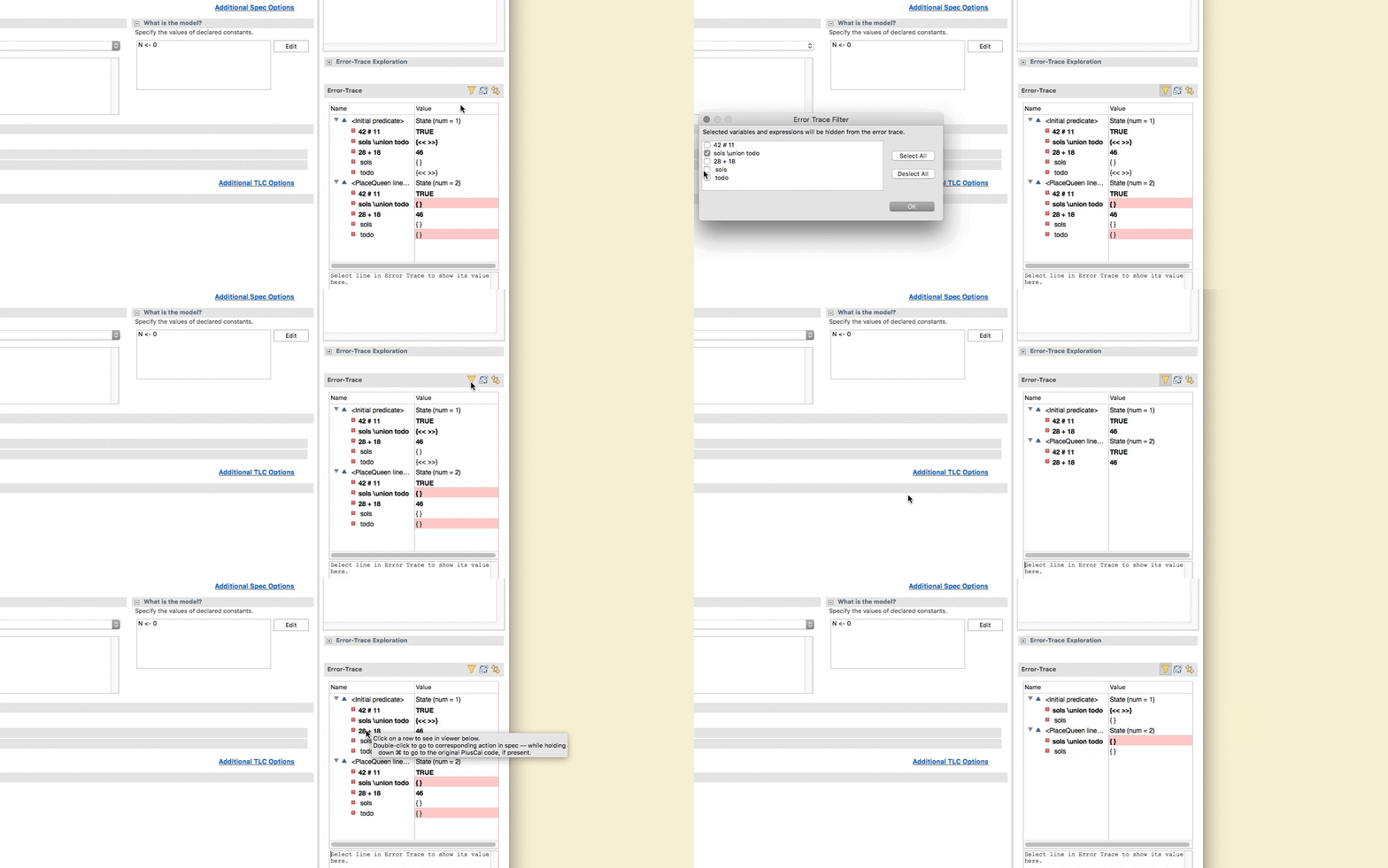
- The Error-Trace can now be filtered to omit one or more variables and/or expressions. Clicking on the filter icon, when filtering is not on, will display a dialog allowing the user to select from the set of variables and expressions found in the trace; alternatively, the user may ALT-click on a variable or expression in the Error-Trace tree view which will then omit that variable or expression. (Screencast)
- Also provided in the Error-Trace filtering dialog is the ability to hide variables whose values have not changed. For a variable that has changed at sometime during the trace, it may be displayed in either only the frames in which its value has changed, or in every frame of the trace. (Screencast)
- While filtering is enabled, a checkbox will be displayed above the variable value viewing text area allowing this area to display all the variables, or only the filtered variables, when a state is selected in the Error-Trace tree.
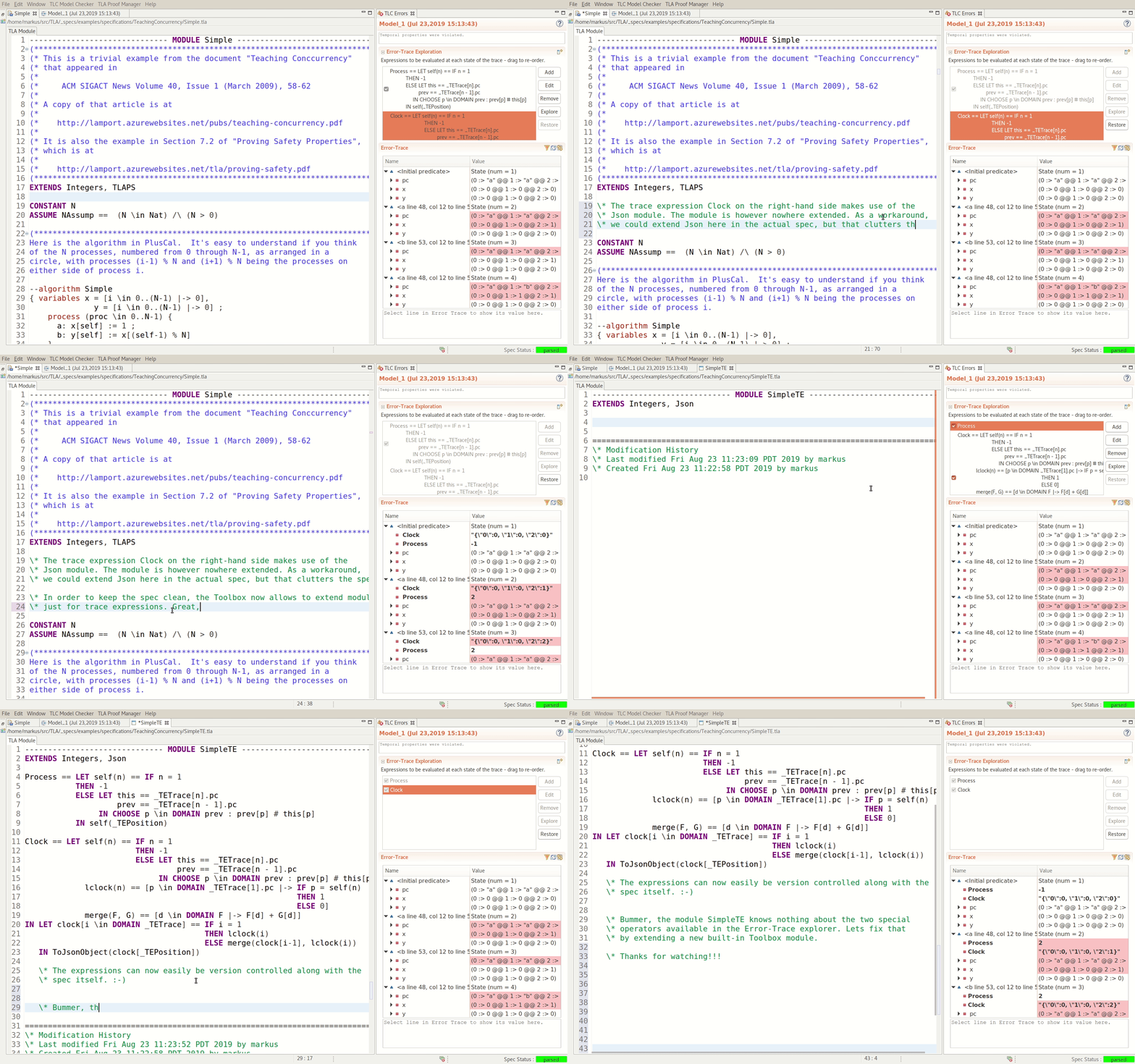
- Allow Trace-Explorer to extend additional TLA+ modules (Screencast)
- Export Error-Trace to system's clipboard (Screencast)
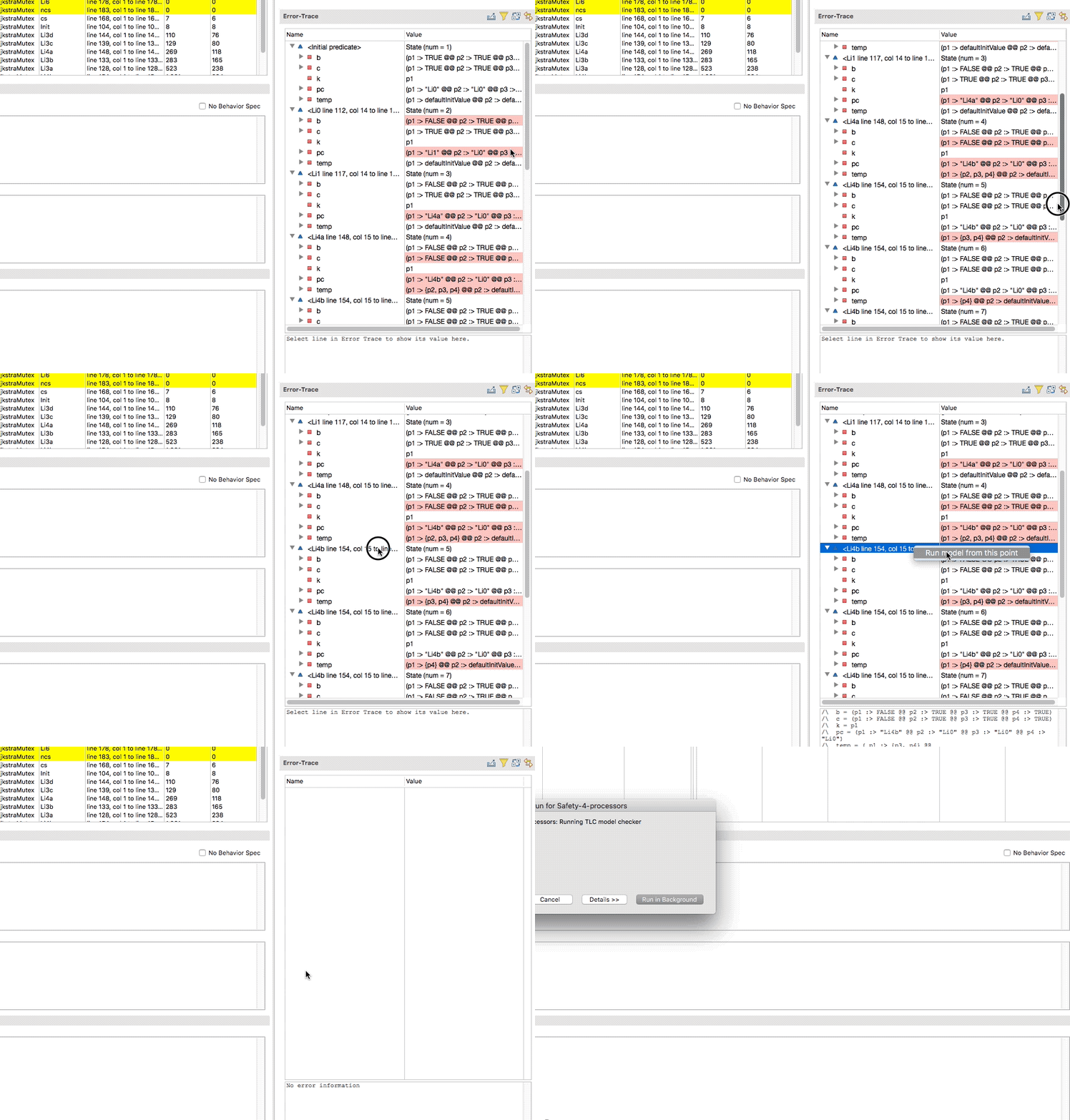
- Model checking can now be started using any given frame shown in the Error-Trace. Right-clicking on any location row will display a context menu giving the user the opportunity to run the model checking starting at that state. (Screencast)
Running checking in Ad Hoc mode
- We have ended support for launching workers via JNLP; more information can be found on the master server's web page when running in this mode (e.g http://localhost:10996)
Contributors
We are grateful for contributions to this release from: Loki der Quaeler, Denys Dushyn, Calvin Loncaric, William Schultz, Jay Lee, and Andrew Helwer.
A note to macOS users
Startup on macOS version 10.14 (Mojave) onward might fail with "TLA+ Toolbox can't be opened because Apple cannot check it for malicious software.". Please make sure to follow the instructions outlined in GitHub issue [#320] to address this problem.
Checksums
| sha1sum | file |
|---|---|
| 0c78a97204c376cef3051816aa4125785b973b47 | tla2tools.jar |
| fadc7dbc3e8c679a3ab600038654262c0cc69aa0 | TLAToolbox-1.7.0-win32.win32.x86_64.zip |
| 46a46c7035551efaba2f7872b43b59f526343095 | TLAToolbox-1.7.0-linux.gtk.x86_64.zip |
| b44ae6b693147db58f0e13d0d4ec8371f60c3ea4 | TLAToolbox-1.7.0-macosx.cocoa.x86_64.zip |