
Menu
▾
▴

Images
Images
Any image supported by yab are supported by Yoshi. Images are placed in the horizontal center of the window, unless there is no width specified. In that case the image is placed on the left side of the window. The image will be resized to the height and width specified.
image
img.type = image
img.label = This is the Yoshi icon.
img.path = /boot/home/config/settings/fatelk/yoshi/yoshi.icon.hvif.png
img.maxwidth = 64
img.maxheight = 64
img.border = 4
This places the yoshi icon image in the center with a border drawn 4 pixels outside the image. In this case, the image and border takes up 72 X 72 pixels, but the label is placed above so that it takes up even more space on the screen:
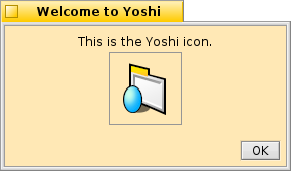
A window showing the example above
Images or labels wider/longer than the window will re-size the window.
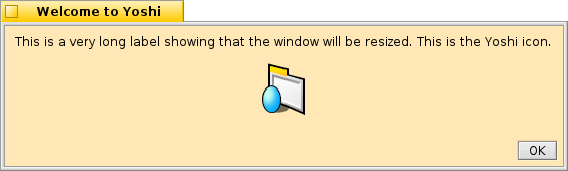
An example of a resized window

