
 Download

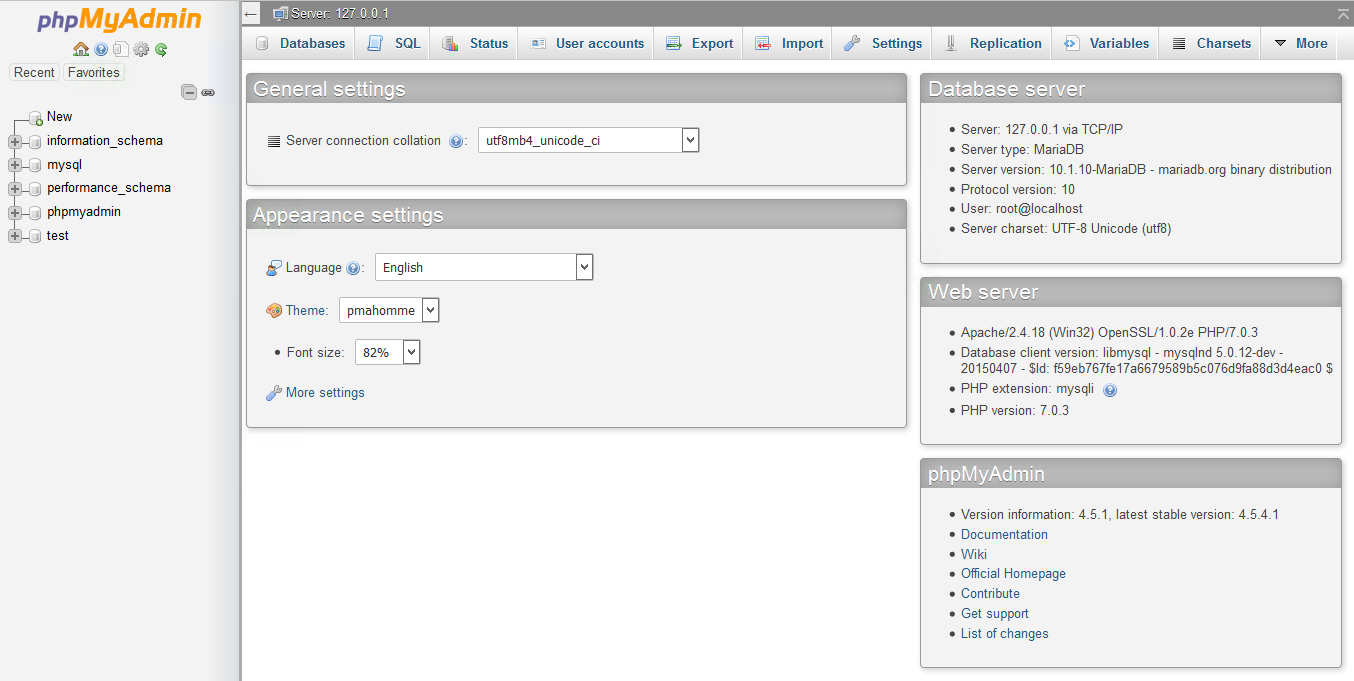
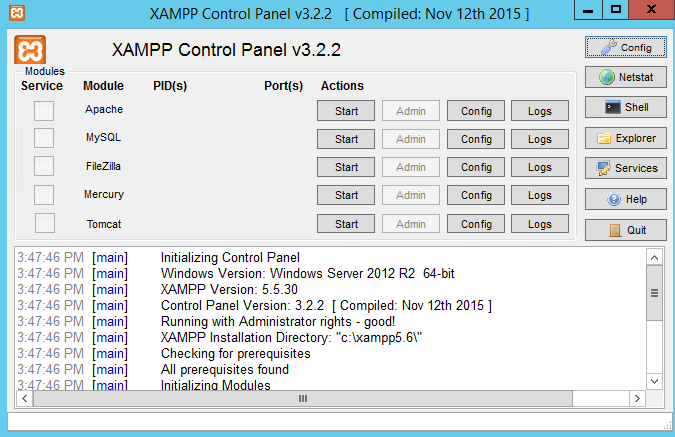
XAMPP is a very easy to install Apache Distribution for Linux, Solaris, Windows, and Mac OS X. The package includes the Apache web server, MySQL, PHP, Perl, a FTP server and phpMyAdmin.
Features
- Apache
- MySQL
- PHP
- Perl
- and many more...
Project Samples


License
GNU General Public License version 2.0 (GPLv2)Follow XAMPP
Other Useful Business Software
Our Free Plans just got better! | Auth0
You asked, we delivered! Auth0 is excited to expand our Free and Paid plans to include more options so you can focus on building, deploying, and scaling applications without having to worry about your security. Auth0 now, thank yourself later.
Rate This Project
Login To Rate This Project
User Reviews
-
Hello, I have QA tested this application and wanted to raise some faults I have found that may be of concern, with the main faults being first and the lesser important defects last. I tested XAMPP for OS X 8.2.4-0 on macOS 26.6.2. The following observations may help with follow-up: Status output: From the XAMPP installation directory, run ./xampp version, then ./xampp status, and then ./bin/mysql --protocol=socket -uroot -Nse 'SELECT VERSION()'. In my test, the version command identified Mac OS X, while the status command identified Linux and reported MySQL as stopped. The database query returned 10.4.28-MariaDB. PID-file permissions: Running ./xampp status also produced permission-denied messages while accessing the MariaDB PID file. These appeared with the “MySQL is not running” result, even though the read-only database query succeeded. Checking the PID-file permissions and the account running the command may help explain the status discrepancy. phpMyAdmin diagnostic: Open phpMyAdmin from the XAMPP dashboard. The page loaded and displayed database names, but also showed “Some error occurred while getting SQL debug info.” I have not established whether this affects other operations; checking a fresh session and ordinary read-only queries would help determine its scope. PID-file cleanup logic: Reviewing the bundled testrun() function showed that it removes the PID file when it cannot find a matching process. This was a code observation, not behavior reproduced on the active installation. It should be investigated only in a disposable copy with a deliberately stale PID file. Dashboard message: The dashboard says XAMPP was successfully installed, while the status command reported MySQL as stopped. The dashboard message may refer only to installation, so this is not confirmed as a defect; comparing it with service state after controlled start/stop tests would clarify its meaning.
-
These "Error: MySQL shutdown unexpectedly." prompts are very annoying. How the hell do I get rid of them?
-
XAMPP has been my go-to setup for testing small PHP projects locally. Getting Apache and MySQL running is pretty simple, and I like having everything in one place. I did run into a port conflict once, which took some digging to fix, but after that it has been reliable for everyday testing
-
Muito bom, uso para gerir meu servidor web caseiro.
-
Working cool ..
